40 EN
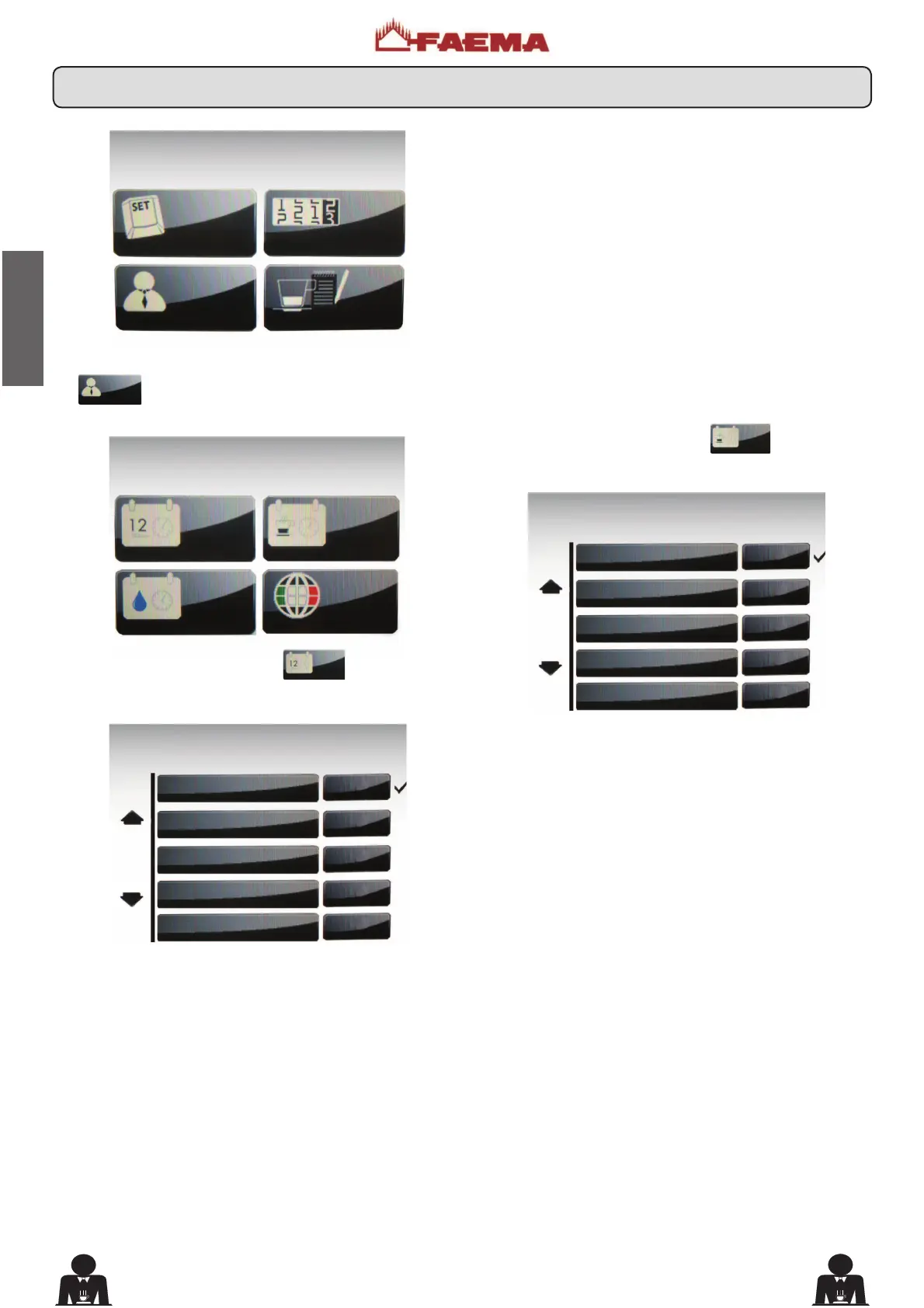
To access the “CUSTOMER PARAMETERS” menu, press
the
key.
The following is displayed on the Touch Screen:
Press the “DATE AND HOUR”
key, and the
following appears on the display:
Press the “SERVICE HOURS”
key, and the
following appears on the display:
7KHIROORZLQJVHUYLFHWLPHSDUDPHWHUVFDQEHPRGL¿HG
- ON time (time the machine switches on);
- OFF time (time the machine switches off);
- day off (day on which the enterprise is closed);
- Night ON (start time for evening beverage price: only
when payment system is connected);
- Night OFF (end time for evening beverage price: only when
payment system is connected).
General indications
If there is no day off (i.e. the enterprise never closes), enter
“none” for the “day off” item.
Enter the same time for the “ON time” and “OFF time”
parameters (for example:
ON time 22:00
OFF time 22:00)
CUSTOM. PARAM.
DATE AND TIME
SERVICE TIME
WASHING TIME
LANGUAGE
DATE AND TIME
Year 10
Month 06
Date 22
Hour 15
Minutes 48
SERVICE TIME
ON time 00:00
OFF time 00:00
Day off none
Night ON 00:00
Night OFF 00:00
CUSTOMER PROG.
KEY MENU
COUNTERS MENU
CUSTOMER PROG.
PERSONALIZATION
19. Customer programming menu











 To Next Page