3-54
Cisco Aironet 1552 Series for Hazardous Locations Installation Guide
Chapter 3 Installing the 1552 Series Access Points in Hazardous Locations
Mounting on a Wall or a Pole
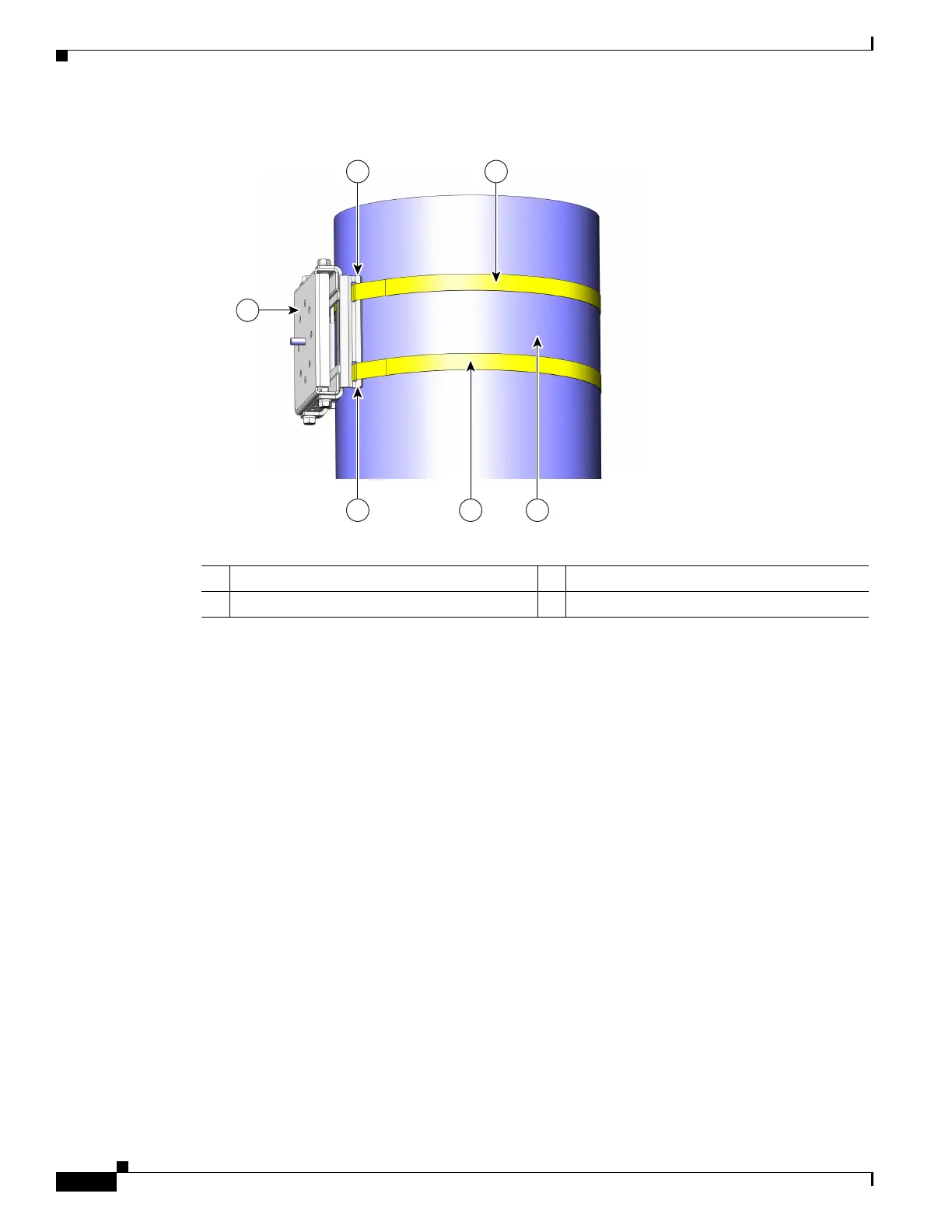
Figure 3-5 Clamp Bracket Assembly Mounted on Poles Larger than 3.5 inch (8.9 cm)
Step 3 For pole diameters of 3.5 inch (8.9 cm) or less, mount the pole clamp bracket assembly to a pole using
two metal straps looped through the space between the pole clamp bracket and the strap brackets (see
Figure 3-6) to provide maximum holding strength for extreme environments. Following the instructions
provided with the banding strap tool (BAND IT) (AIR-BAND-INST-TL=), loop each metal strap twice.
1 Pole clamp bracket 3 Metal mounting strap
2 Strap slot in strap bracket 4 Pole
1
23
2
3
4
231418












 To Next Page