1-26
Cisco Aironet 1552 Series for Hazardous Locations Installation Guide
Chapter 1 Overview
Hardware Features
WirelessHART Gateway Configuration
This following information is abbreviated and is intended only to serve as a introduction. Refer to
Emerson's WirelessHART Gateway documentation for complete details.
Figure 1-17 Typical Mesh Configuration Using Cisco 1552WU Access Points with Sensors
Table 1-4 The default IP addresses for the WirelessHART Gateway are:
The WirelessHART Gateway can be configured using a standard web browser and accessing the
Gateway's internal webpage URL (https://192.168.1.10). For this to work, the 1552WU must be
configured to pass traffic to the WirelessHART Gateway's IP address.
Table 1-5 Security Passwords
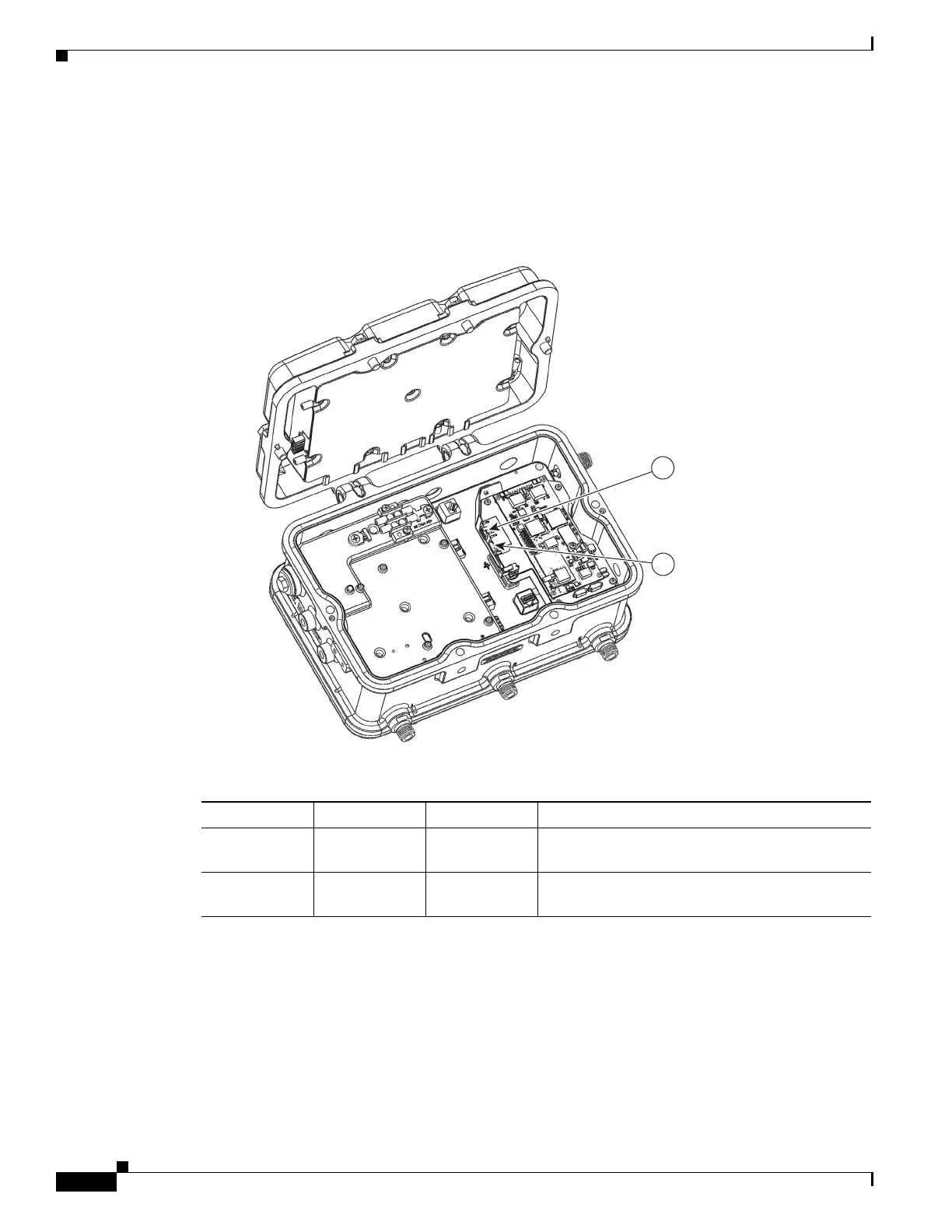
IP Address Netmask Notes
Ethernet 1 192.168.1.10 255.255.255.0 Connected to 1552WU internal interface
GigabitEthernet2
Ethernet 2 192.168.2.10 255.255.255.0 User accessible. Can be used for connecting
redundant WirelessHART Gateways.












 To Next Page