9-20
Cisco TelePresence System 3200
OL-14521-01
Chapter 9 Routing Power and Signal Cables
Power Requirements for the Cisco TelePresence 3200
Step 17 Connect the microphone cables to the codec and audio/video extension unit.
Note If you have a Reduced Configuration for your second row table (four tabletops instead of six), use the
same connections, but omit the connections (white connection 2 and red connection 3) for the two outer
table tops.
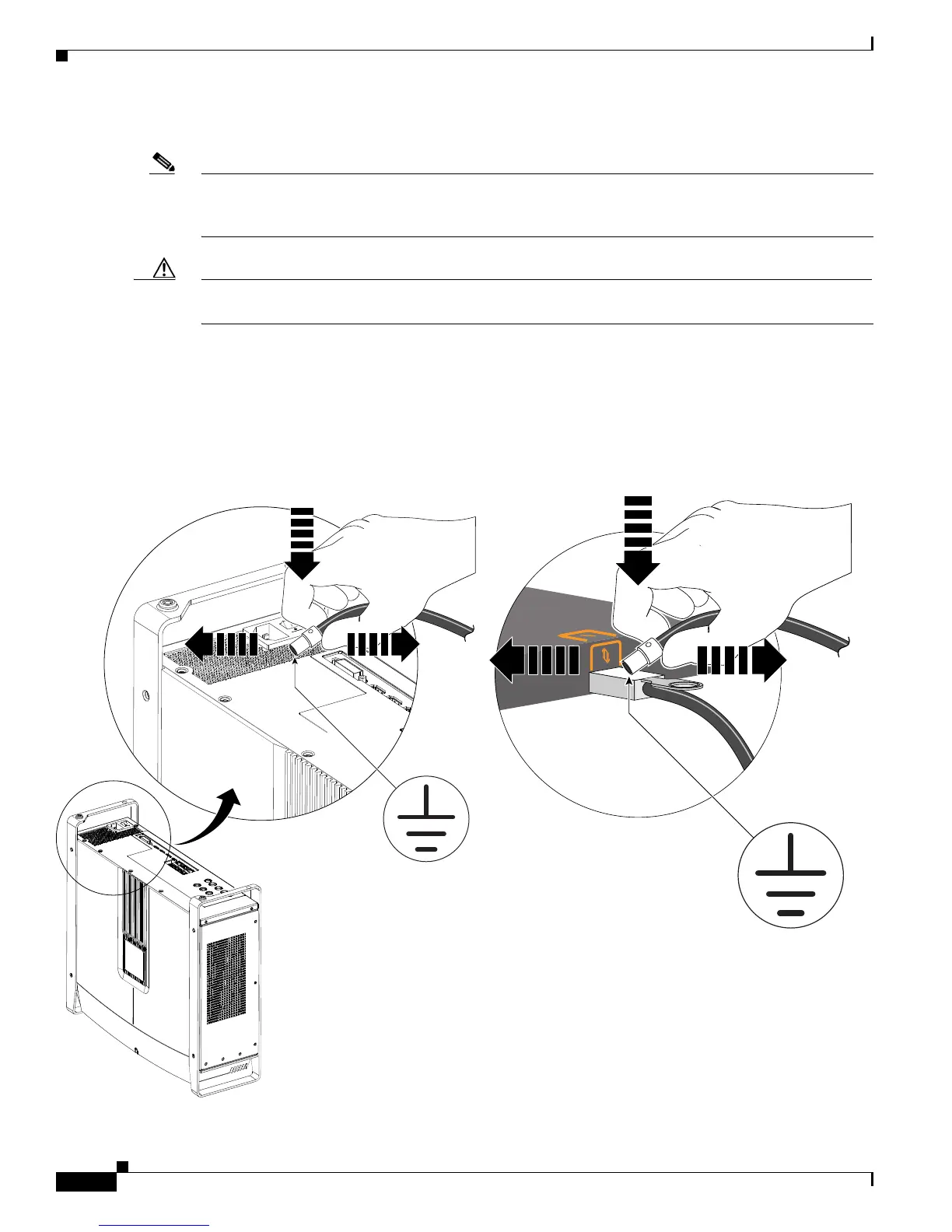
Caution Perform the following steps to prevent damage from electrostatic discharge (ESD) to the microphone,
audio/video extension unit, or codec:
a. Discharge each microphone cable by touching the metal cable-connector to the codec or audio/video
extension unit cable as shown in Figure 9-17.
b. Hold the cable connector to the codec or audio/video extension unit cable for 3 seconds.
c. Immediately connect the microphone to the codec or audio/video extension unit using the diagram
in
Figure 9-17.
Figure 9-17 Discharging ESD from the Microphone Cables and Connecting the Microphone Cables and Microphones
208392










 To Next Page