6-3
Cisco TelePresence System 3200
OL-14521-01
Chapter 6 Building the First Row Table Assembly
Parts List
Caution Table elements are heavy, and metal edges can be very sharp. Protect your hands and eyes from injury
by wearing safety gloves and glasses.
Caution In order to prevent scratching the Display shelves, you should avoid putting any tools on the shelf
surfaces.
Note The directions left and right refer to the assembly as you face it from the front.
Warning
Table legs are unstable until they are fully attached to the tabletop. Do not use unattached table legs
as tabletop supports while you attach tabletop segments. They can fall and cause injury or damage.
Cisco suggests you use the accessory cabinets to support and stabilize the table segments as you
install them.
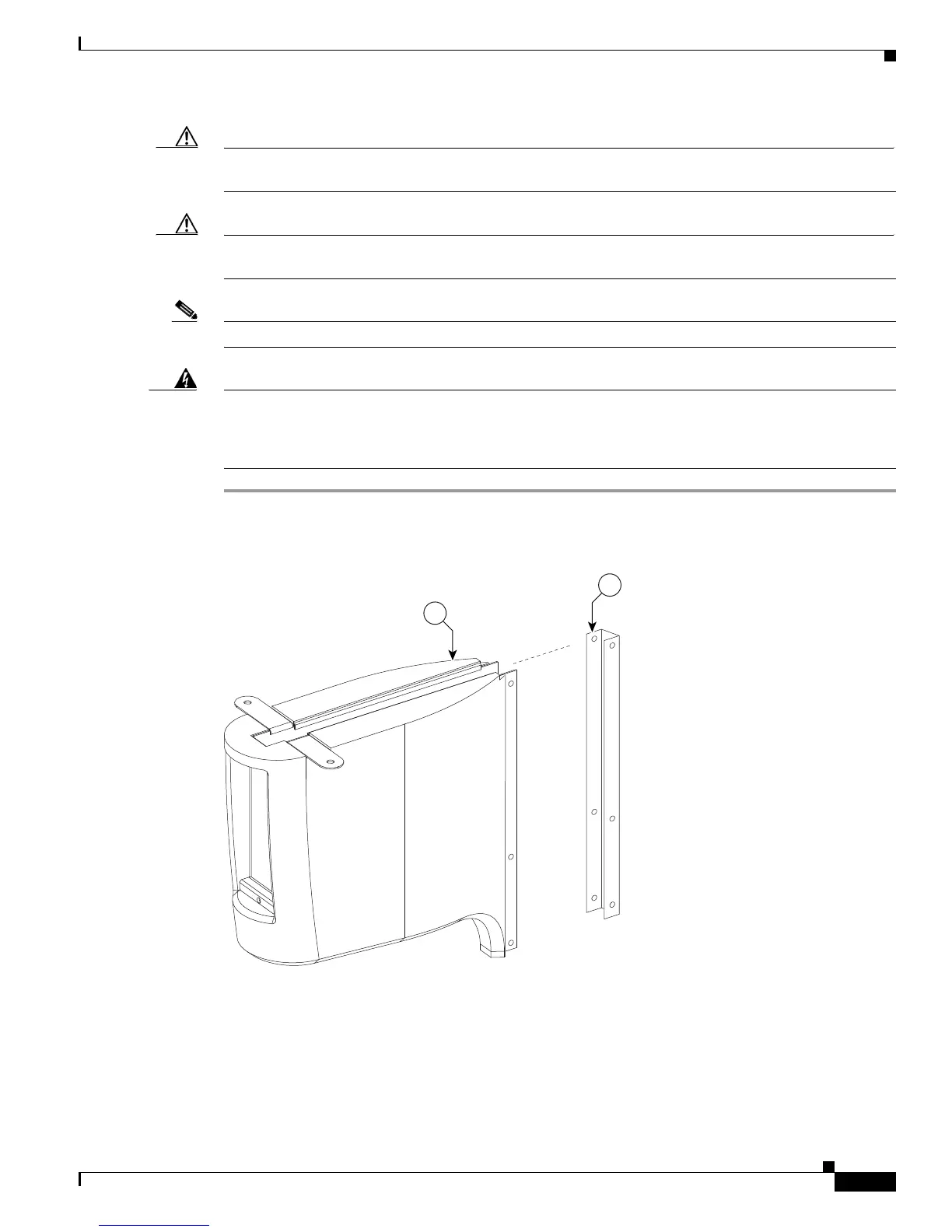
Step 1 Remove the Metal packaging braces from the Molded foam bumpers.
Figure 6-1 Metal packaging braces and their Molded foam bumpers
Step 2 Assemble the four Molded foam bumpers and the four Table leg bases.










 To Next Page