6-9
Cisco TelePresence System 3200
OL-14521-01
Chapter 6 Building the First Row Table Assembly
Parts List
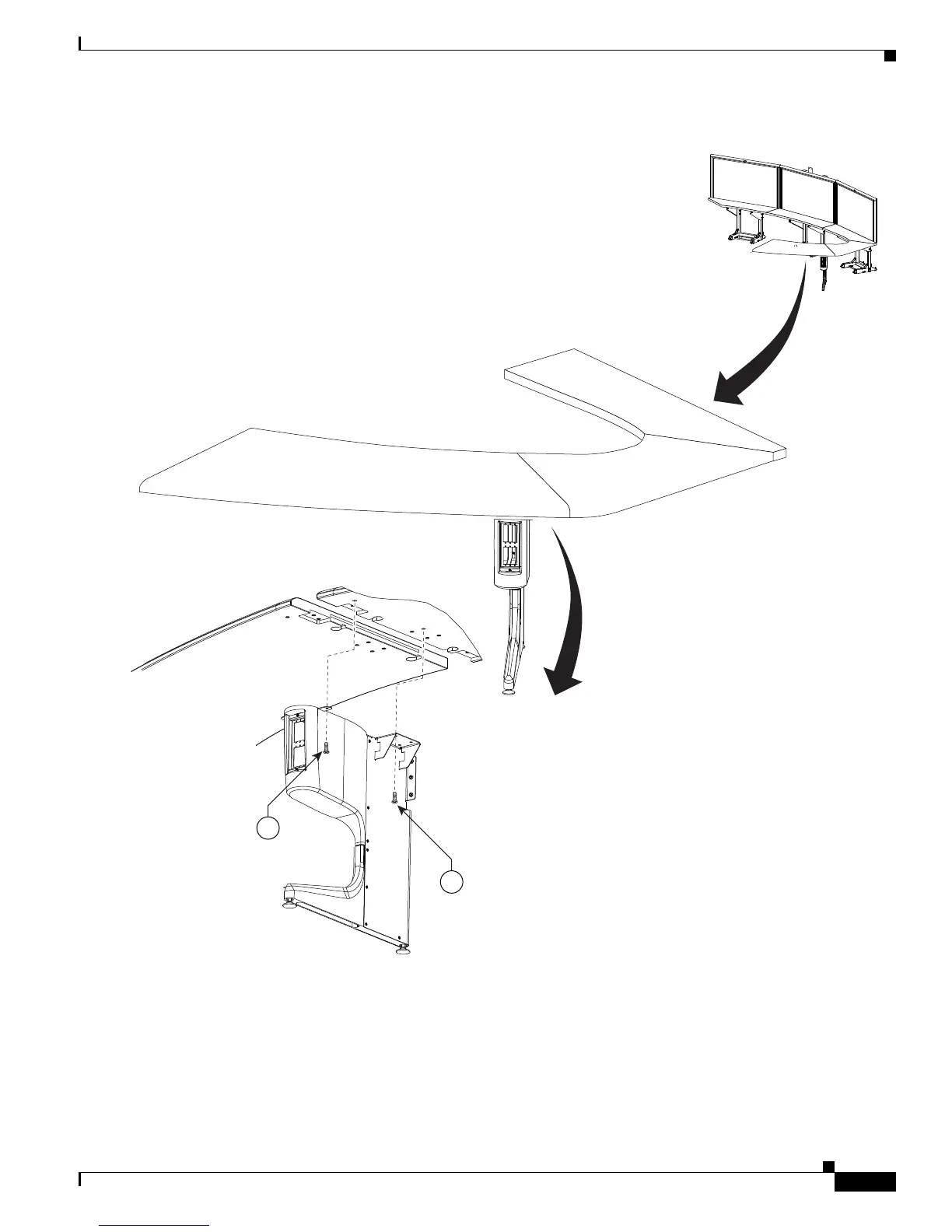
Figure 6-7 right Most Table Leg
Step 8 Attach the center Table segment.
a. Make sure you tighten the draw bolt evenly on both sides.
b. While a draw bolt is being tightened, hold the table edges together to avoid damage to the draw bolt
or the table segment.
c. Tighten the draw bolts so the two table segments are connected snugly.










 To Next Page