An Overview of Your Phone
Cisco IP Phone 7970 7
An Overview of Your Phone
Your Cisco IP Phone 7970 is a full-feature telephone that provides voice communication over the same
data network that your computer uses, allowing you to place and receive phone calls, put calls on hold,
speed dial numbers, transfer calls, make conference calls, and so on. Your phone also supports
specialized or advanced telephony features that can extend and customize your call-handling
capabilities.
Your Cisco IP Phone also provides you with:
• Access to network data and services—access specialized web-based services from your phone
• Online control from your User Options web pages—customize your phone’s features using a web
browser on your computer
• A comprehensive online help system—obtain helpful tips, descriptions, and procedures directly
from your phone
The sections that follow provide you with an overview of your phone and tips for interacting with it.
Even if you have used other Cisco IP Phones, it might be useful to review this information to learn
about the new features offered on the Cisco IP Phone 7970.
Buttons and Hardware
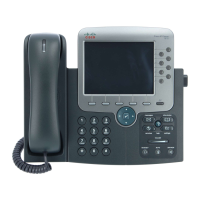
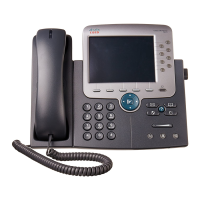
Some of the hardware features on your Cisco IP Phone 7970 include:
• A full-color touchscreen display
• Eight backlit line buttons, which provide dynamic call-state information
• Speakerphone or headset mode support
• Five softkey buttons for access to telephony features
• Group of four feature buttons to provide easy access to messages, directories, services, and settings
• One-button access to built-in online help
• Button for temporarily disabling the touchscreen and for waking the touchscreen from power-save
mode
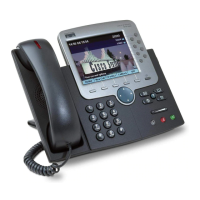
Refer to the following graphic and table for detailed descriptions.


 To Next Page