Basic Call Handling
Cisco IP Phone 7970 23
Forwarding Your Calls to Another Number
You can use Call Forward All to redirect your incoming calls from your Cisco IP Phone to another
number.
Note Enter the Call Forward All target number exactly as you would need to dial it from your desk
phone. For example, enter an access code such as 9 or the area code, if necessary.
Tips
• You can forward your calls to a traditional analog phone or to another IP phone, although your
system administrator might restrict the call forwarding feature to numbers within your company.
• You must configure this feature per line; if a call reaches you on a line where call forwarding is
not enabled, the call will ring as usual.
If you want to... Then...
Set up call forwarding on your
primary line
Press CFwdALL and enter a target phone number.
Cancel call forwarding on
your primary line
Press CFwdALL.
Verify that call forwarding is
enabled on your primary line
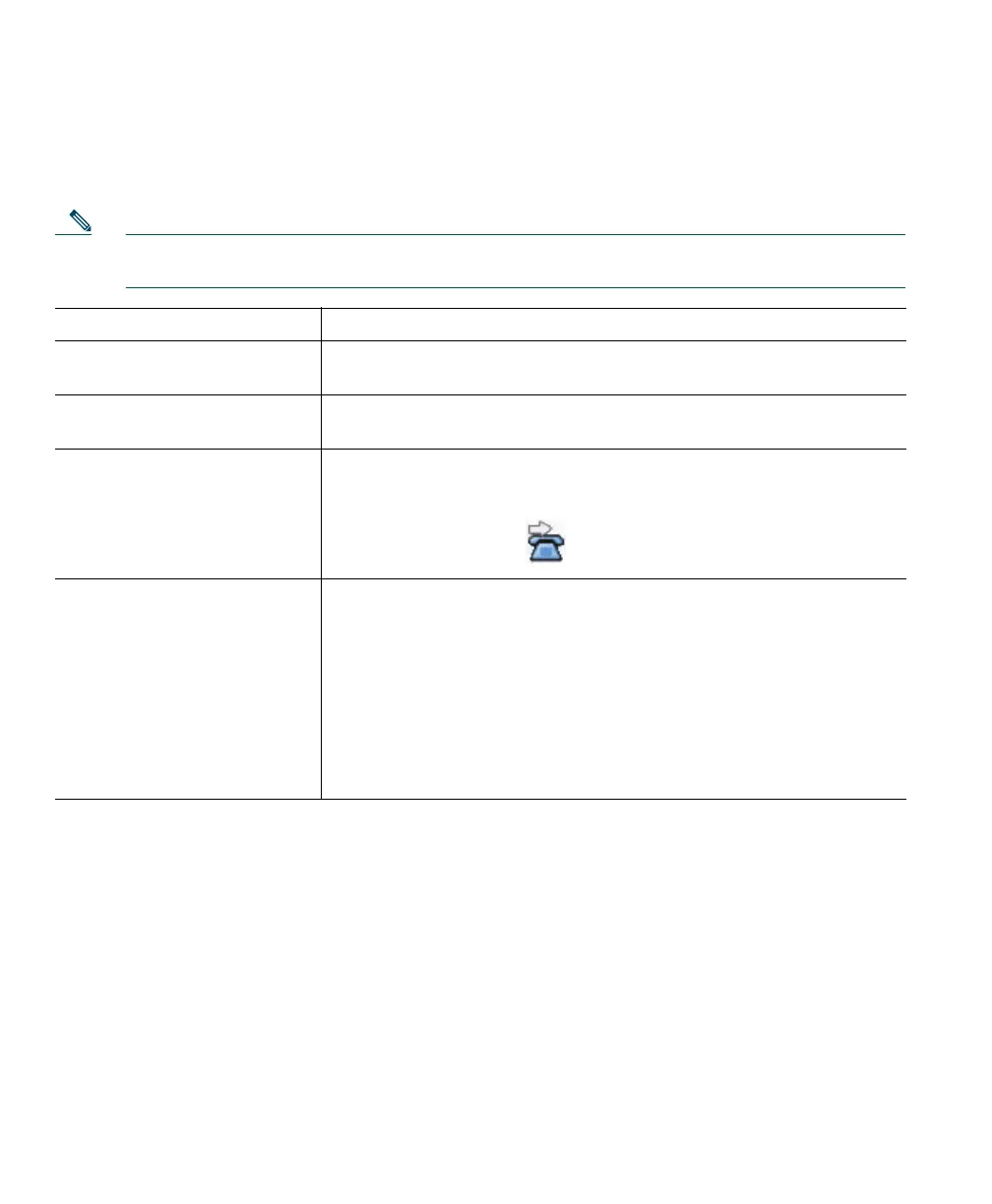
Look at the status line and call state icon for the line. When call
forwarding is enabled, a message appears in the status line indicating
the number to which calls are being forwarded, and this icon appears
above the primary line:
Set up or cancel call
forwarding for any line
Log in to your User Options web pages, choose your device, then
choose Forward all calls... from the main menu. You can set up or
cancel call forwarding for each line on your phone. See the “Logging
In to the User Options Web Pages” section on page 35 for login
instructions.
When call forwarding is enabled for any line other than the primary
line, your phone does not provide you with any confirmation that
calls are being forwarded. Instead, you must confirm your settings in
the User Options pages.


 To Next Page