Using a Handset, Headset, and Speakerphone
Cisco IP Phone 7970 29
Using a Handset, Headset, and Speakerphone
The table below describes how to use these devices.
Tips
• See the “Connecting Your Phone” section on page 5 to locate the headset port.
• See the “Basic Call Handling” section on page 16 for detailed instructions about how to use the
handset, headset, and speakerphone to place, answer, end, and otherwise handle calls.
Obtaining a Headset
Your phone supports four- or six-wire headset jacks. For information about purchasing headsets, see
the following URL: http://vxicorp.com/cisco
If you want to... Then...
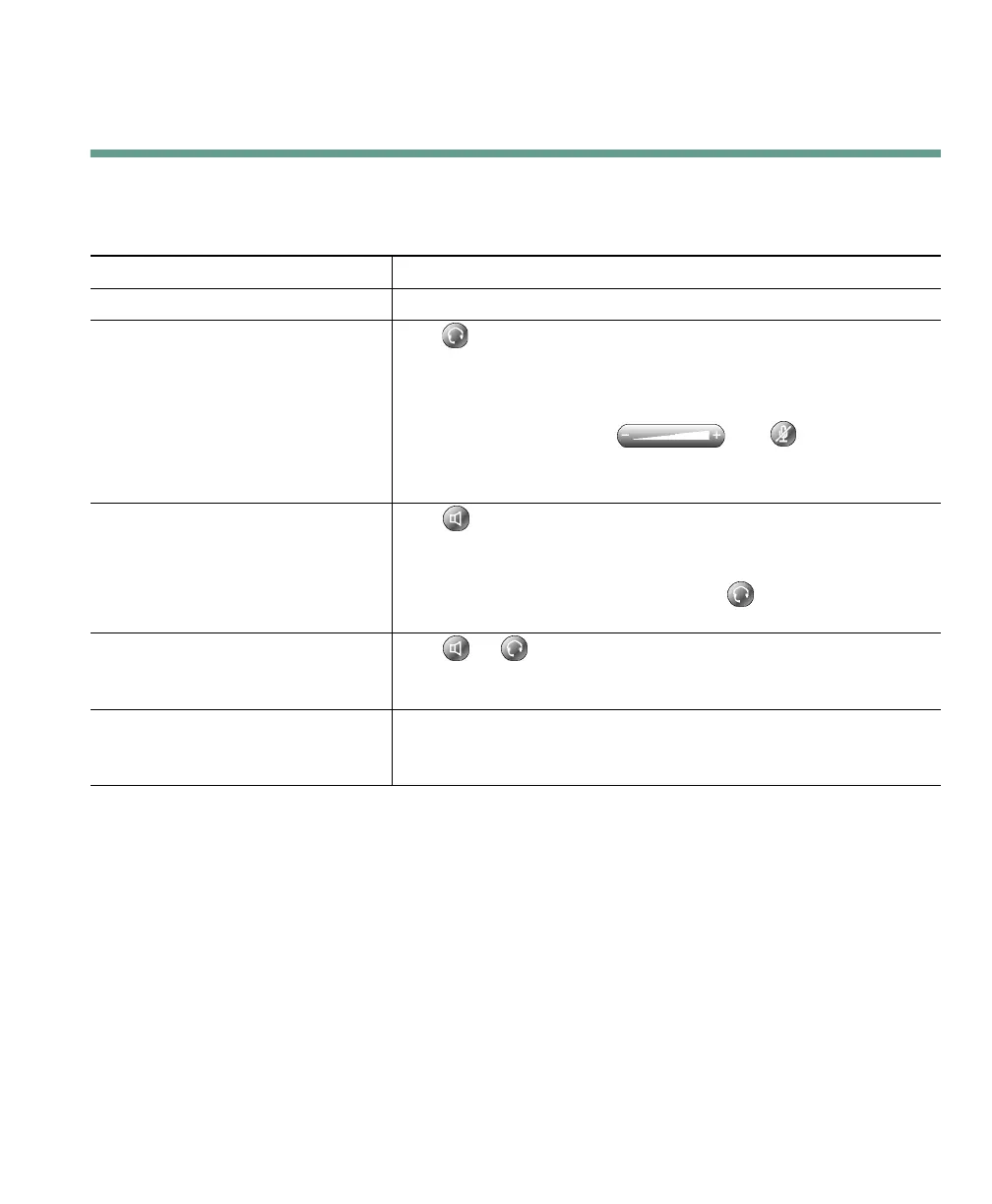
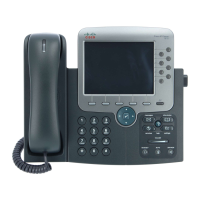
Use the handset Lift it to go off-hook; replace it to go on-hook.
Use a headset Press to toggle headset mode on and off. (AutoAnswer users
should see the “Using AutoAnswer with a Headset or the
Speakerphone” section on page 30 for exceptions.)
You can use the headset in conjunction with all of the controls
on your phone, including and .
See the “Obtaining a Headset” section on page 29 for headset
purchasing information.
Use the speakerphone Press to toggle speakerphone mode on or off.
Many of the actions you can take to dial a number or answer a
call will automatically trigger speakerphone mode, assuming
that the handset is in its cradle and the (headset button) is
not lit.
Switch to the headset or
speakerphone (from the handset)
during a call
Press or , then hang up the handset.
Switch to the handset (from the
speakerphone or headset) during a
call
Lift the handset (without pushing any buttons).


 To Next Page