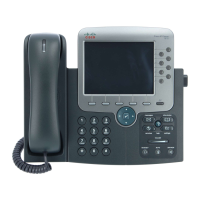
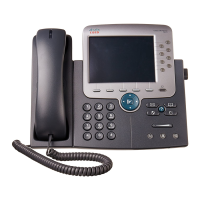
Cisco IP Phone 7970 1
Getting Started
How to Use this Guide
This guide provides you with an overview of the features available on your phone. You can read it
completely for a solid understanding of your phone’s capabilities, or refer to the table below for
pointers to commonly-used sections.
If you want to... Then
Explore your phone on your own Press on the phone when you need assistance.
Clean the touchscreen See the “Protecting and Maintaining the Touchscreen Display”
section on page 2.
Review safety information See the “Safety and Performance Information” section on
page 3.
Use your phone after it is installed Start with the “An Overview of Your Phone” section on page 7.
Connect your phone See the “Connecting Your Phone” section on page 5.
Learn what the button lights mean See the “Buttons and Hardware” section on page 7.
Learn about the touchscreen See the “Touchscreen Features” section on page 10.
Make calls See the “Placing a Call” section on page 16.
Put calls on hold See the “Using Hold and Resume” section on page 19.
Mute calls See the “Using Mute” section on page 19.
Transfer calls See the “Transferring a Connected Call” section on page 20.
Make conference calls See the “Making Conference Calls” section on page 21.
Share a phone number See the “Understanding Shared Lines” section on page 25.
Use your phone as a speakerphone See the “Using a Handset, Headset, and Speakerphone” section
on page 29.
Change the ringer or call volume See the “Adjusting the Volume” section on page 31.
Choose a different ring sound See the “Customizing Rings and Message Indicators” section on
page 32.
Customize your touchscreen See the “Customizing the Touchscreen” section on page 32.


 To Next Page