2-31
Catalyst 2970 Switch Hardware Installation Guide
OL-6422-01
Chapter 2 Switch Installation
Connecting to SFP Modules
If the LED is off, the target device might not be turned on, there might be a cable
problem, or there might be problem with the adapter installed in the target device.
See Chapter 3, “Troubleshooting,” for solutions to cabling problems.
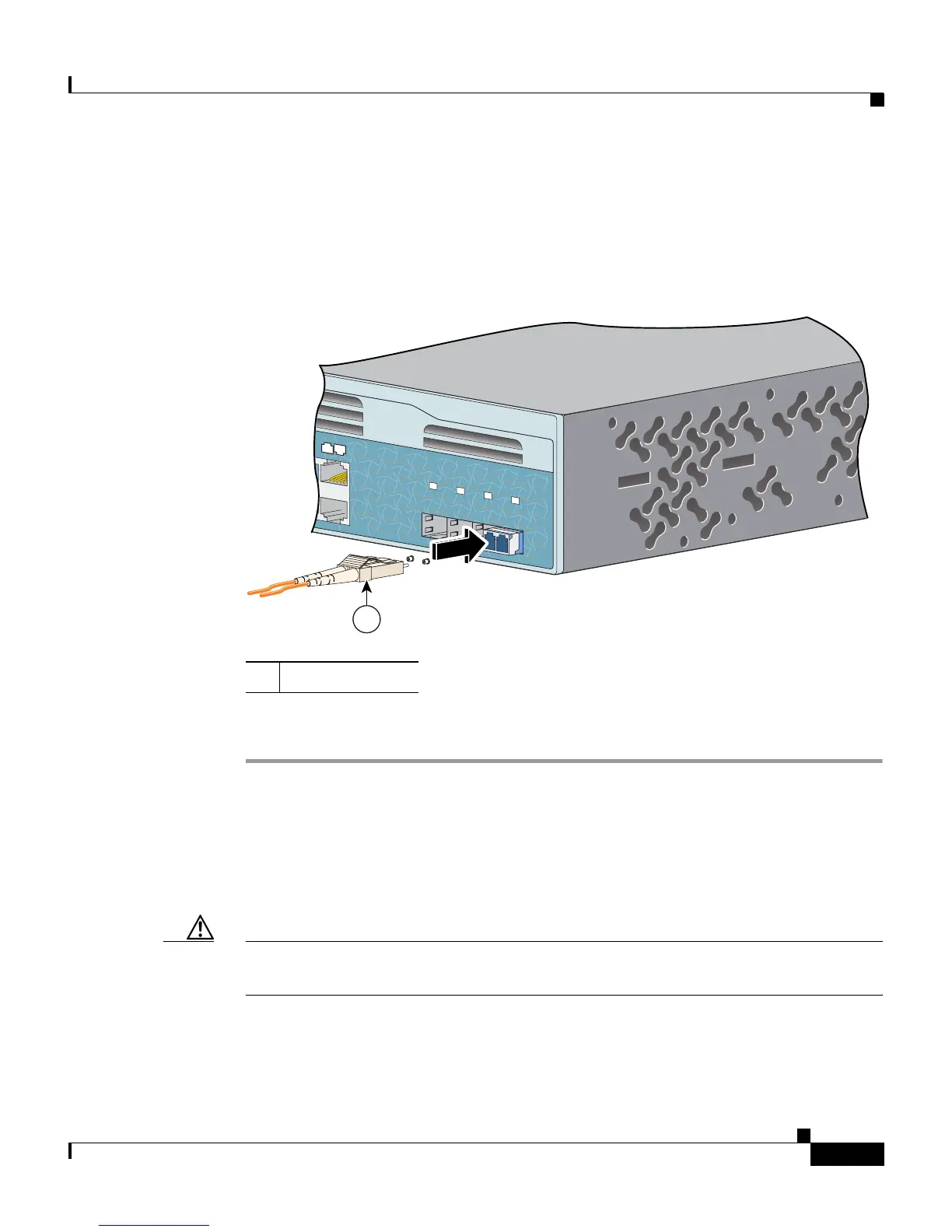
Figure 2-24 Connecting to a Fiber-Optic SFP Module Port
Step 5
If necessary, reconfigure and restart the switch or target device.
Connecting to 1000BASE-T SFP Modules
Follow these steps to connect a Category 5 cable to a 1000BASE-T SFP module:
Caution To prevent ESD damage, follow your normal board and component handling
procedures.
1 LC connector
24
Catalyst 2970
SERIES
23
24
25
26
27
28
1
1














 To Next Page