Appendix C Configuring the Switch with the CLI-Based Setup Program
Starting the Terminal Emulation Software
C-6
Catalyst 2970 Switch Hardware Installation Guide
OL-6422-01
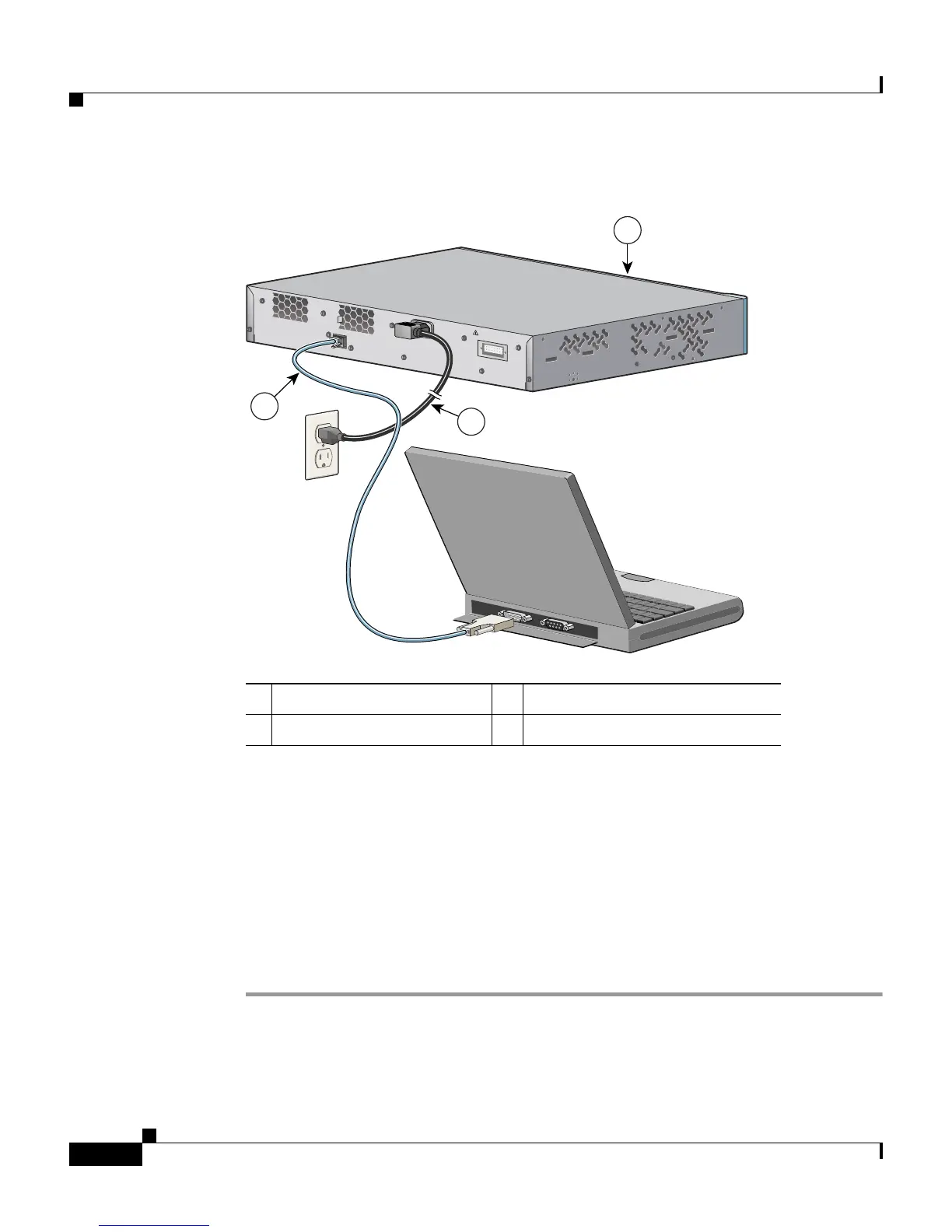
Figure C-2 Connecting a Switch to a PC
Starting the Terminal Emulation Software
Before you power on the switch, start the terminal emulation session so that you
can see the output display from the power-on self-test (POST).
The terminal-emulation software—frequently a PC application such as
Hyperterminal or ProcommPlus—makes communication between the switch and
your PC or terminal possible.
Step 1 Start the terminal-emulation program if you are using a PC or terminal.
Step 2 Start a terminal-emulation session.
1 Catalyst 2970 switch 3 RJ-45-to-DB-9 adapter cable
2 Power cord
CONSOLE
D
C
I
N
P
U
T
S
F
O
R
R
E
M
O
T
E
P
O
W
E
R
S
U
P
P
L
Y
S
P
E
C
IF
I
E
D
IN
M
A
N
U
A
L
+
1
2
v
@
1
7
a
1
2
3
97460














 To Next Page