B-3
Catalyst 2970 Switch Hardware Installation Guide
OL-6422-01
Appendix B Connector and Cable Specifications
Connector Specifications
When connecting the ports to other devices, such as switches or repeaters, you
must use a four twisted-pair, Category 5, crossover cable. Figure B-7 shows the
crossover cable schematics.
Note Be sure to use a four twisted-pair, Category 5 cable when connecting to a
1000BASE-T-compatible device.
Note Use a straight-through cable to connect two ports only when one port is
designated with an X. Use a crossover cable to connect two ports when both ports
are designated with an X or when both ports do not have an X.
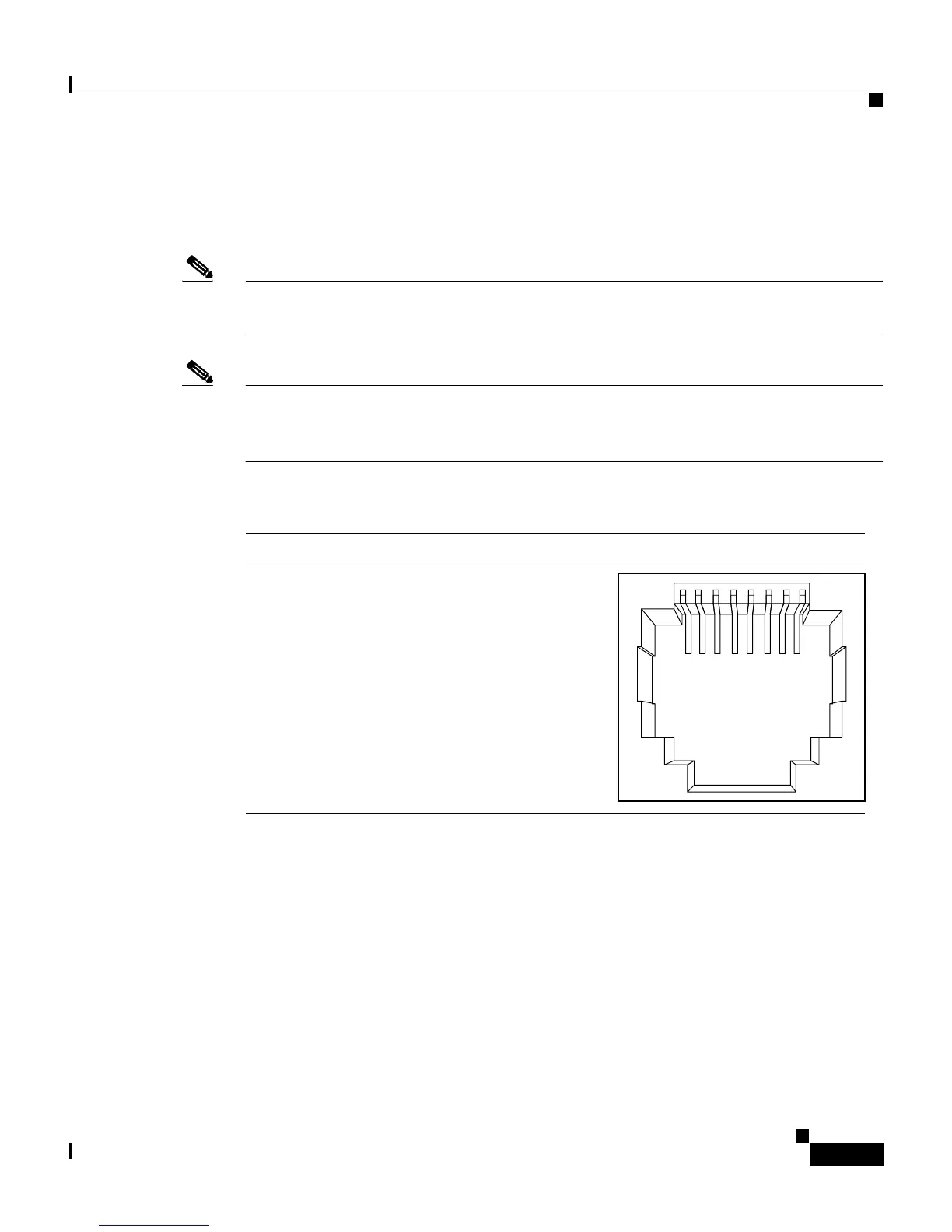
Figure B-1 10/100/1000 Port Pinouts
SFP Module Ports
The Catalyst 2970 switch uses SFP modules for fiber-optic and copper uplink
ports. Refer to the Catalyst 2970 release notes for a list of supported SFP modules.
60915
231 45678Pin Label
1
2
3
4
5
6
7
8
TP0+
TP0-
TP1+
TP2+
TP2-
TP1-
TP3+
TP3-














 To Next Page