B-7
Catalyst 2970 Switch Hardware Installation Guide
OL-6422-01
Appendix B Connector and Cable Specifications
Cable and Adapter Specifications
Crossover Cable and Adapter Pinouts
This section describes how to identify a crossover cable and also describes the
adapter pinouts.
Identifying a Crossover Cable
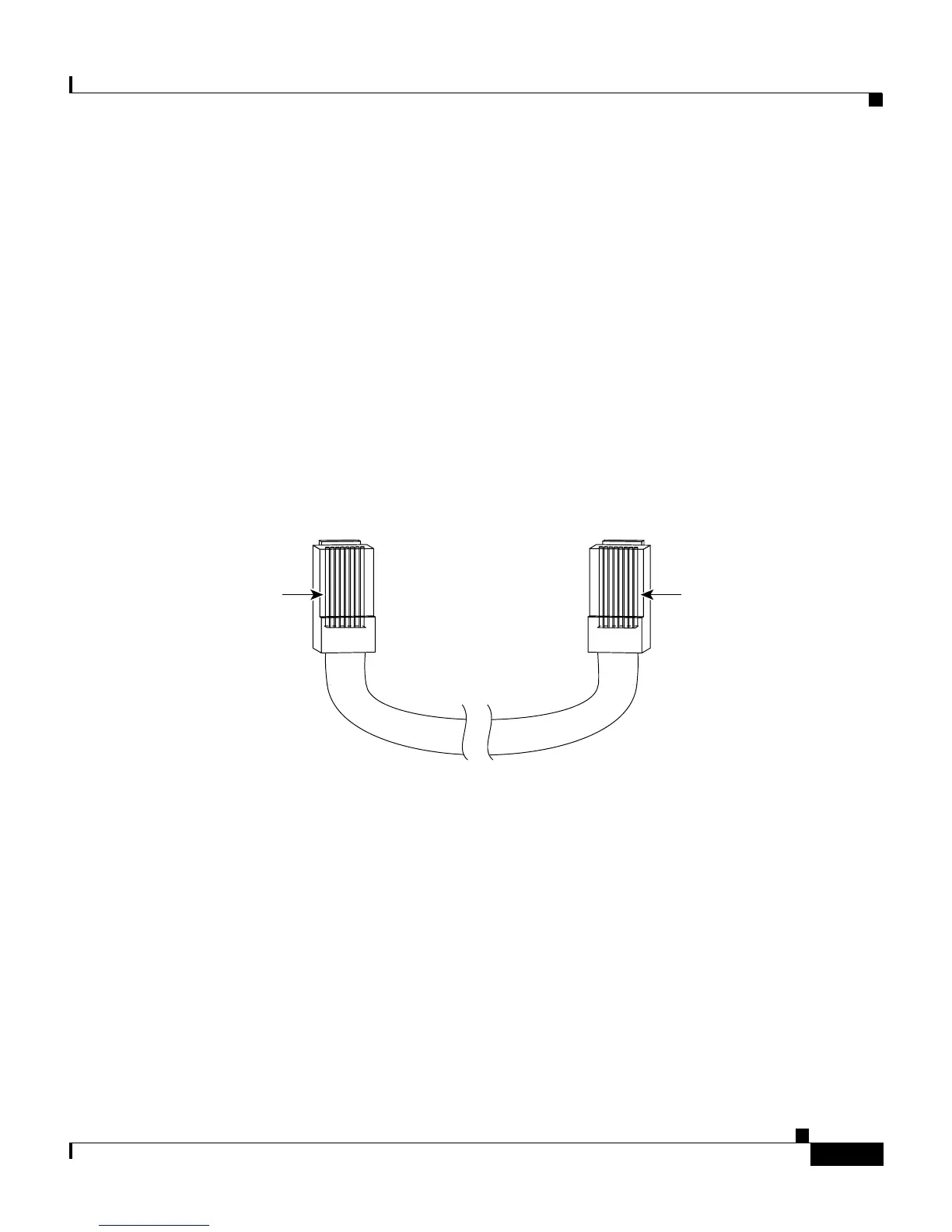
To identify a crossover cable, compare the two modular ends of the cable. Hold
the cable ends side-by-side, with the tab at the back. The wire connected to the
pin on the outside of the left plug should be the same color as the wire connected
to the pin on the outside of the right plug. (See Figure B-8.)
Figure B-8 Identifying a Crossover Cable
Adapter Pinouts
Table B-1 lists the pinouts for the console port, the RJ-45-to-DB-9 adapter cable,
and the console device.
Pin 1
H10632
Pin 8
Pin 1 on one connector and
pin 8 on the other connector
should be the same color.














 To Next Page