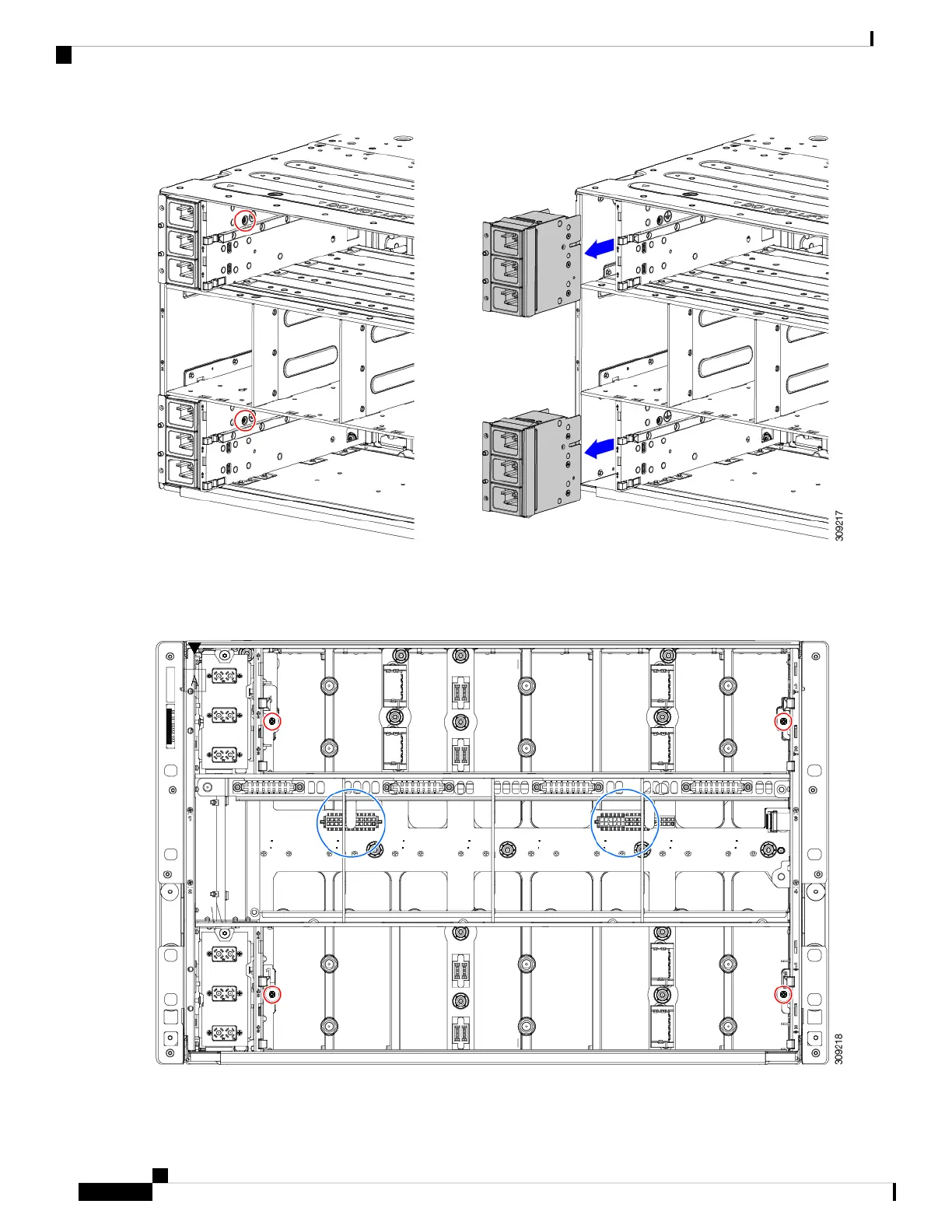
Step 6 Disconnect the rear bracket assembly:
a) Grasp the two cables and unplug them.
b) Using a T20 screwdriver, remove the four M4 screws.
Cisco UCS X9508 Server Chassis Installation Guide
104
Installing and Removing Components
Recycling the Chassis PCB Assembly (PCBA)


 To Next Page
 Loading...










