1 2 3
61
Operating Manual
54 6
2. Removing the RSP base plate
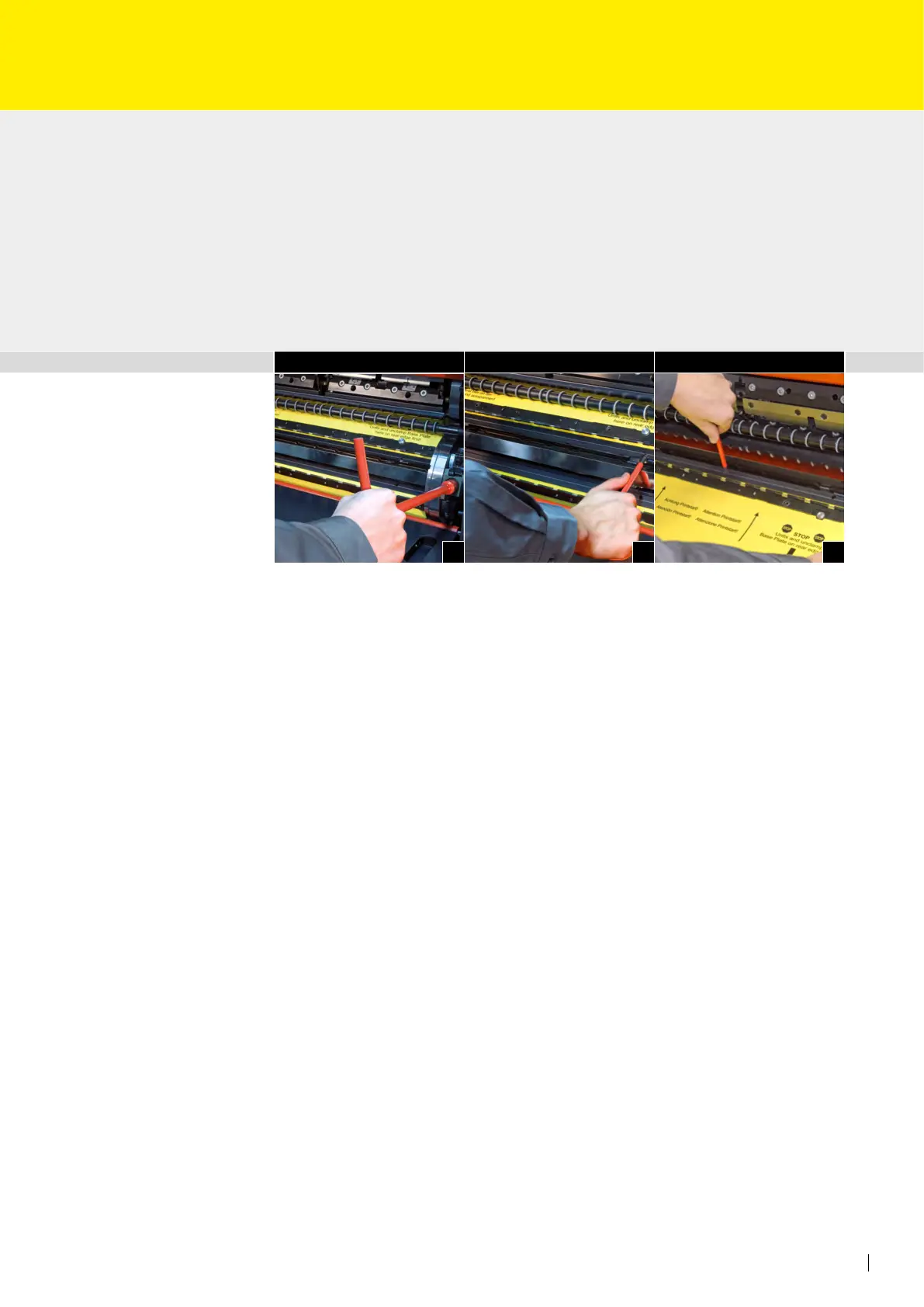
• Open the central clamping screw of the blanket cylinder with 3 full turns with
the blanket clamping wrench (Fig. 4).
• Press down the locking pin using the bolt until the base plate can be loosened
from the back blanket clamping bar (Fig. 5).
• Remove the base plate from the back blanket clamping bar.
• Attention: Lock the central clamping screw again with 3 full turns.
• Inch the base plate back to the print start side.
• Open the central clamping screw again with 3 full turns.
• Press the locking pin down by means of the bolt until the base plate can be loos-
ened from the front blanket clamping bar (Fig. 6).
• Remove the base plate from the front clamping shaft.



 To Next Page