3
79
Operating Manual
4
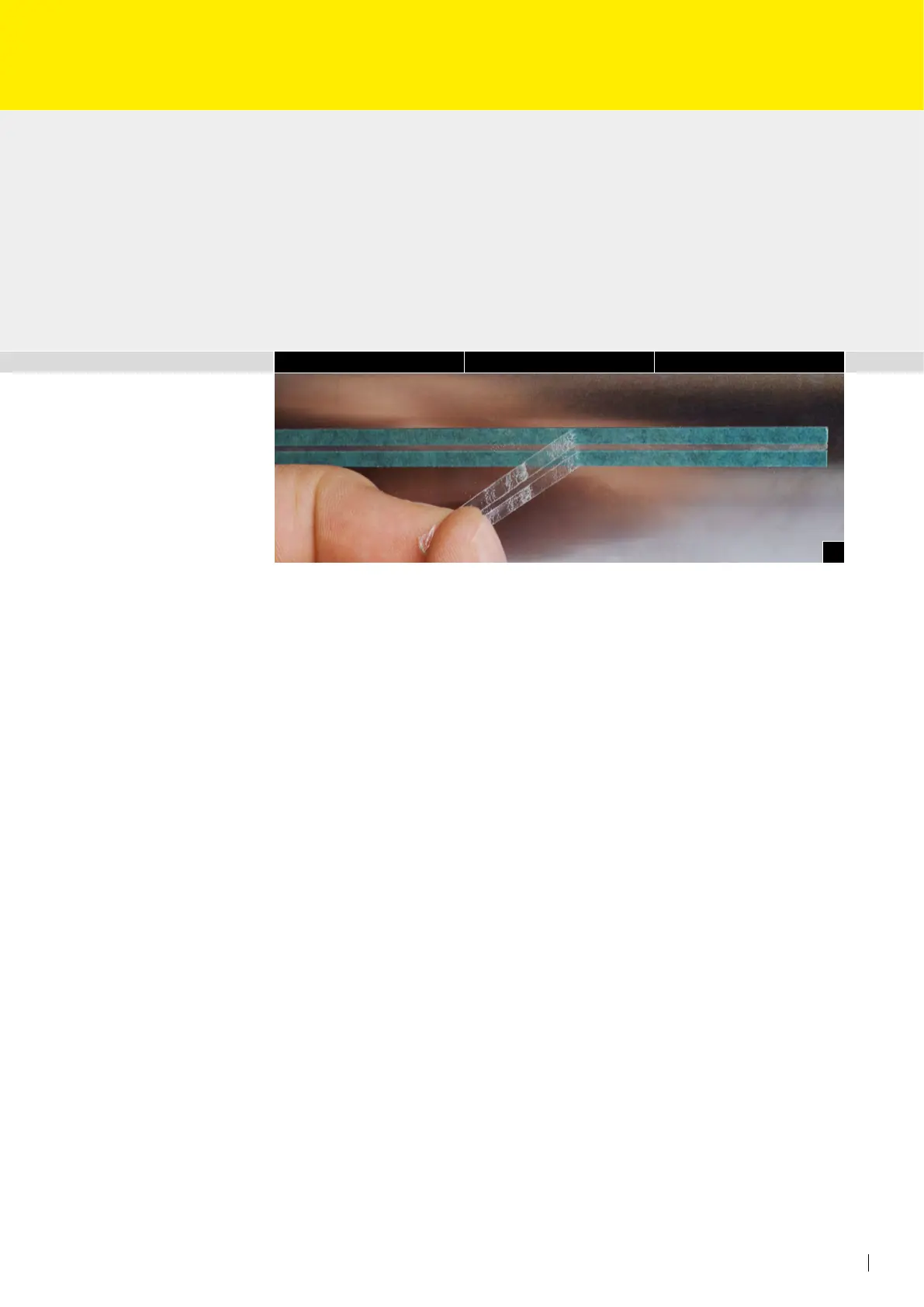
• Remove the adhesive transfer tape from the creasing rule positioned on the impres-
sion cylinder (Fig. 4).
• Switch off the manual impression again.
• In case of creasing only the printing pressure must be adjusted now.
Important note:
When creasing across the cylinder (parallel to the cylinder axle) the offset creasing rule
is glued totally and the protective paper torn off the back side of the offset creasing rule.
When creasing only, set distance between impression cylinder and blanket cylinder to 0.35 mm.
Inch forward slowly until the creasing line slightly marks the paper/board. Afterwards set
the position. Then transfer the creasing rule. Afterwards reduce the printing pressure by
0.2 mm for best possible adjustment of the creasing.



 To Next Page