2
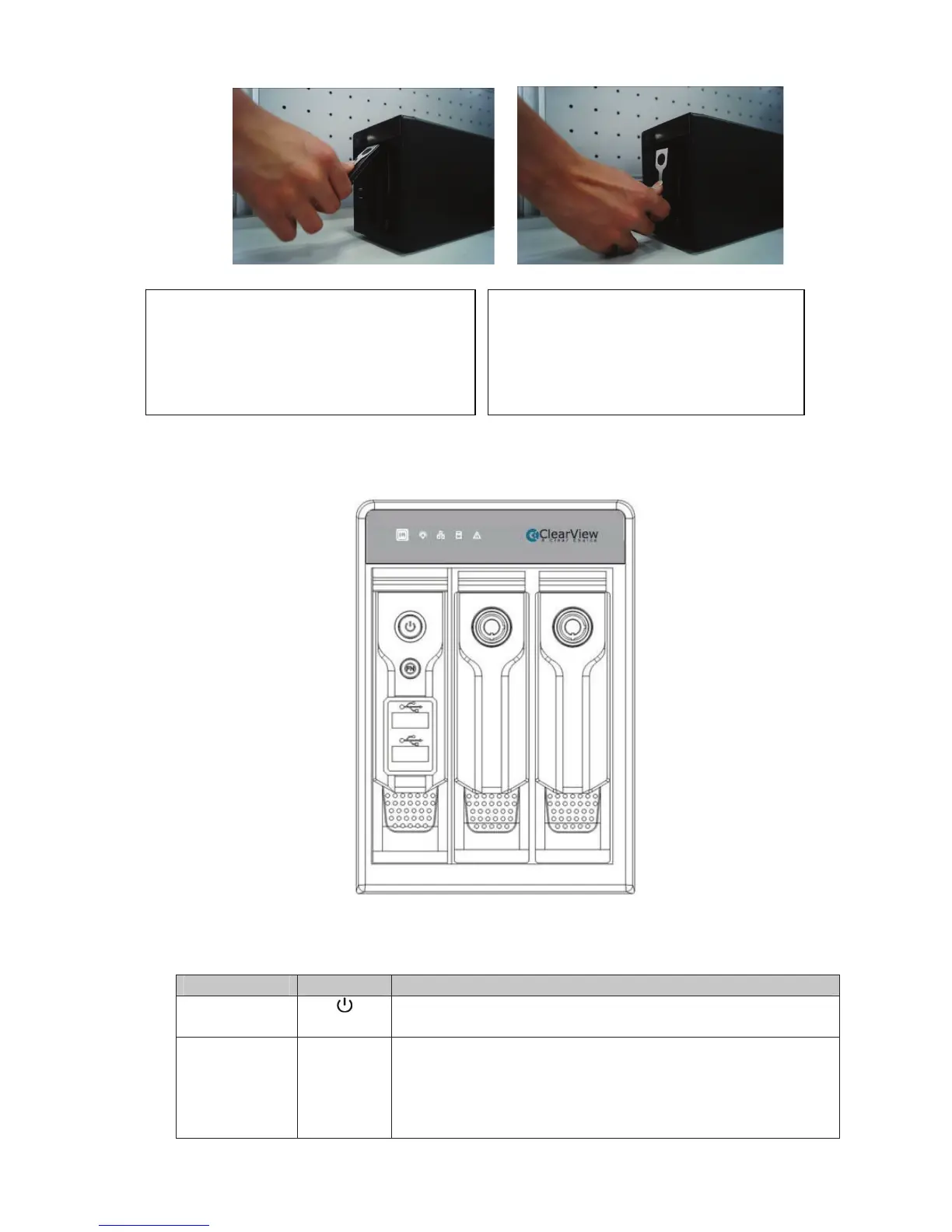
The front panel is shown as in Figure 1-1.
Figure 1-1
Please refer to the following sheet for front panel button information.
Name Icon Function
Power button Power button, press this button for three seconds to
boot up or shut down NVR.
Assistant Fn
z One-window monitor mode, click this button to
display assistant function: PTZ control and image
color.
z Backspace function: in numeral control or text
control, press it for 1.5 seconds to delete the
ĹPull the HDD knob up when you put the HDD
into the box in case the knob buckle may strike
the front panel.
ĺPut the knob back after you insert the HDD
to the SATA board.



 To Next Page