10
3.6. Software Installation
3.6.1. Installing USB Driver
Mobile Lite can be programmed via USB port connection of a computer using
the PC Programming Tool software (using the Programming Cable).
If the computer cannot recognize the USB connection, please try installing the
USB driver as instructed below.
Step 1. Make sure Mobile Lite and the computer is connected properly
(please refer to 3.3. Hardware Installation)
Step 2. Insert the supplied CD-ROM into your CD-ROM drive and find the
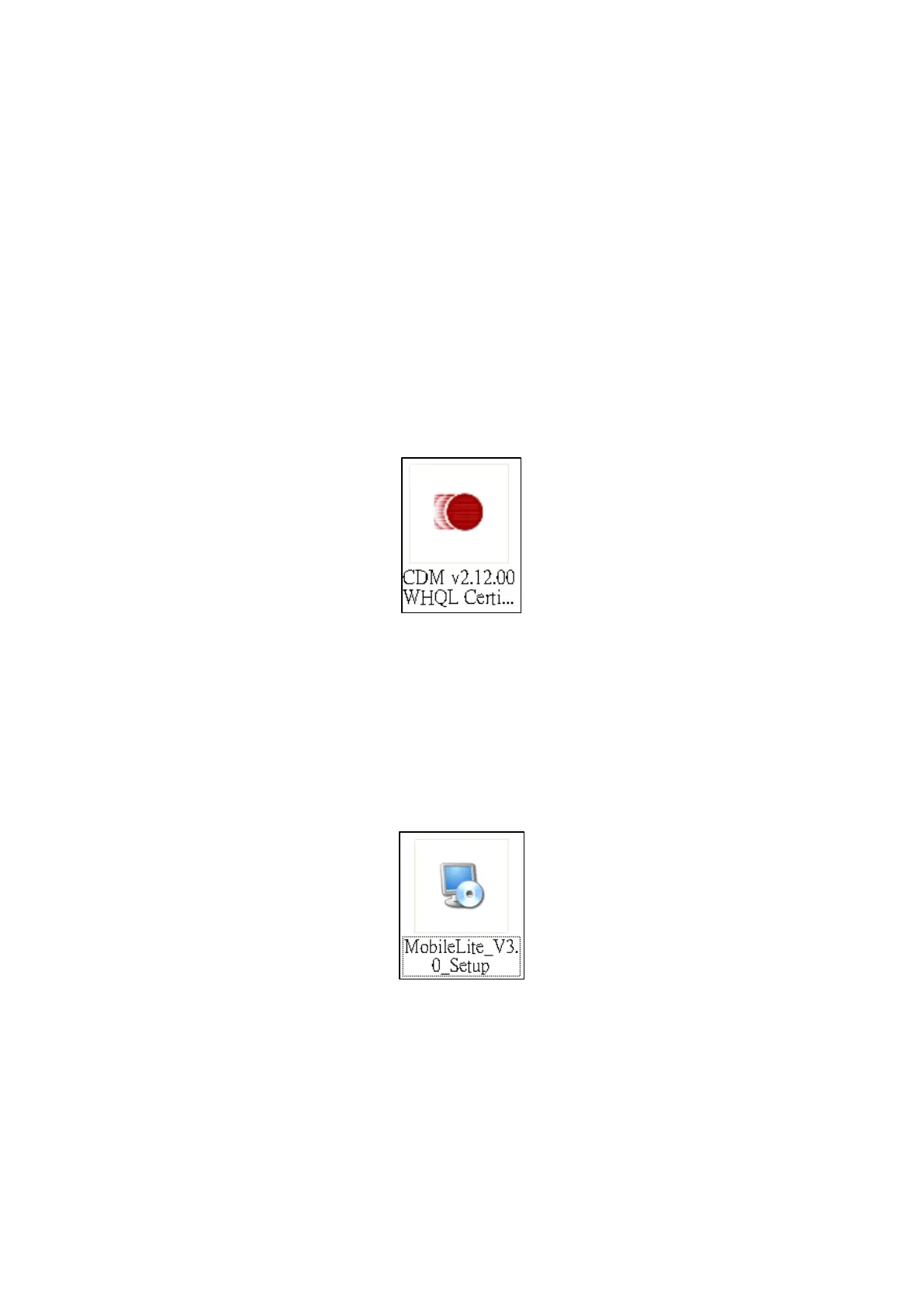
“USB Driver” folder. Double Click the “CDM v2.12.00 WHQL Certified”
file and follow the on-screen instruction to complete installing the
driver.
3.6.2. Installing PC Programming Tool
After installing the USB driver, follow the steps below to install the PC
Programming Tool:
Step 1. Insert the supplied CD-ROM into your CD-ROM drive.
Step 2. Find the “MobileLite_Vx.x_Setup.exe” file.



 To Next Page