29
4.1.6. Setting
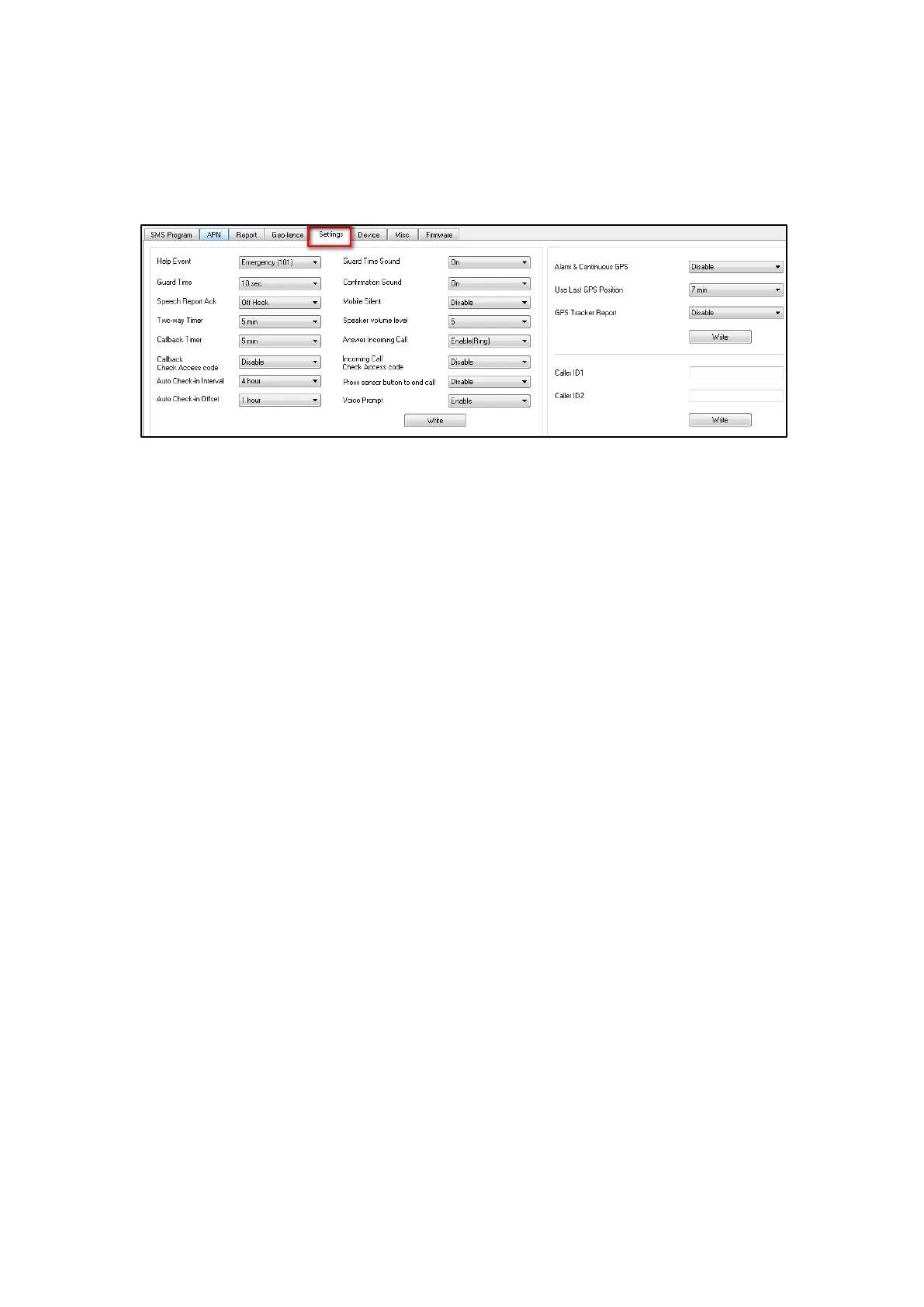
The Setting tab allows you to program general configuration for Mobile Lite.
Click “Write” when you have completed all settings to confirm.
Help Event (Selecting an event code):
You can select the event code to be sent to the CMS when the Active
Button of Mobile Lite is pressed. Choose your preferred event code in
the box after “Help Event” and click “Write.”
There are three options for the event code:
- 100: Medical
- 101: Emergency
- 120: Panic
Guard Time:
The Guard Time will begin to count down when the Active Button on
Mobile Lite is pressed. If a false alarm is triggered, it can be
canceled during guard time by pressing and holding the Active
Button for 5 seconds.
After the Guard Time has expired, Mobile Lite will begin report, the
alarm event cannot be cancelled after Guard Time has expired.
Speech Report Ack:
Use this option to set how Mobile Lite should determine whether
Speech Reporting is successful.
When set to “Off Hook”. Mobile Lite will consider the Speech Report
successful when the call recipient picks up the call.
When set to “Any DTMF”. Mobile Lite will only consider the Speech
Report successful until the call recipient has entered any DMTF
command.
Two-Way Timer:
When Mobile Lite makes Speech Report or answer an incoming call.



 To Next Page