34
4.1.7. Miscellaneous
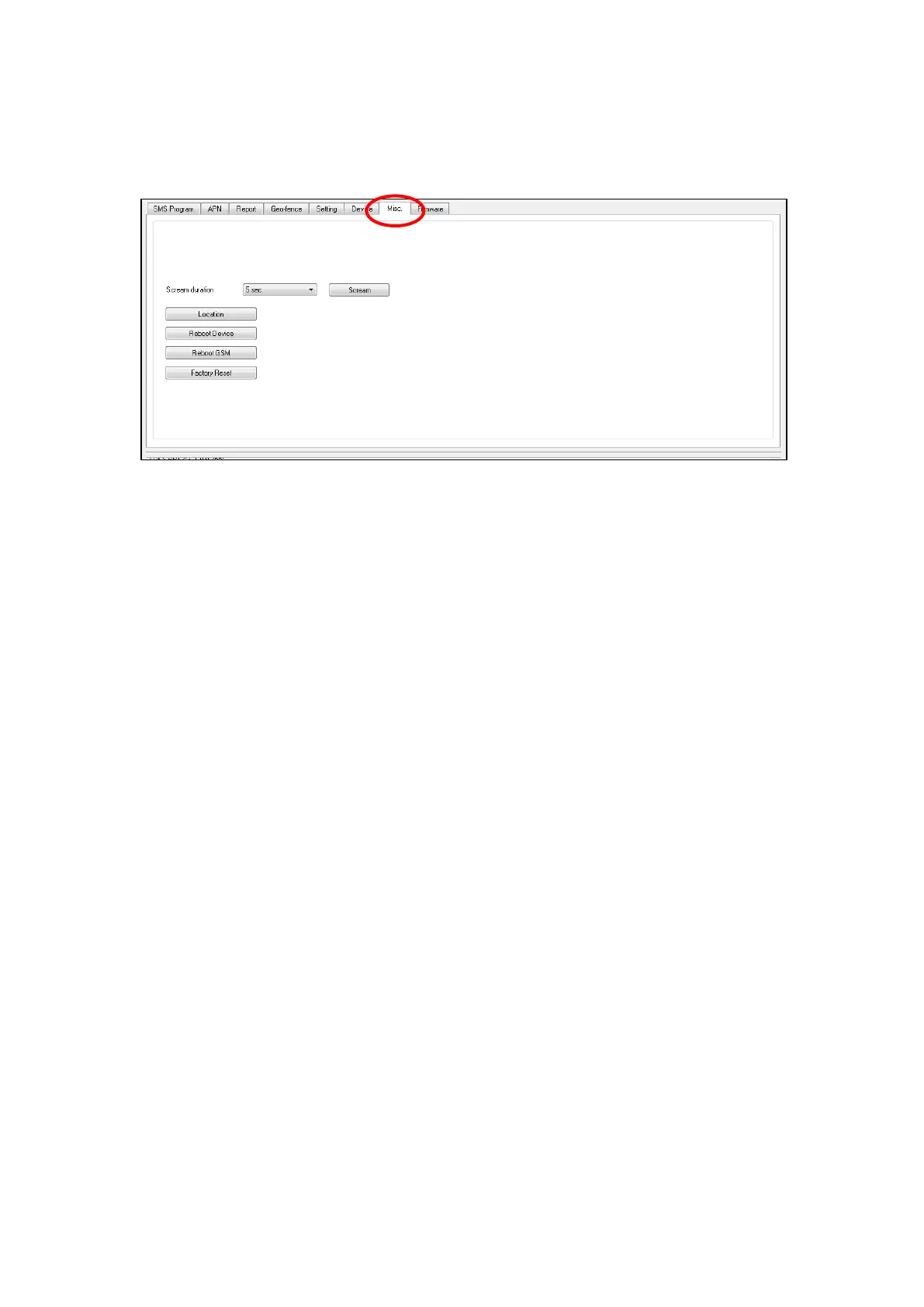
Click on the “Misc.” tab to program miscellaneous options:
Scream Duration
Select a duration and click on the Scream button. Mobile Lite will
emit a series of long beeps for the duration. A location information
will also be sent to the reporting destination(s).
Location
Clicking on this button to send current location information to the
reporting destinations.
Reboot Device
Click “Reboot Device” to reboot Mobile Lite. This will not remove
any programmed parameters on Mobile Lite.
Reboot GSM
Click “Reboot GSM” will reset the Cellular module.
Factory Reset
Factory Resetting Mobile Lite will clear all programmed parameters.
4.1.8. Firmware
To update the firmware of Mobile Lite:
Step 1. Click “Firmware”.
Step 2. Select the firmware update speed from the drop down menu. The
shorter the time, the faster the update speed; however some
computer may not be able to support high update speed and doing so
may crash the computer. You may start by by selecting 5 milliseconds,
if the computer could not support this speed, change to 100



 To Next Page