44
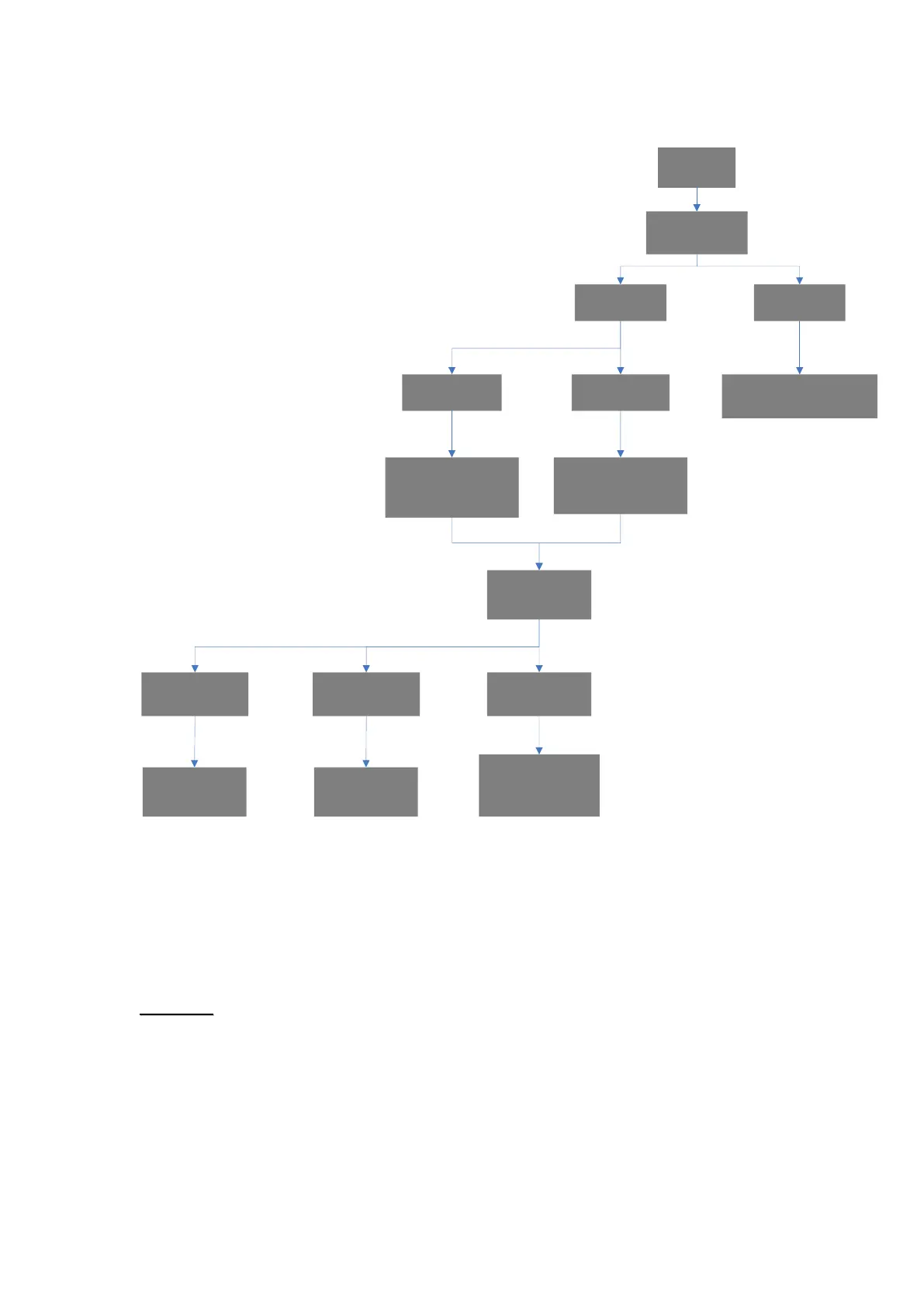
Diagram:
Alarm
Trigger
Check GPS
during Guard
Time
Acquire GPS
in Guard Time
No GPS in
Guard Time
Check GPS/ Cell
Locate for up to
3 minutes
Report with New GPS
Location after Guard Time
(CID 100/101/120)
Has Last
Location stored
No Last
Location stored
Report with Last GPS
Location after
Guard Time
(CID 100/101/120)
Report without GPS
Location after
Guard Time
(CID 100/101/120)
Follow up report
with GPS/Cell
Locate Location
(CID 645)
Acquire GPS/
Cell Locate
Cell Locate Error
Margin Too Great
Follow up report
without location
(CID 643)
GPS & Cell
Locate Time Out
Follow up report
without location
(CID 644)
6.5.2. Callback Mode
After reporting an alarm successfully to the CMS, Mobile Lite will enter
callback mode by default. User can choose to turn on/off the Callback
feature and set call back mode time length (Please refer to 4.1.6.
Setting).
Mobile Lite will enter callback mode only after all groups have been
reported to and at least one report was successful.
When a caller calls back within the period, Mobile Lite will auto answer the
call after 2 beeps, and depending on the setting of “Callback Check
Access Code”, Mobile Lite will check the Access Code or not before it
opens a full-duplex Two-way communication.



 To Next Page