2
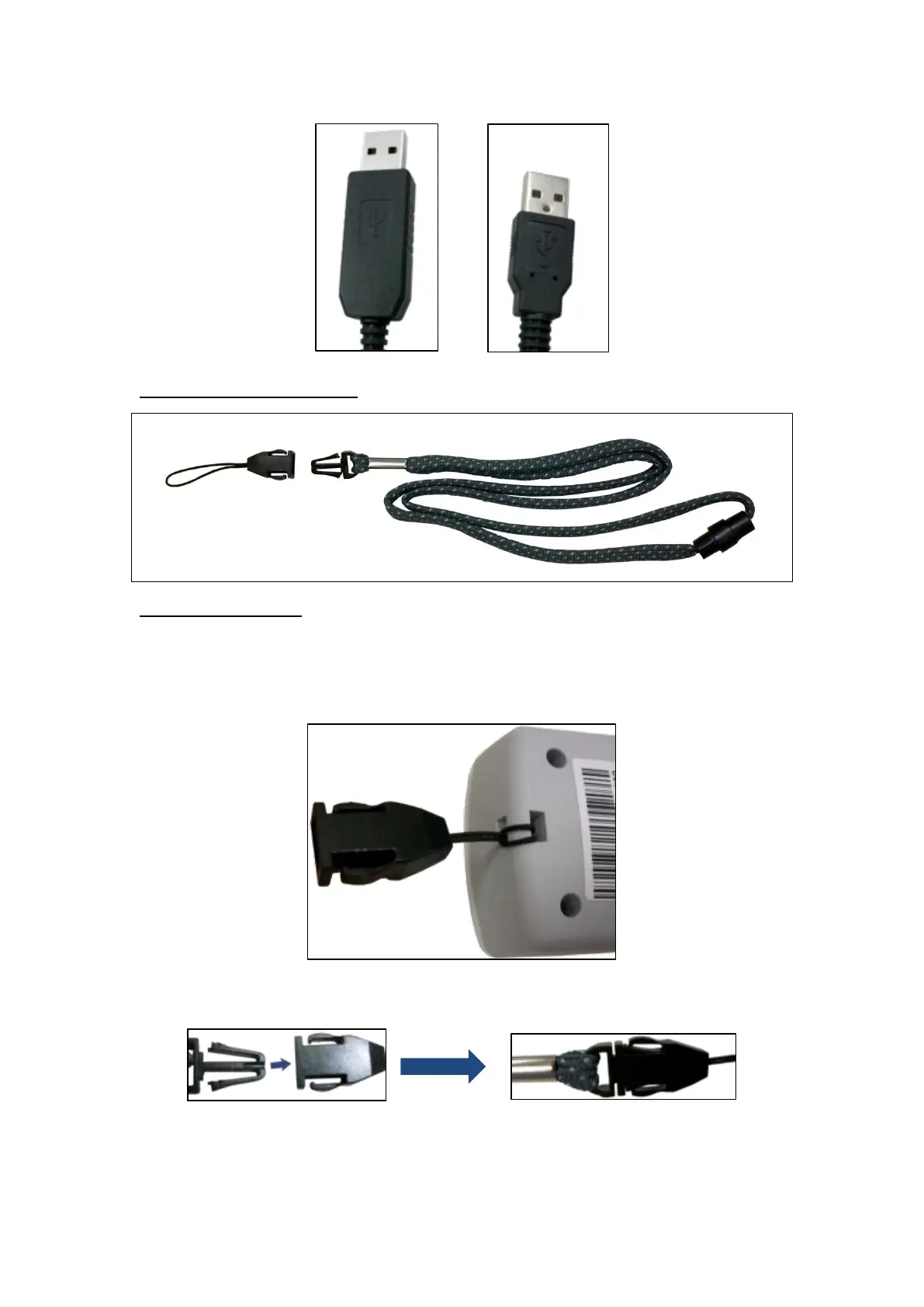
Lanyard and Attachment
Using the Lanyard
Step 1. Attach the lanyard to the Mobile Lite unit by looping the lanyard strap
through the lanyard holes on the Mobile Lite unit, and then pulling the
strap through until it is tight.
Step 2. Lock the release buckle by inserting the male part into the female part
until you hear a click sound.
Step 3. Put the lanyard around the neck of the user.



 To Next Page