4
Press and hold for 15 seconds when
idle
To enter reset mode for 10
minutes:
1. Press the Active Button
once to reboot Mobile Lite
2. Press the Active Button
twice within 1 second to
factory reset Mobile Lite
Please refer to 6.7. Rebooting
and Factory Resetting
Mobile Lite for more details
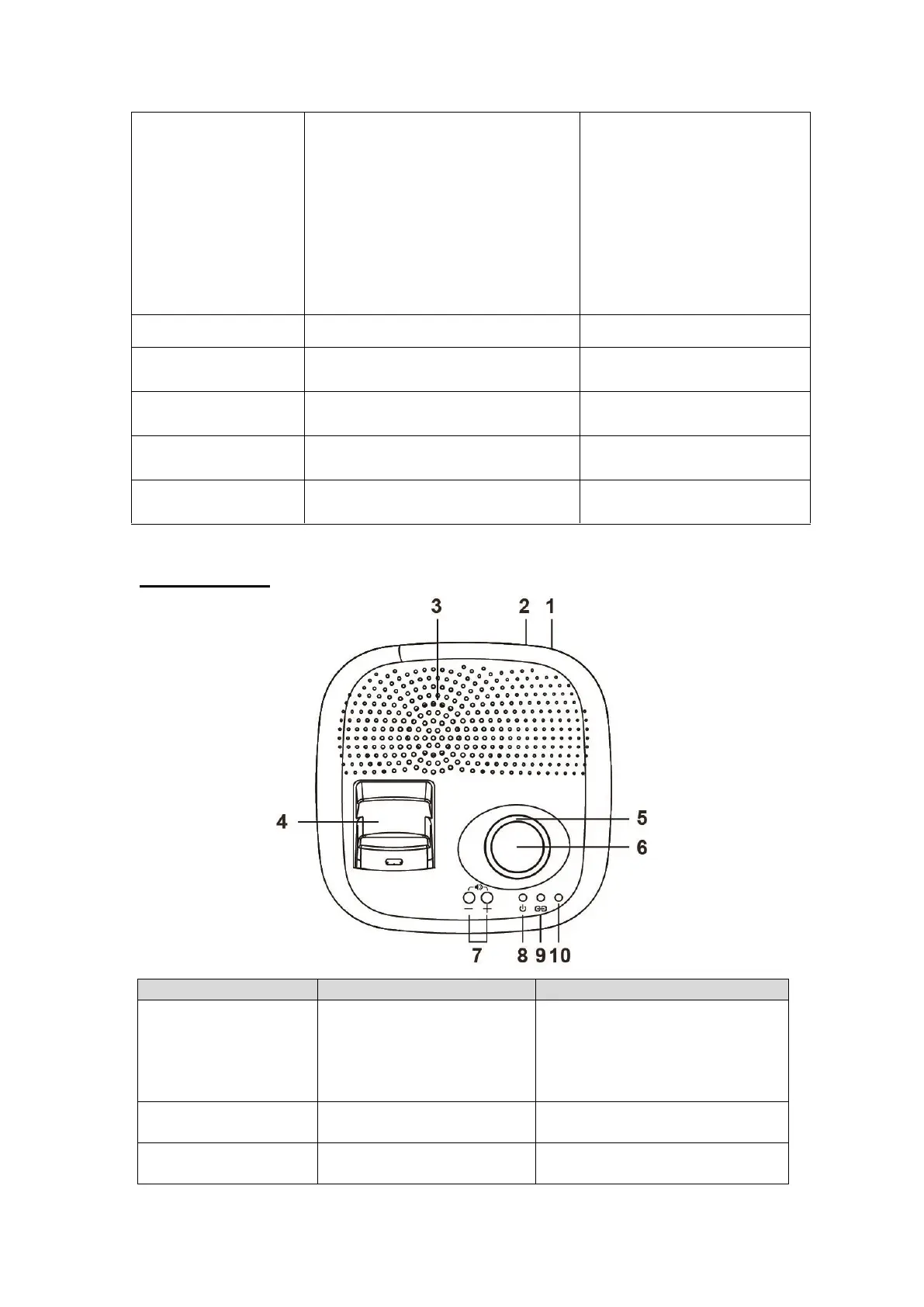
7. SIM Card Cover
Fixing Screw
Amplifier Base
Slide the battery switch to ON
position.
The backup battery will be
charged when AC power is
connected and serve as a backup
power source when AC power is
missing.
Connect to an AC-DC 12V/1A
switching power adapter.
Replace Mobile Lite speaker
when Mobile Lite is inserted.



 To Next Page