HCS User Manual
30
4. To restrict access:
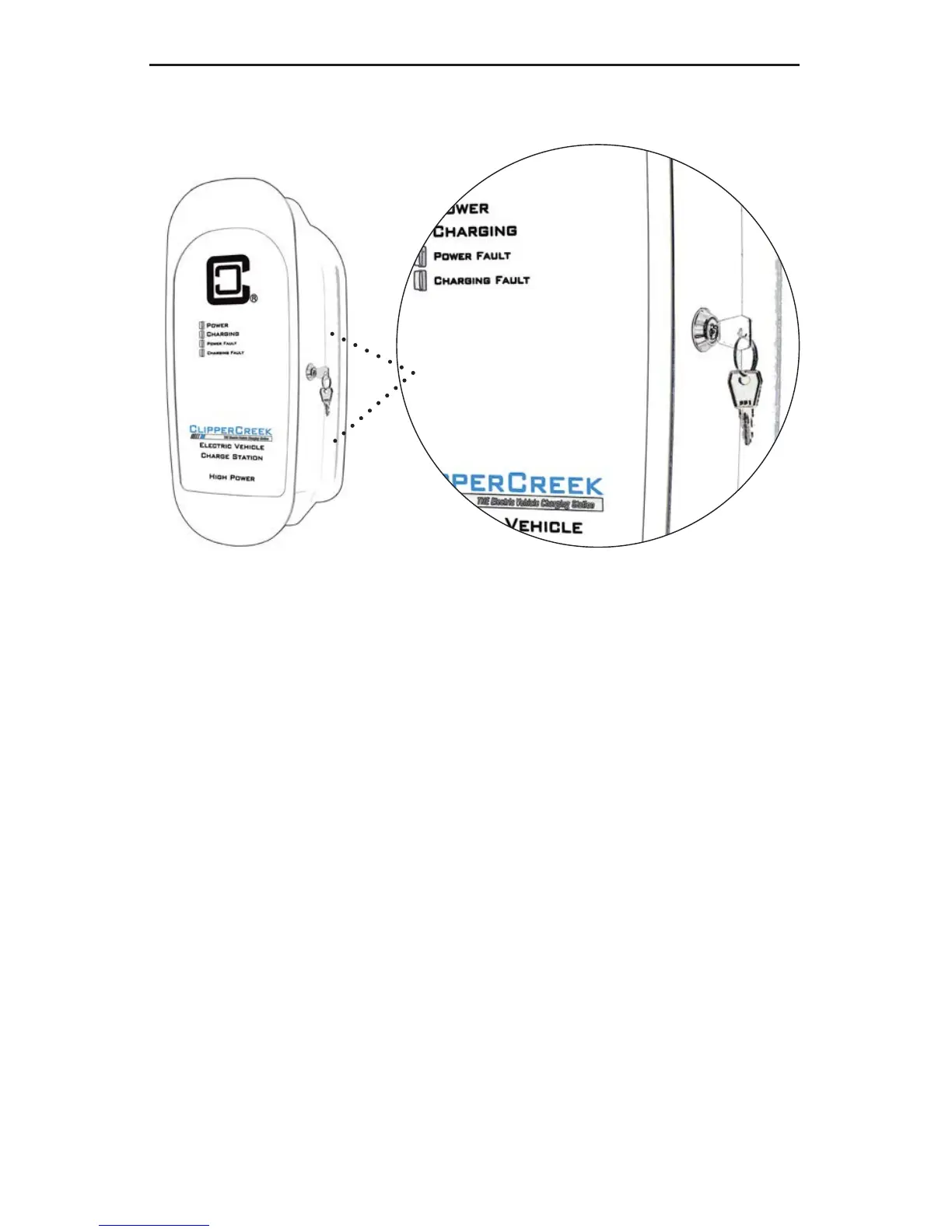
a) Turn the key counterclockwise 90° as shown in Figure
13.
b) Remove the key.
c) If a vehicle is connected and charging, that vehicle will
continue to charge as long it remains connected to the
EVSE.
d) Once the vehicle is disconnected from the EVSE, the
EVSE will require the key to activate another charging
session.
Figure 12: ChargeGuard
®
(ON or Enabled Position: Charging is
enabled.)


 To Next Page