V001 CL64WLAN User Manual
10 of 44
Note:
Y
ou can modify the password after entering the WEB management interface. Please refer
to the section for related operation.
4. Knowing WEB Management Interface
The WEB management interface can rapidly complete required function configurations.
This chapter will lead you to understand and become familiar with the WEB management
interface.
4.1. WEB Management Interface Introduction
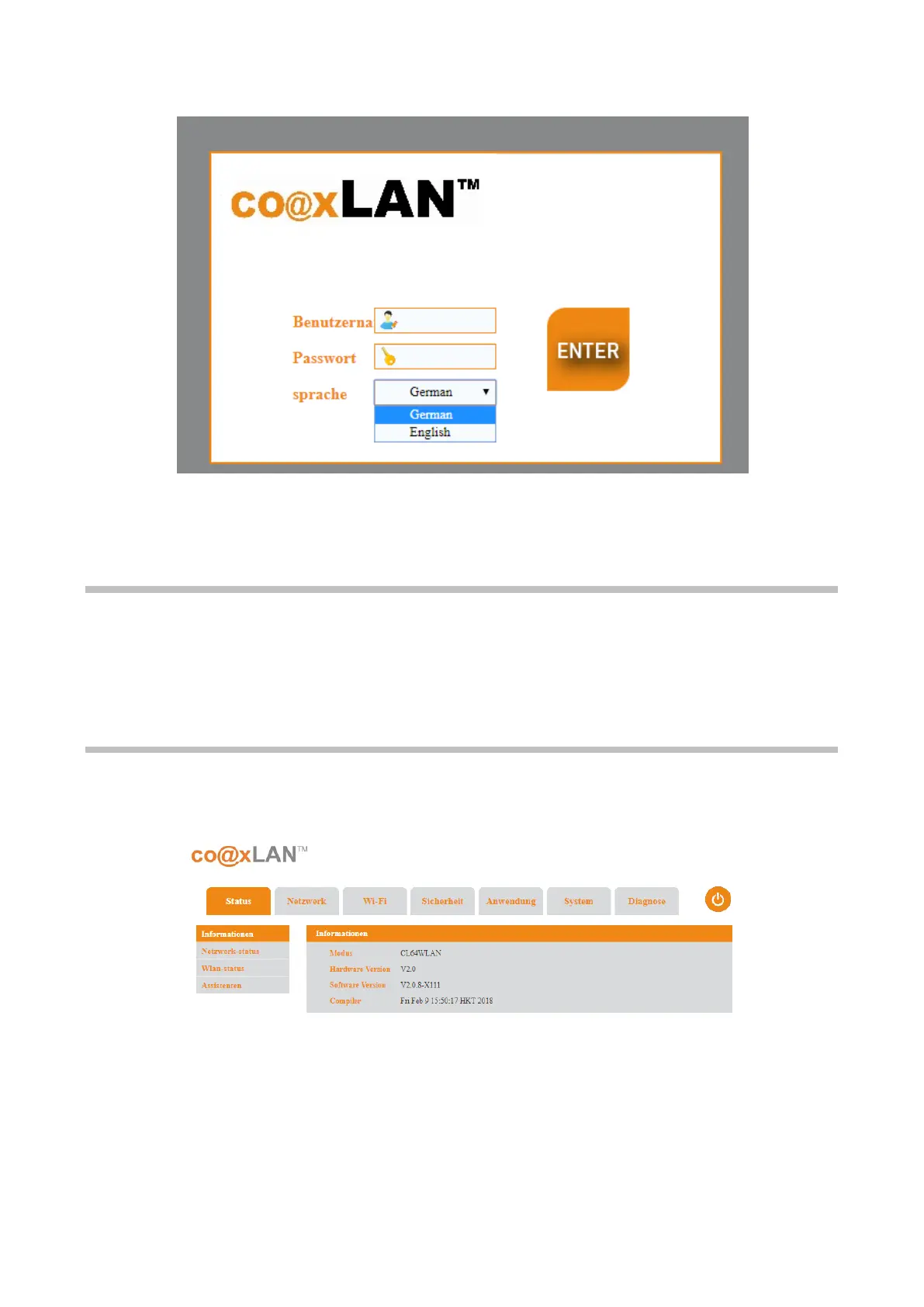
The shows the initial web page of the WEB management interface.
The W
EB management interface shows different areas in all the pages:
• The main menu area: on the top, where you can select the following options:
Running, Network, Wireless, Security, Application, System and Diagnosis.



 To Next Page