V001
CL64WLAN User Manual
34 of 44
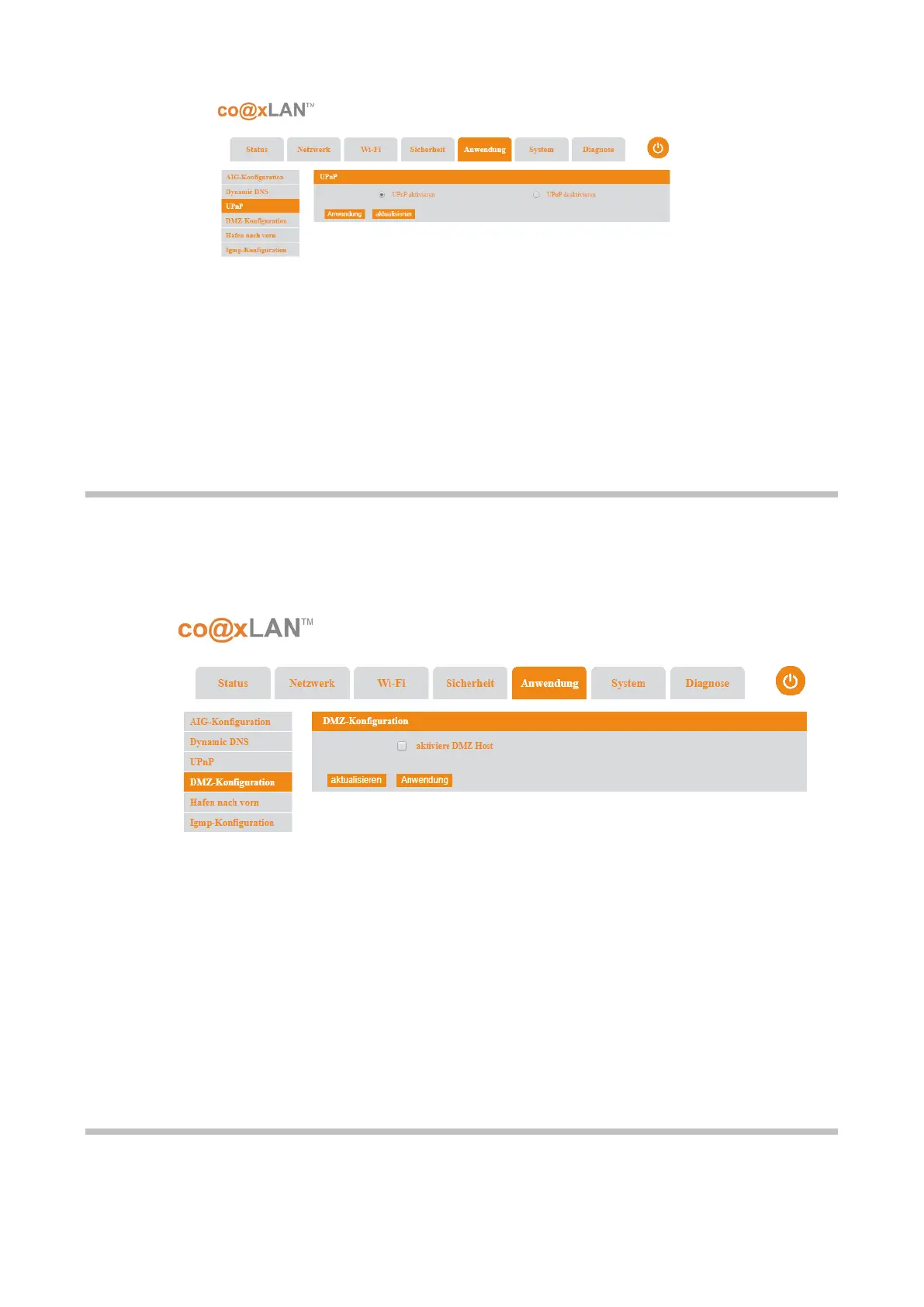
This page allows to enable or disable the UPnP (Universal Plug and Play) service. UPnP is a
set of networking protocols that permits networked devices, such as personal computers,
printers, Internet gateways, Wi-Fi access points and mobile devices to seamlessly discover
each other's presence on the network and establish functional network services for data
sharing, communications, and entertainment. UPnP is intended primarily for residential
networks without enterprise-class devices.
Click the Apply button to confirm the changes on this page. The Refresh button updates
the information displayed.
9.4. DMZ Setting
If the UPnP sub-menu is selected the screen shown in Picture is displayed.
This page allows to enable or disable DMZ. A DMZ (demilitarized zone) is a physical or logical
sub-network that separates an internal local area network (LAN) from other untrusted
networks, usually the Internet. External-facing servers, resources and services are located in
the DMZ so they are accessible from the Internet but the rest of the internal LAN remains
unreachable. This provides an additional layer of security to the LAN as it restricts the ability
of hackers to directly access internal servers and data via the Internet.
Click Apply button to confirm the changes. The Refresh button allows to update the
information shown on this page.
9.5. Port Forward
If the Port Forward sub-menu is selected the screen shown in Picture is displayed.
Picture 24



 To Next Page