CL64WLAN User Manual V001
35 of 44
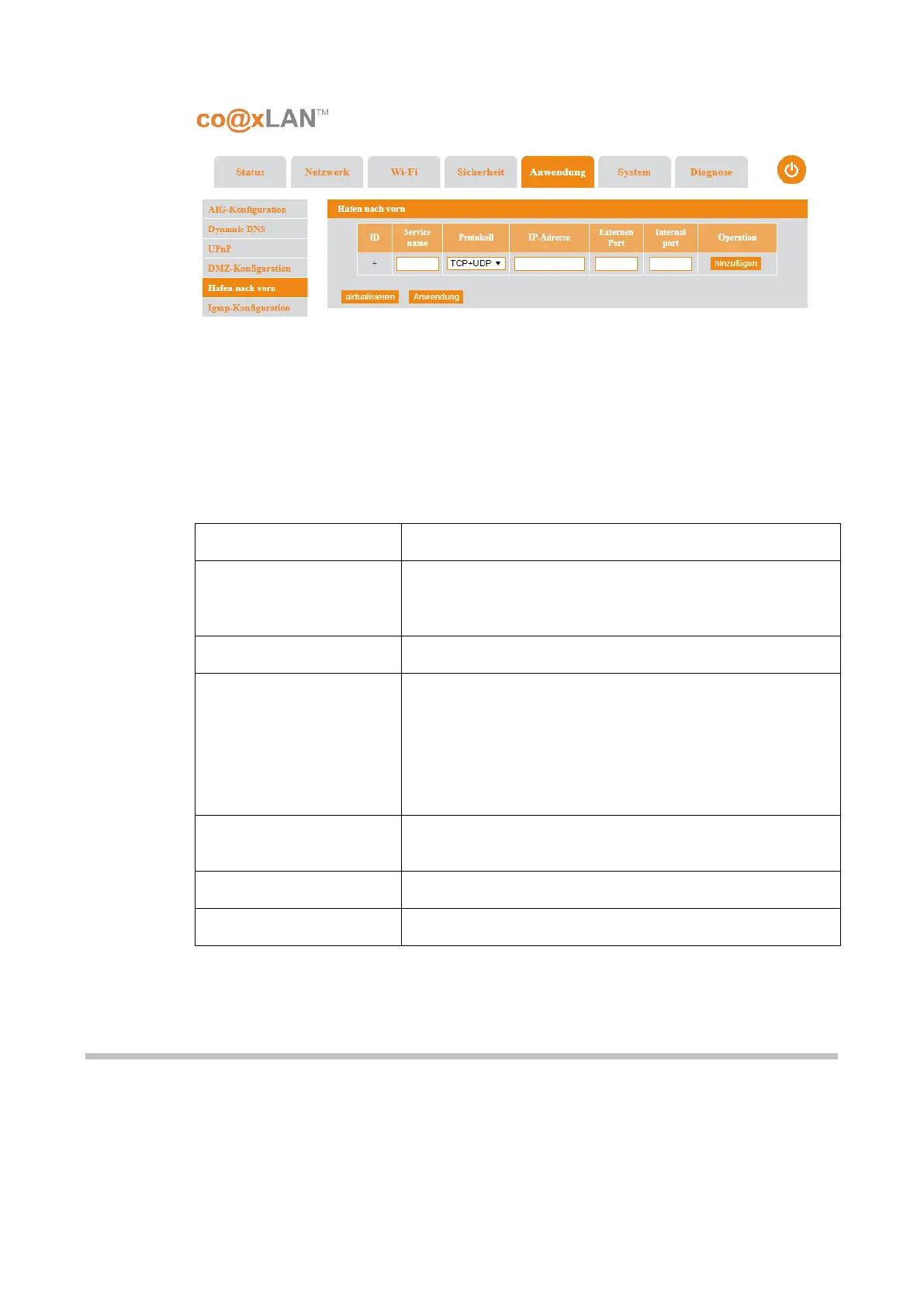
This page allows to create rules of port forwarding or port mapping. Port forwarding is an
application of the network address translation (NAT) that redirects a communication
request from one address and port number combination (internal) network available to
hosts on the opposite side of the gateway (external network), by remapping the destination
IP address and port number of the communication to an internal host.
The following table shows the parameters to be configured for each port forwarding rule:
Item
Description
ID Number generated automatically when the port
forwarding rule is added clicking the Add button. It is an
identifier of the rule.
Service Name It is the name used to identify the forwarding rule.
Protocol They are the protocol or protocols accepted for the
remapping. The available options are:
• UDP
• TCP
• UDP+TCP
Network IP address It is the local IP address of the host where the IP traffic will
be forwarded to.
External port The external destination port
Internal port The internal destination port
Table 11
The Apply button is used to apply the changes done in this page. The Refresh button
updates the information shown here.
9.6. IGMP Setting
If the IGMP Setting sub-menu is selected the screen shown in Picture is displayed.
This page allows to enable or disable the IGMP Snooping function. The IGMP snooping is
the process of listening to Internet Group Management Protocol (IGMP) network traffic. The
feature allows a network switch to listen in on the IGMP conversation between hosts and
Picture 25



 To Next Page