CL64WLAN User Manual V001
31 of 44
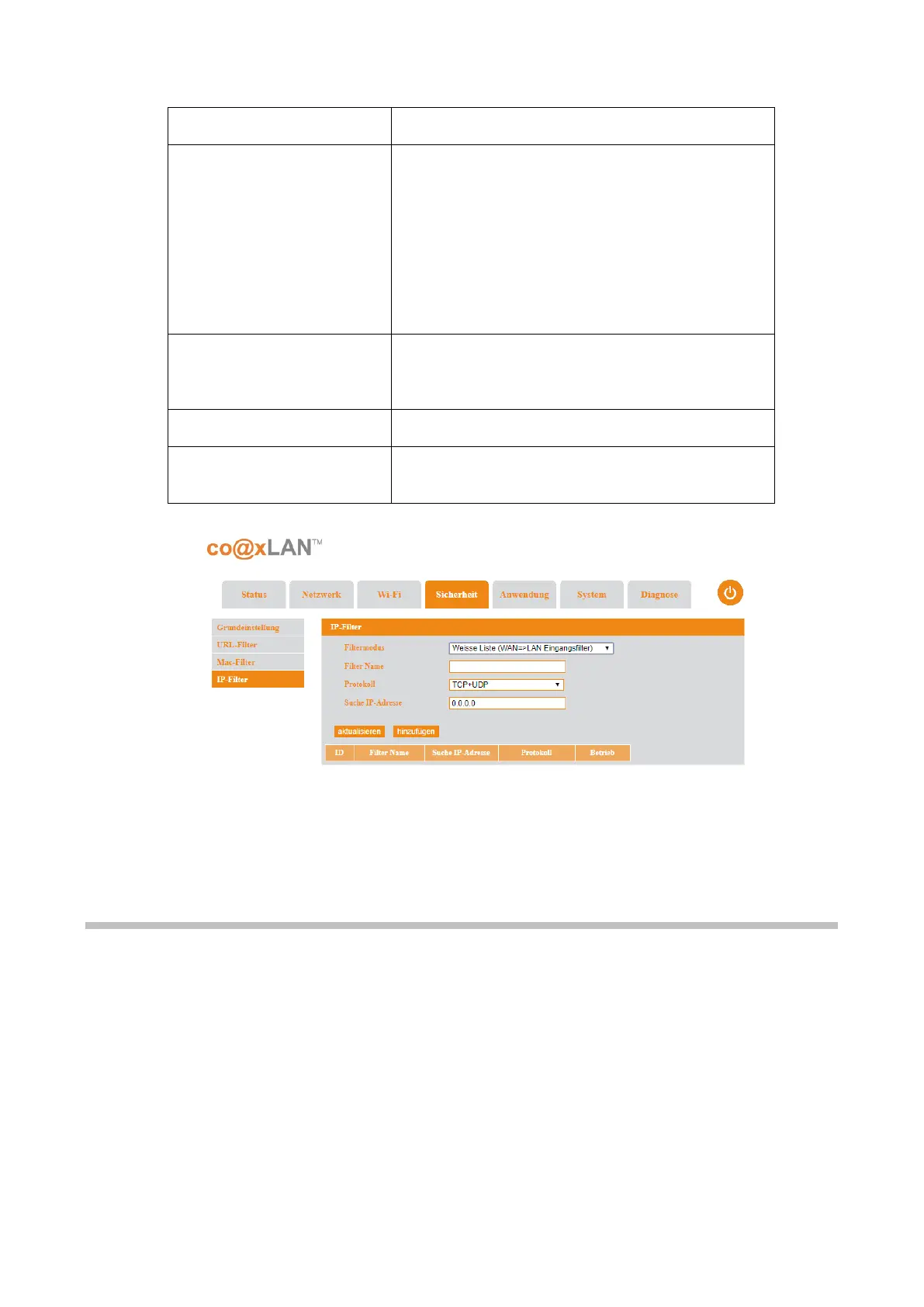
It is the mode of the filter. The combo box provides
two options:
• Whitelist(WAN → LAN ingoing filter): only
the source IP addresses included in the
white list will be accepted.
• Blacklist(LAN → WAN outgoing filter): the
source IP addresses included in the
blacklist will be rejected.
The name of the filter to identify it in the table
shown in this page, where all the filters added are
shown.
The protocols taken into account for the filter.
The source IP address taken into account for the
filter.
Table 10
Wh
en the button Add is clicked, the IP filter is added to the table of filters shown on this
page.
9. Application
The Application screen includes the following sub-menus:
• ALG Setting
• Dynamic DNS
• UPnP
• DMZ Setting
• Port Forward
Picture 20



 To Next Page