V001 CL64WLAN User Manual
36 of 44
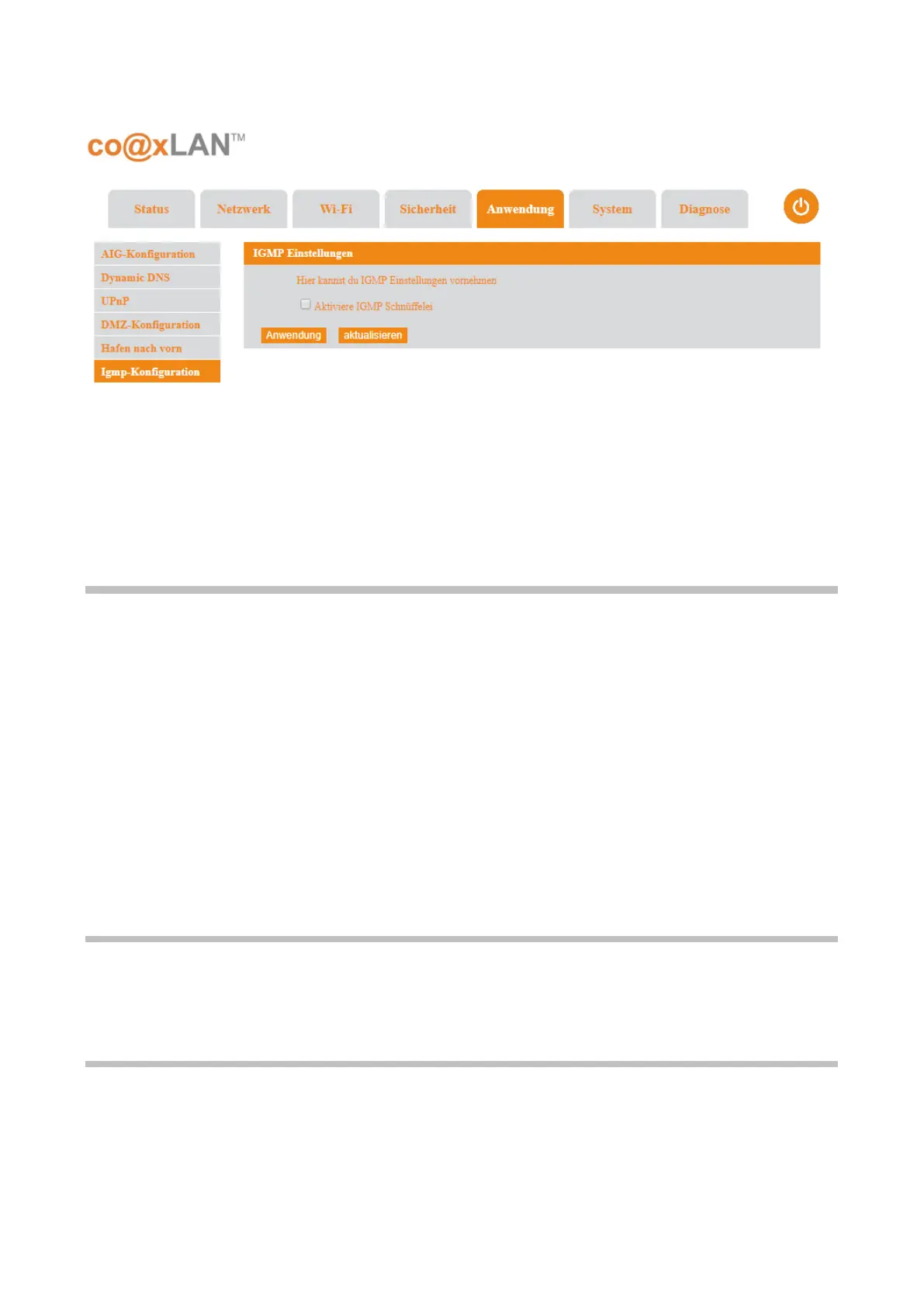
routers. By listening to these conversations the switch maintains a map of which links need
which IP multicast streams.
The Apply button confirms the changes. The Refresh button updates the information shown
in this page.
10. System
The System screen includes the following sub-menus:
• System Log
• Kernel Log
• Log Server
• Device Reboot
• System Upgrade
• Restore Factory
• Management
• TR069 Management
10.1. System and Kernel Log
The System and Kernel Log sub-menus show the log messages related to the system and
the kernel.
10.2. Log Server
If the Log Server sub-menu is selected the screen shown in Picture is displayed. This page
allows to configure a server where some system and kernel log messages will be sent,
depending on the log levels configured.
The following table explains the parameters shown in this page:
Picture 26



 To Next Page