V001 CL64WLAN User Manual
40 of 44
T
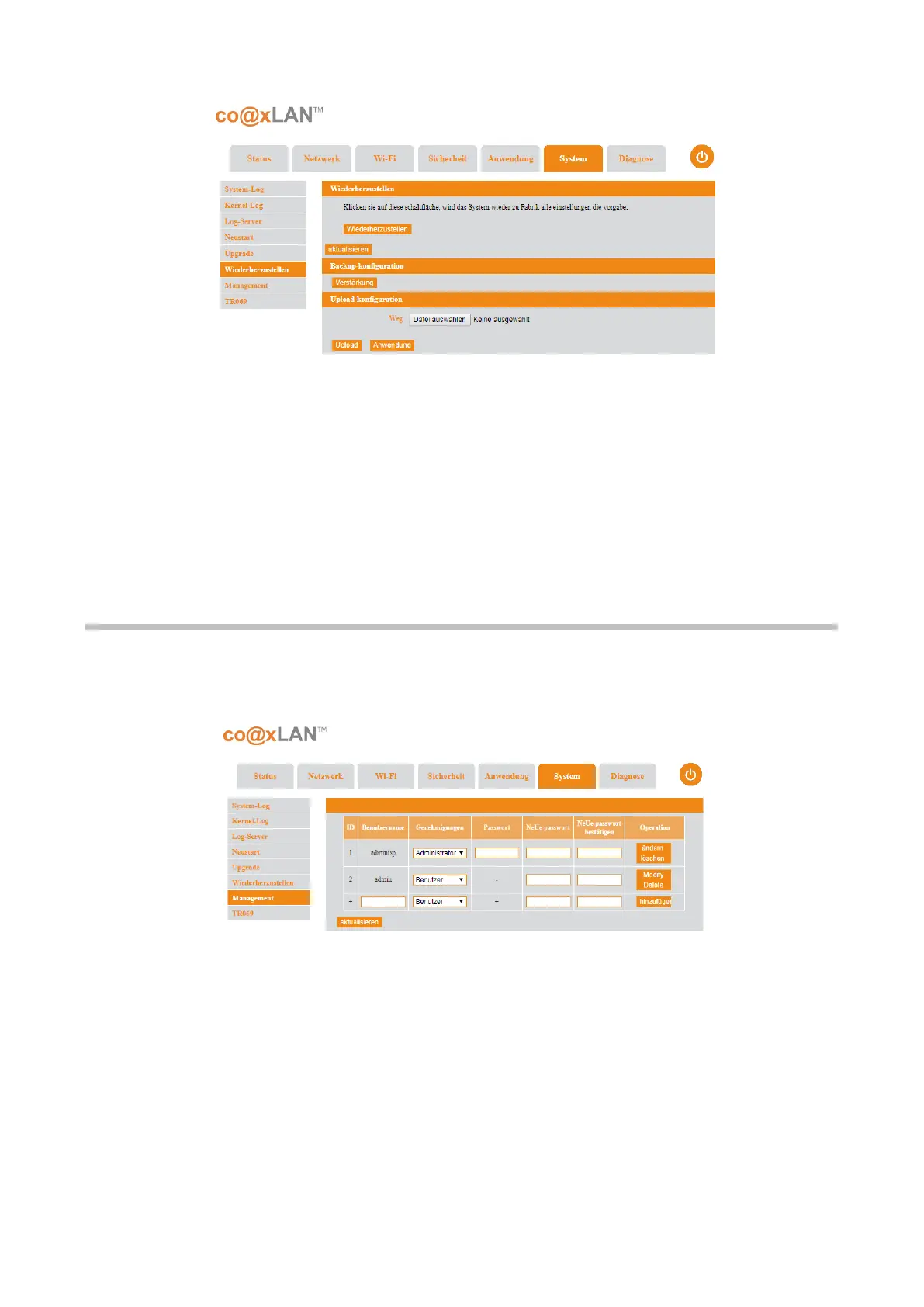
his page allows the following operations:
• Restore factory settings: if the Restore button is clicked, the system will restore all the
setting to the factory default values.
• Backup current configuration: if the Backup button is clicked, the current
configuration will be stored in a file.
• Recover a configuration backup: you can select a configuration file stored in your
PC to upload it to the slave unit. When this file is uploaded, it can be applied clicking
the Apply button.
10.6. Management
If the Management sub-menu is selected the screen shown in Picture is displayed.
There are two default users:
• adminsp: the user permissions are Administrator and the default password is
adminsp.
• admin: the user permissions are User and the default password is admin.
This two default users can be modified or deleted clicking the related buttons in the User
management table shown in this page.
In order to add more users, you can click the Add button when the user name, the user
permissions and the password fields are filled.



 To Next Page