V001 CL64WLANUser Manual
24 of 44
Th
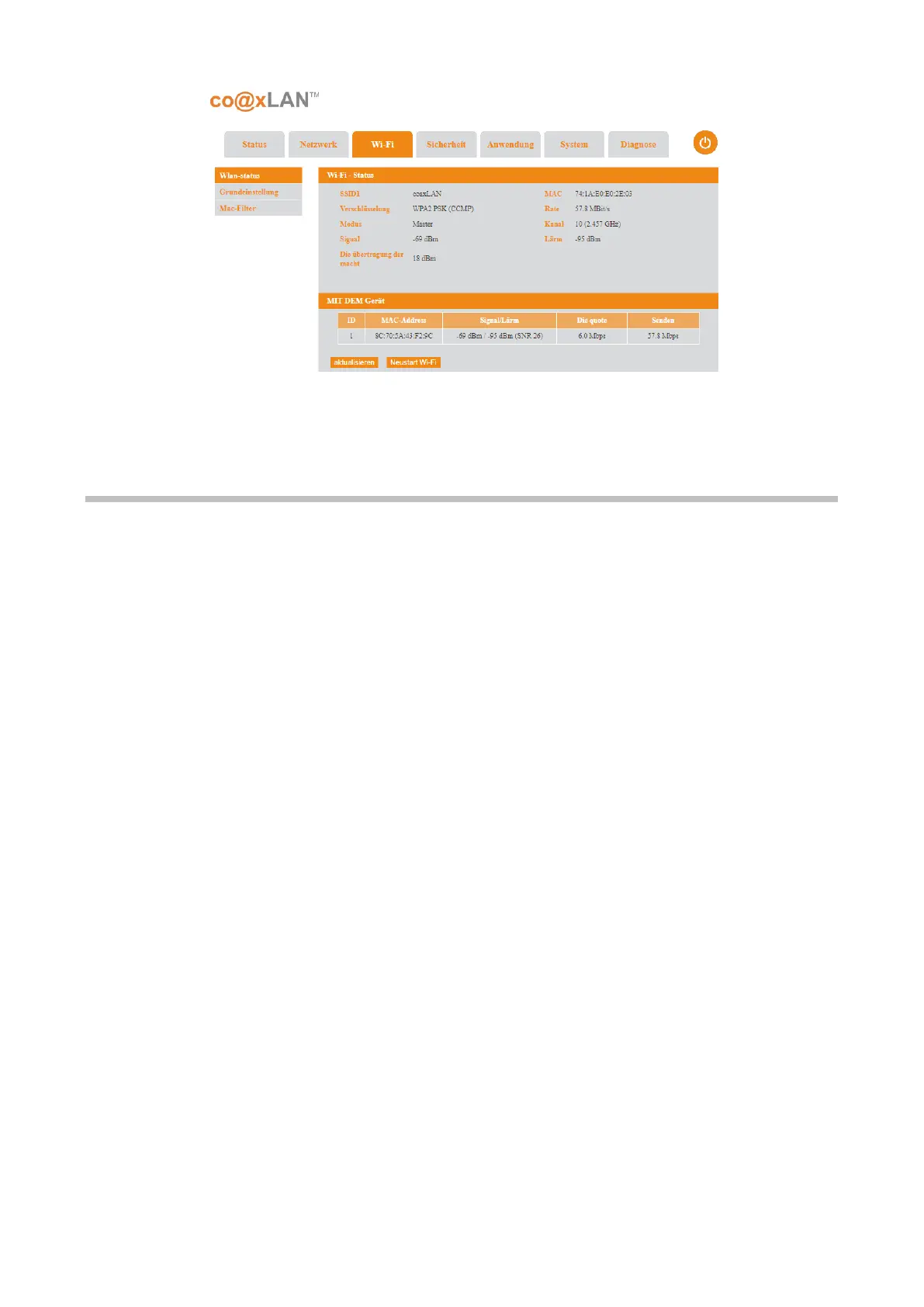
e Wireless screen lets you view or configure the wireless network setup.
7.1. Base Settings
If the Base Settings sub-menu is selected the screen shown in Picture is displayed. This page
is organized in two areas:
• Basic Settings: where you can enable or disable WiFi, set wireless channel, set the
work model and so on. The following table explains all the parameters in this area:
Picture 14



 To Next Page