CL64WLAN User Manual V001
5 of 44
2.1. Unpack Your CL64WLAN
If you unpack your CL64WLAN box, you will find a IPC-S unit, a router Ethernet cable and a
power adapter.
If any parts are incorrect, missing, or damaged, contact your dealer. Keep the carton and
original packing materials in case you need to return the product for repair.
2.2. Hardware Features
Before you cable your CL64WLAN, take a moment to become familiar with the front,
side, and back panels and the label. Pay particular attention to the LEDs on the front
panel.
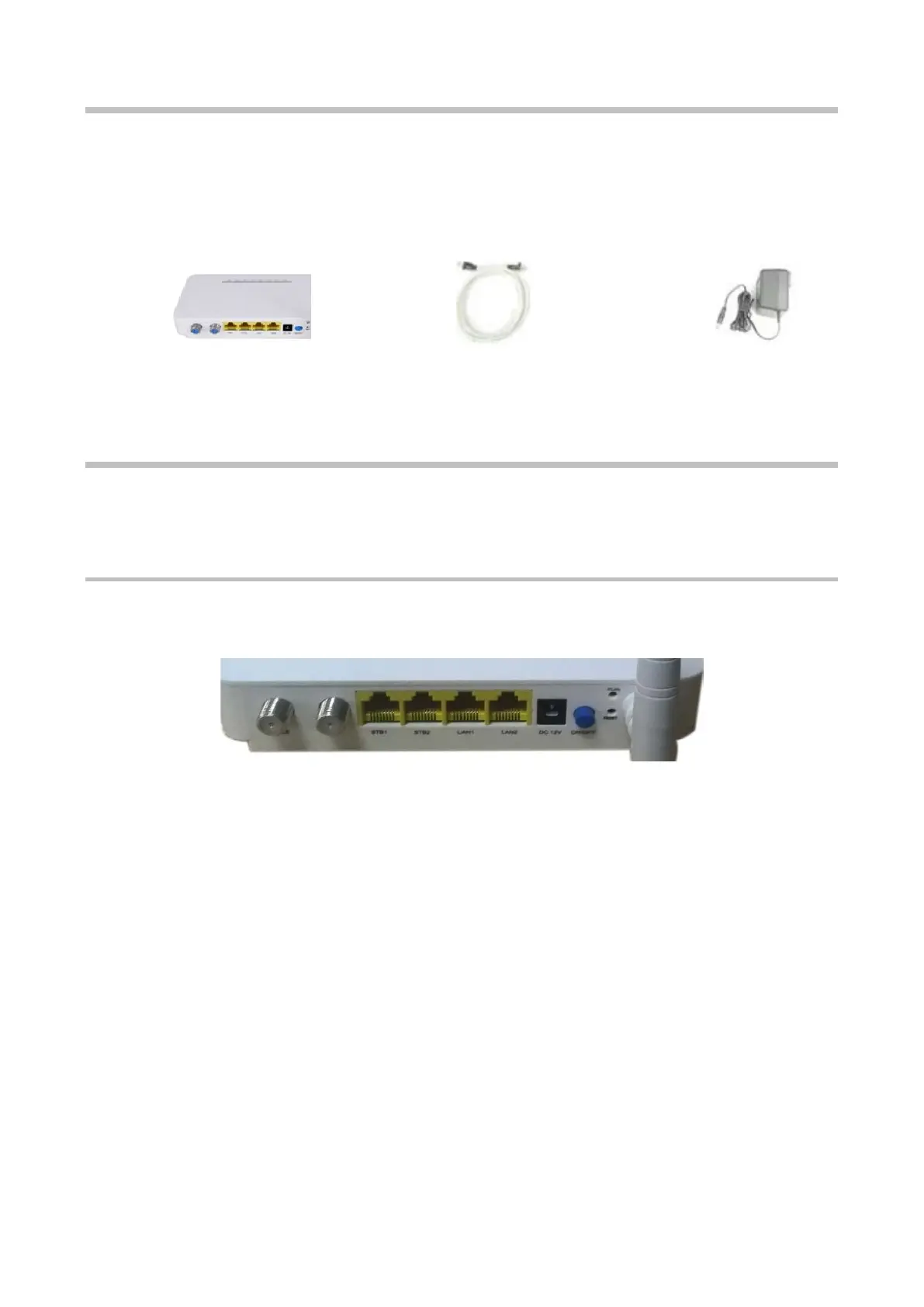
2.2.1. Back Panel
The back panel has the connections and button shown in the following figure.
The following table explains all the interfaces available in the back panel of the CL64WLAN:
CL64WLAN
Router Ethernet cable
Power



 To Next Page