V001 CL64WLAN User Manual
6 of 44
Connect to uplink CATV network
Connect to STB or TV by cable
Ethernet
LAN 2
Ethernet LANn ports for connecting to PC. They can
work on Router Mode. WAN connection can get
the IP address from upper-layer device.
STB 2
Ethernet ports for connecting to PC, the user-side IP
address is obtained through the upper-layer device
WLAN 1 Wifi button
Table 1
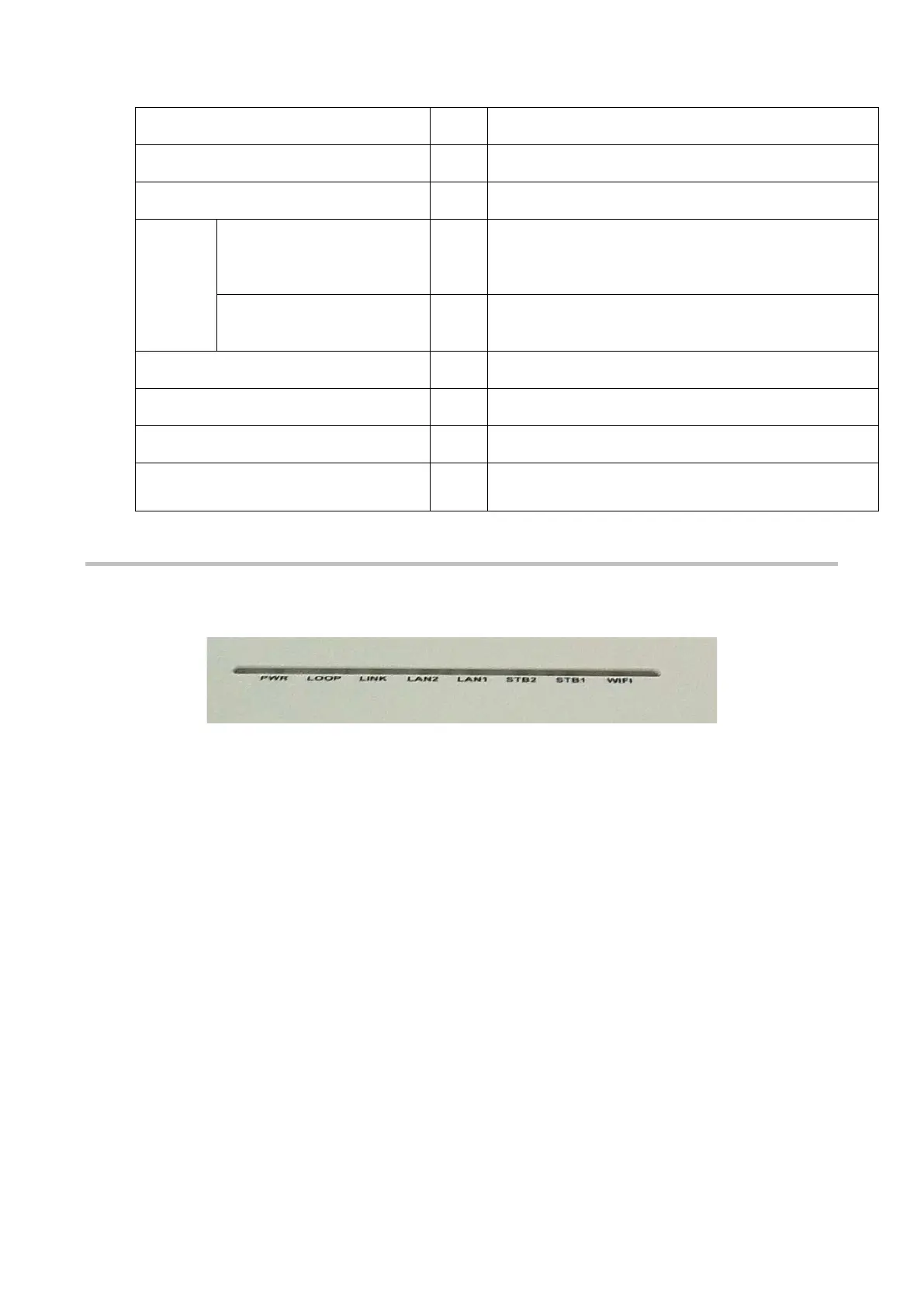
2.2.2. Front Panel
The router front panel has status LEDs shown in the following figure.
T
he following table explains the meaning of each LED in the front panel:



 To Next Page