CL64WLANUser Manual V001
39 of 44
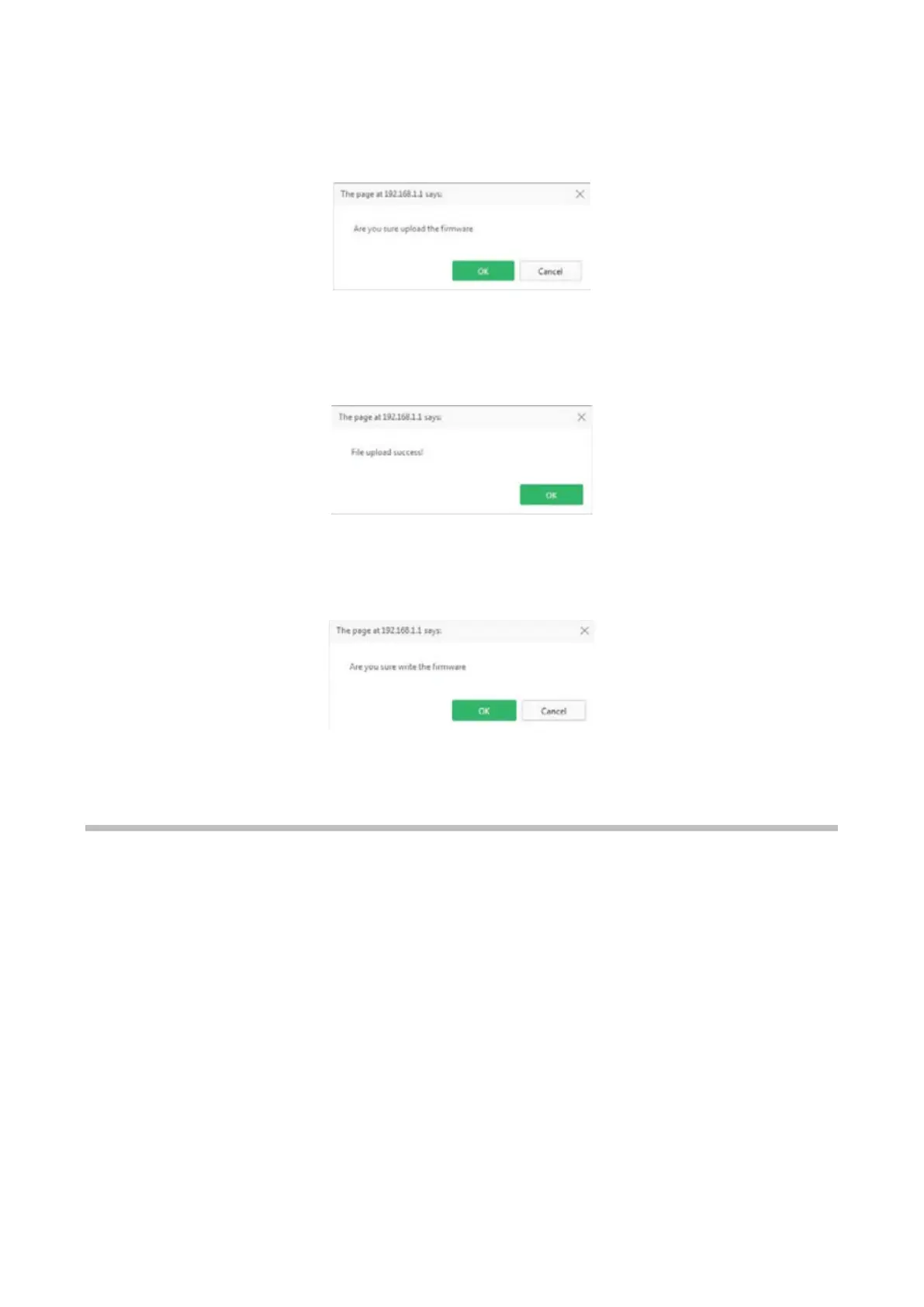
Once the upgrading file is selected, the user has to click the Upload button to upload the
file to the slave unit. A pop-up window will be shown to confirm the upload, as it is shown in
Picture.
W
hen the file is uploaded, a new pop-up window is shown (see Picture).
T
hen, the user should click the Write firmware button to apply the upgrade. A new pop-up
window is displayed to confirm the operation (see Picture).
T
he Refresh button updates the information shown on this page.
10.5. Restore Factory
If the Restore Factory sub-menu is selected the screen shown in Picture is displayed.



 To Next Page