V001 CL64WLAN User Manual
30 of 44
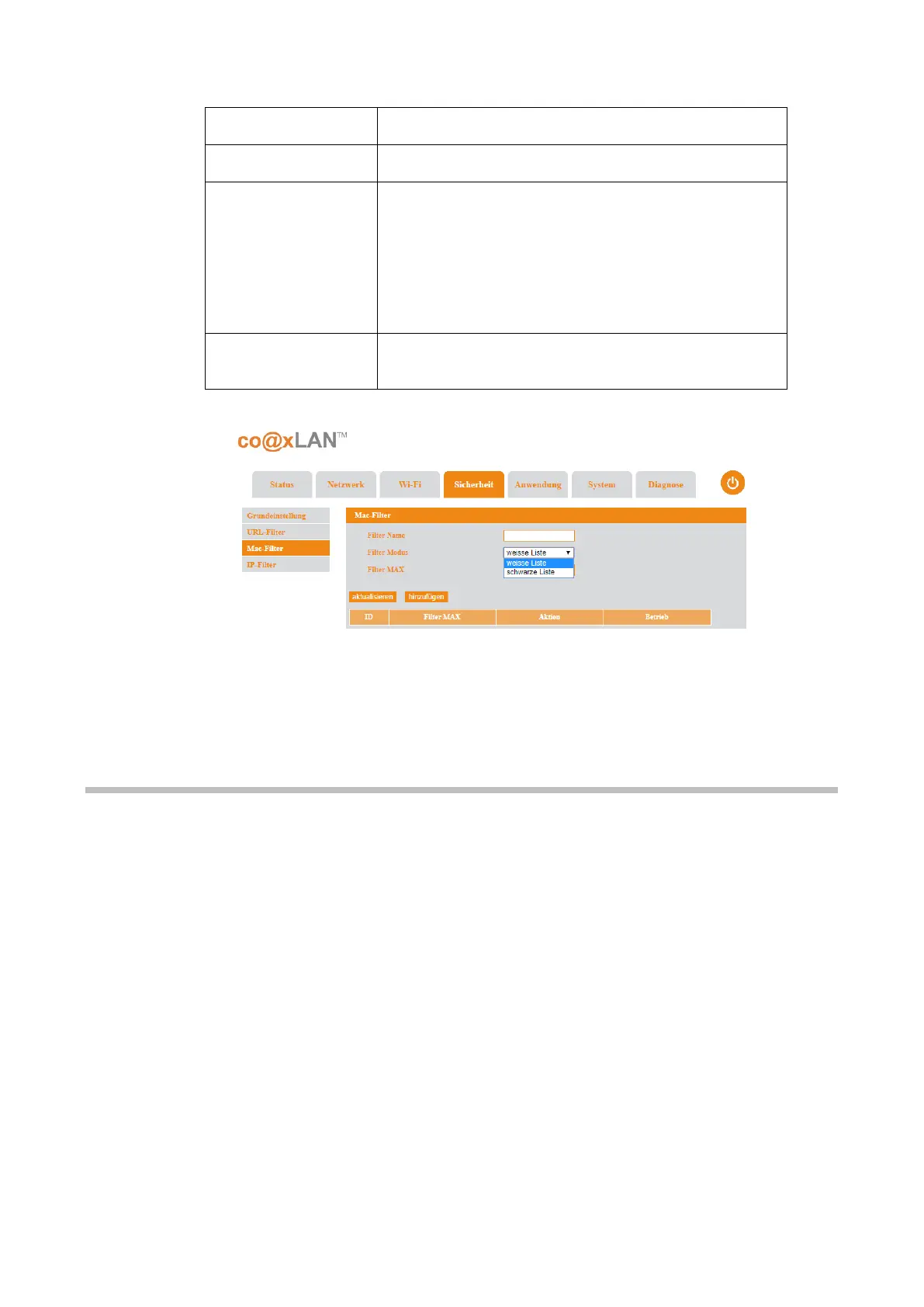
The working mode of the filter. Two options are
available in this combo box:
•
Whitelist: only the MACs added to the list will
be authorized for connection.
•
Blacklist: the MACs added to the list will be
unable to connect.
The MAC address to be added to the white or black
list, after clicking the Add button.
Table 9
Th
e Refresh button allows to update the information shown in this page.
8.4. IP Filter
If the IP Filter sub-menu is selected the screen shown in Picture is displayed. The following
table explains the parameters shown in this page:
Picture 19



 To Next Page