V001 CL64WLAN User Manual
4 of 44
1. Introduction
The IP through coaxial cable system provided by coaxLAN, coaxLAN, has been
especially designed to convert the coaxial network into a data network in a very easy
manner. The coaxLAN equipment enables the transmission and reception of an
internet signal via the existing coaxial cable of a television installation, without having
to undertake any actions on the infrastructure.
Simply by adding a head-end master equipment (CLM253) and a slave (CL64WLAN) at
each point where the internet signal has to be carried, the television installation is
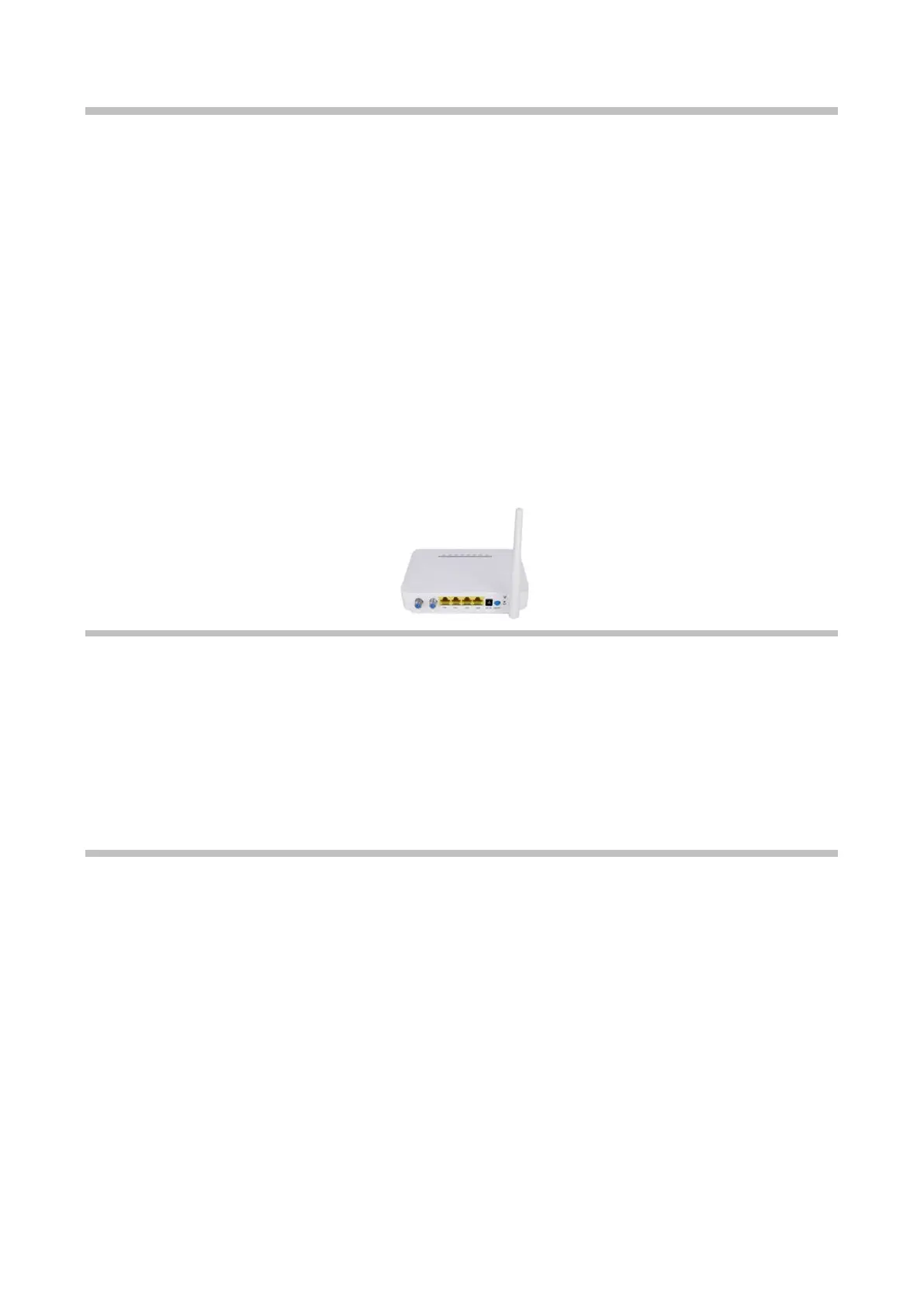
upgraded to transmit IP data at high speed. The CL64WLAN slave also acts as a Wi-Fi
router allowing the creation of a wireless network easily wherever the CL64WLAN is
installed.
A single CLM253 master equipment supports up to 253 slaves with encrypted
communications. It is also possible to increase the number of CL64WLAN using the same
network by simply installing new master equipment in tandem (up to 4 CLM253 for the
same coaxial cable).
This user manual includes instructions to manage an CL64WLAN slave unit.
1.1. Requirements
The CL64WLAN slave unit can be manage through its web management interface. The
following runtime environment is recommended in order to use this web management
interface properly:
• O
perating system: Windows 2000, Windows XP, Windows NT, Windows Vista,
Windows 7 or Windows 10
• Hardware requirement: CPU PIII 800 MHz, 256M RAM memory, 1 GB disk space and
10/100M Ethernet interface.
2. Hardware Setup: Getting to know your CL64WLAN.
The Wi-Fi CL64WLAN provides you with an easy and secure way to set up a wireless home
network with fast access to the Internet over a coaxial cable network. The CL64WLAN has
a built-in CL64WLAN to work with the CLM253 of the Internet service providers. With your
CL64WLAN, you can block unsafe Internet content and applications, and protect the
devices (computers, gaming consoles, and so on) that you connect to your home
network.
This chapter explains how to set up your hardware. If you have already set up your
CL64WLAN hardware, you can skip this chapter.



 To Next Page