Chapter 4: To use the web interface
98-140012-H Advanced settings 106
3. To delete a traffic flow filter, click in the right side of the filter tile.
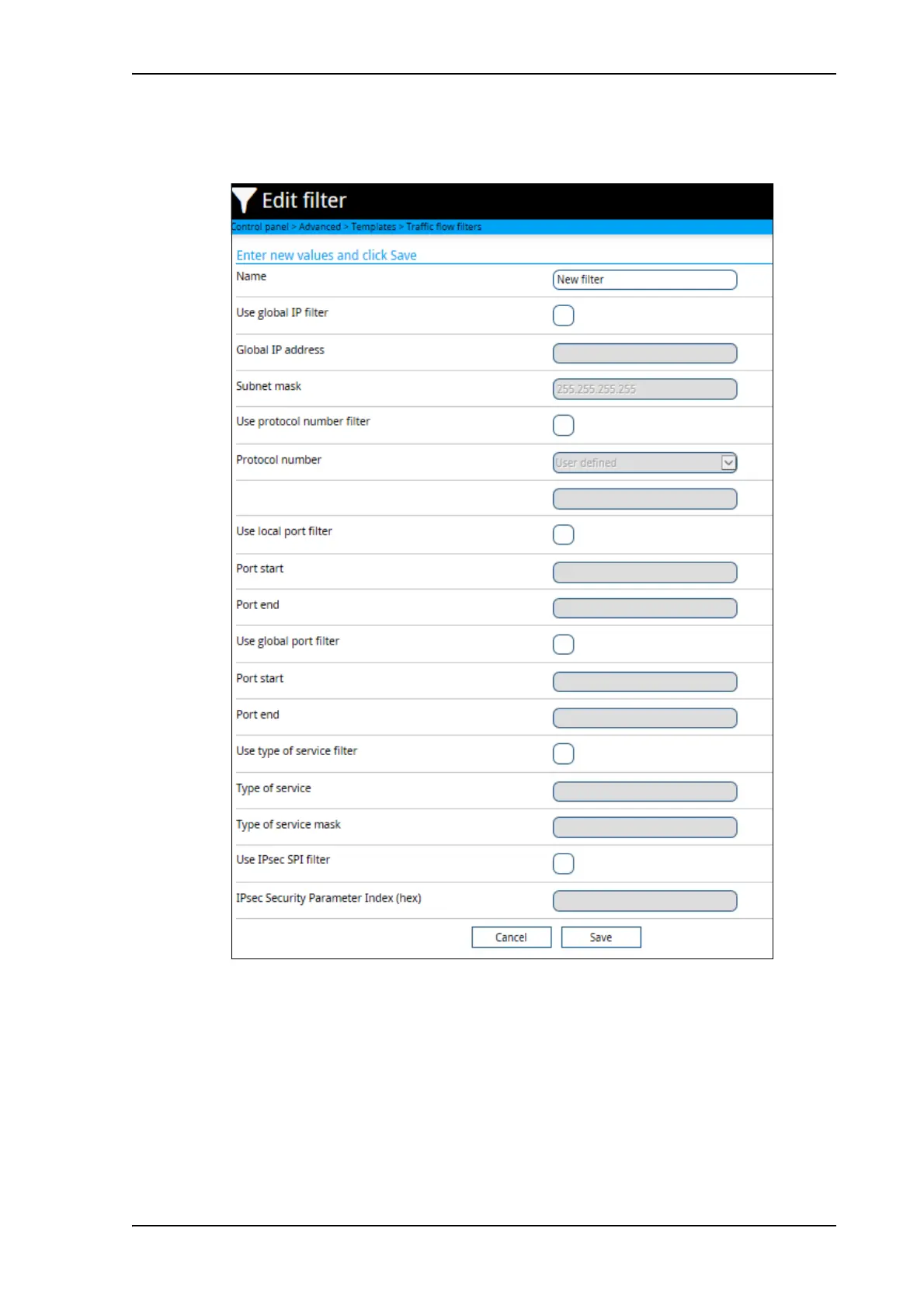
4. To add a new traffic flow filter, click Add template and proceed with the next steps.
5. Type in a suitable name for the filter.
6. Select the item(s) you want to use for filtering and enter the details for the item(s). You can
select one or more of the following items:
• Use global IP filter.
Traffic to and from the IP address or network (subnet mask) entered here is
automatically routed to the connection type associated with this traffic flow filter.
• Use protocol number filter.
This is the type of protocol that is used for the data traffic. E.g. if this is set to 17 (UDP),



 To Next Page