Chapter 4: To use the web interface
98-140012-H To set up your data connection packages 82
Multiple data connections
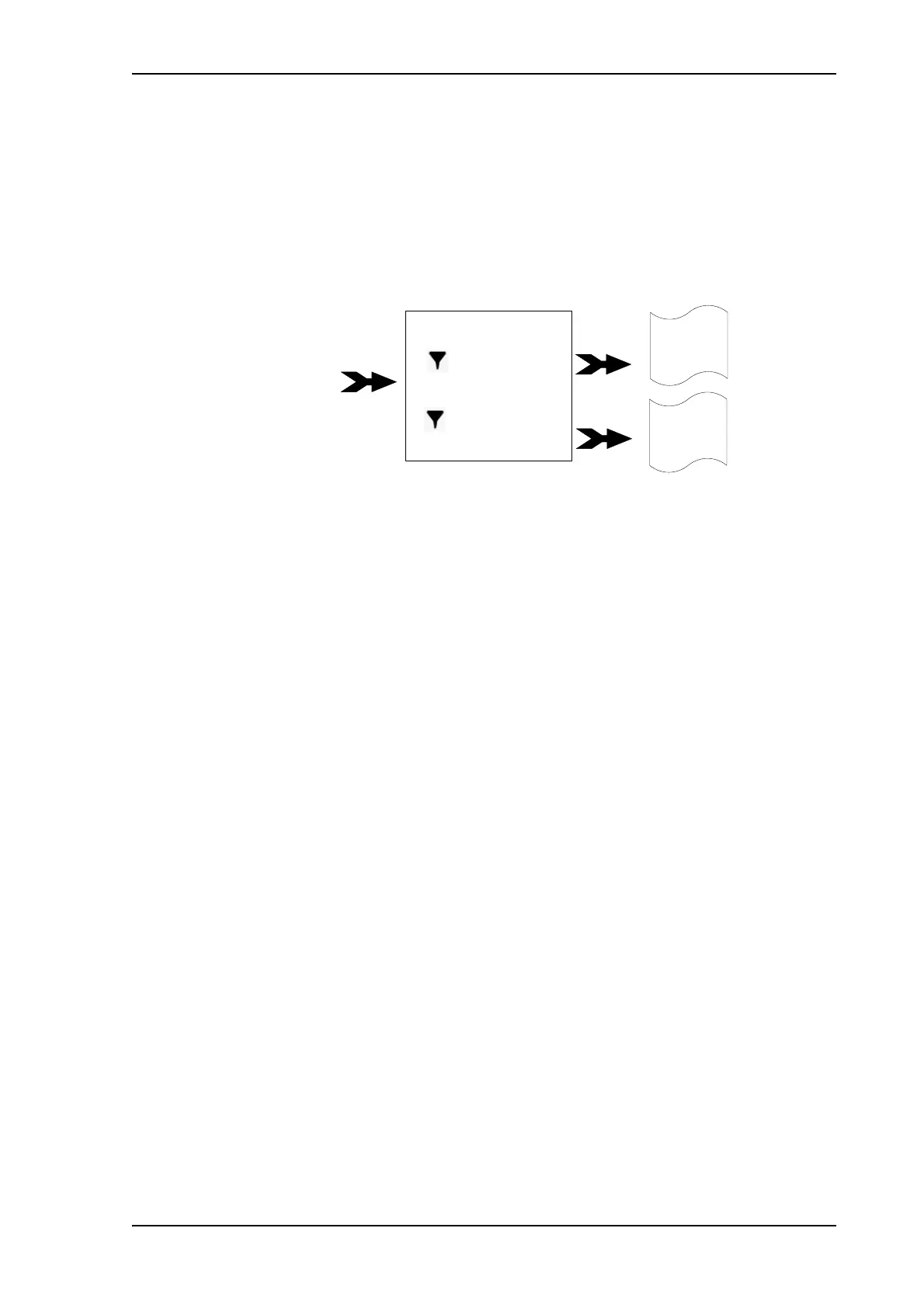
If you want to have different types of connections running at the same time, you can build
connection packages with the connections you want, using filters to determine which traffic
should use which connection type.
You then have to set up the following:
• Create a new package. See the next section To create a shared connection package.
• Add connections to the package.and select a predefined filter for each connection.
• Optional: Change the APN for the package. See To change the APN for a connection
package on page 80.
Example: You want to be able to send email while making a live video transmission with your
EXPLORER 710:
You build a new package containing 2 connections:
1: A 256 kbps streaming connection (for your video transmission). Select the UDP
filter.
2: A Standard connection (for email etc.). Select “No filter”.
When you have started this connection package, your video input to the
EXPLORER 710 terminal is now automatically routed to the 256 kbps streaming
connection. All other traffic is routed to the Standard data connection.
• Type of traffic (e.g. UDP, TCP)
• Type of Service (Quality of Service)
• IP address
• Port numbers
• IP security used (IPSec SPI)
Connection type 1
Streaming 256
Connection type 2
Standard
Traffic flow
filters
Standard IP
connection
Connection package
UDP filter
No filter
Streaming 256
connection
E.g. email and
web browsing
E.g. video
streaming



 To Next Page