Code Blue
•
259 Hedcor Street
•
Holland, MI 49423 USA
•
800.205.7186
•
www.codeblue.com
GU-147-Bpage 26 of 47
IP5000 1.0 Series
Administrator Guide
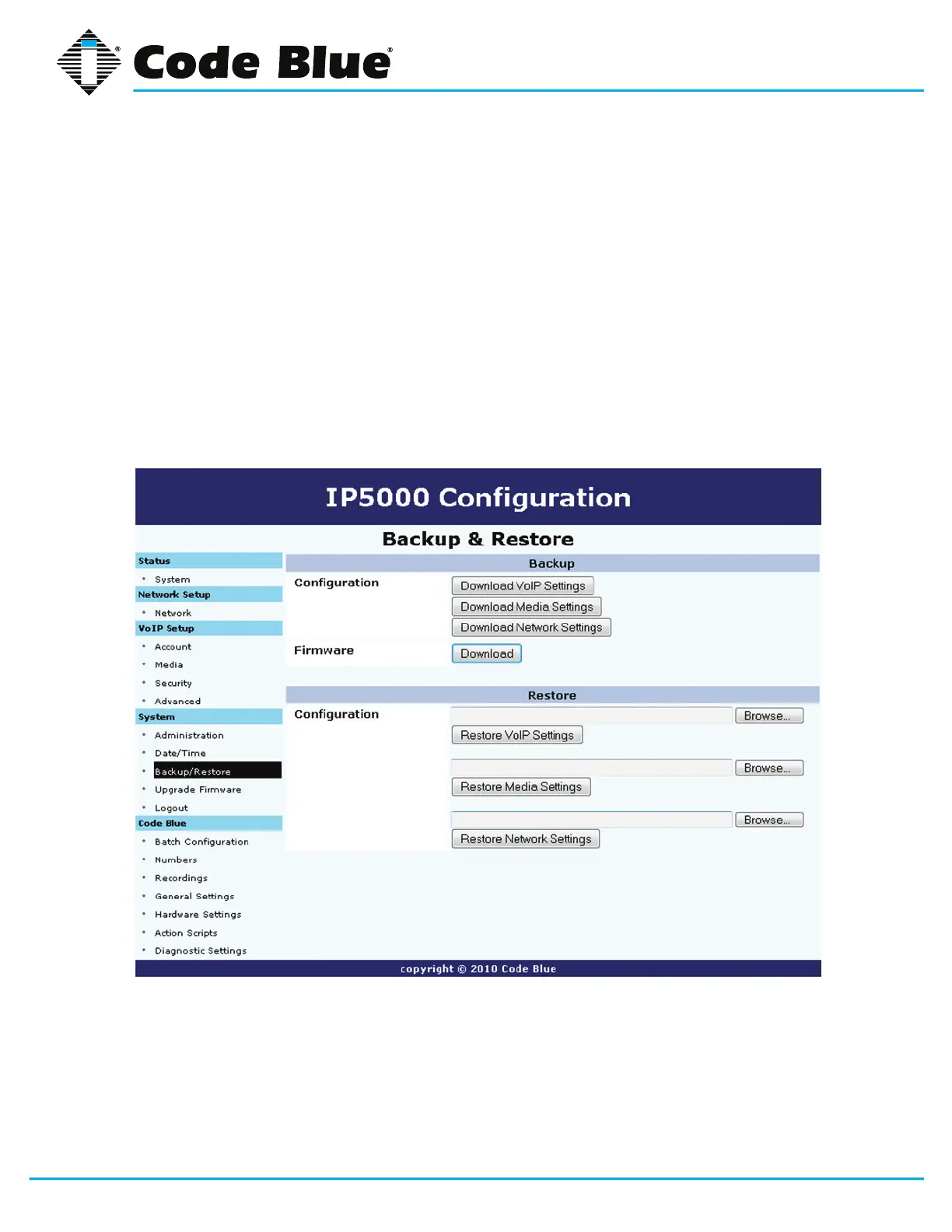
6.3 Backup and Restore Configuration
TheIP5000speakerphoneprovidestheabilitytobackupandrestorethesystemsettings.
1. Click on Backup/Restore under System(seefarleft-handcolumn).
2. Tobackupthesystemconguration,clickonDownload VoIP Settings, Download Media
Settings, Download Network Settings and Download next to Firmware and save the
lestoanappropriatelocation.
3. Torestorethesystemcongurationle,usetheBrowse...buttontolocateeachbackuple.
4. Click Restore VoIP Settings, Restore Medial Settingsand/or Restore Network Settings.



 To Next Page