CAUTION: Do not leave the image sensor exposed to the environment.
Note: The following steps describe service procedures for both the DataMan 374 and the 474 readers, but the
images show only the DataMan 374.
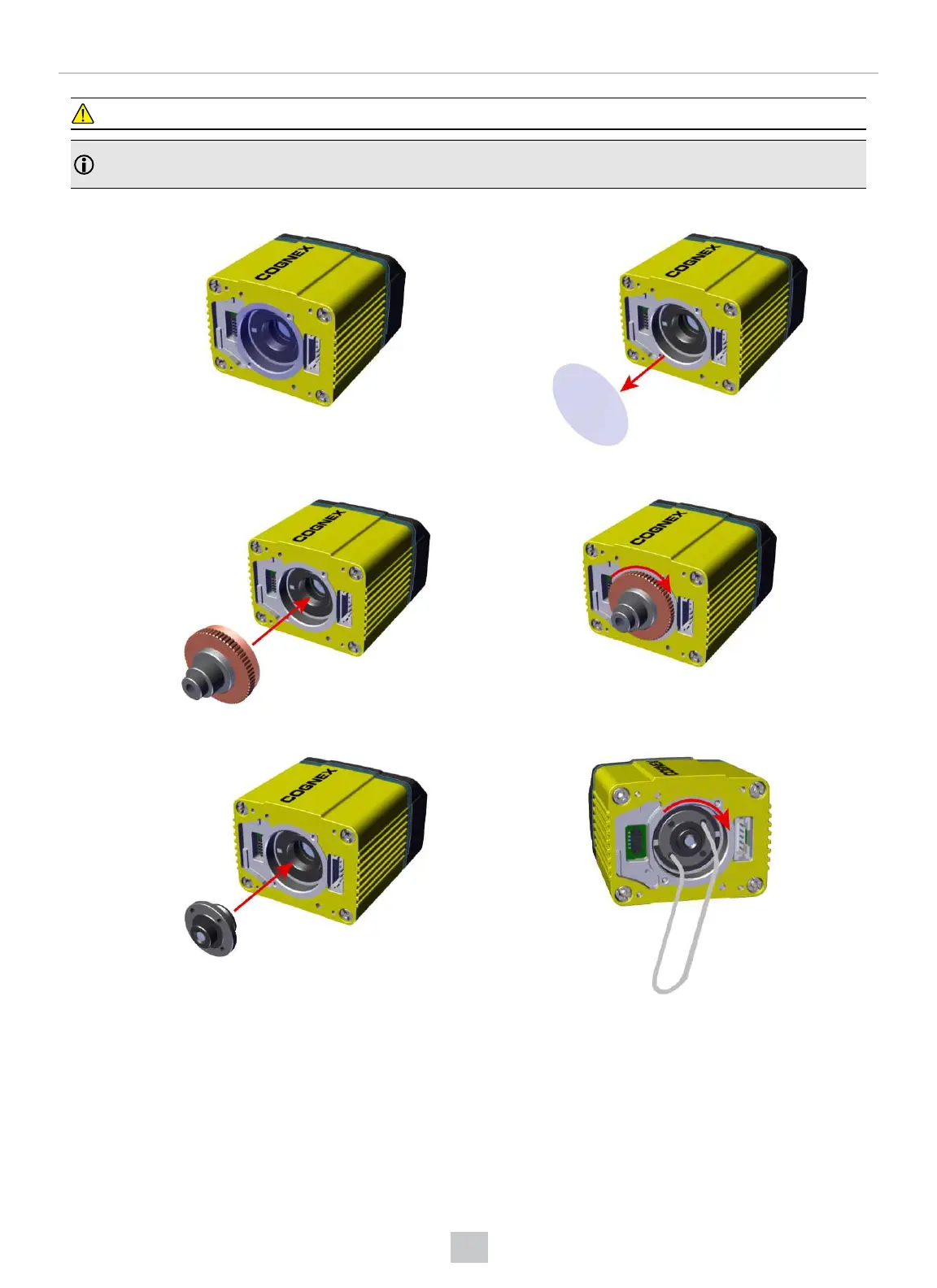
1. Remove the adhesive protective film covering the threaded lens opening.
2. Attach the 24 mm Lens to the device by using the screw thread on the metal ring.
Insert an S-Mount adapter, thread the 10.3 mm Lens into the reader, and tighten the locking ring.
59
Mechanical Information











 To Next Page