DataMan 503 Service Procedures
Installing a C-Mount Lens
DataMan 503 ships with no lens installed. You must install a standard C-mount lens before using your reader.
For reading distances and field of view charts, see the DataMan Fixed-Mount Reference, available through the Windows
Start menu or the DataMan Setup Tool Help menu.
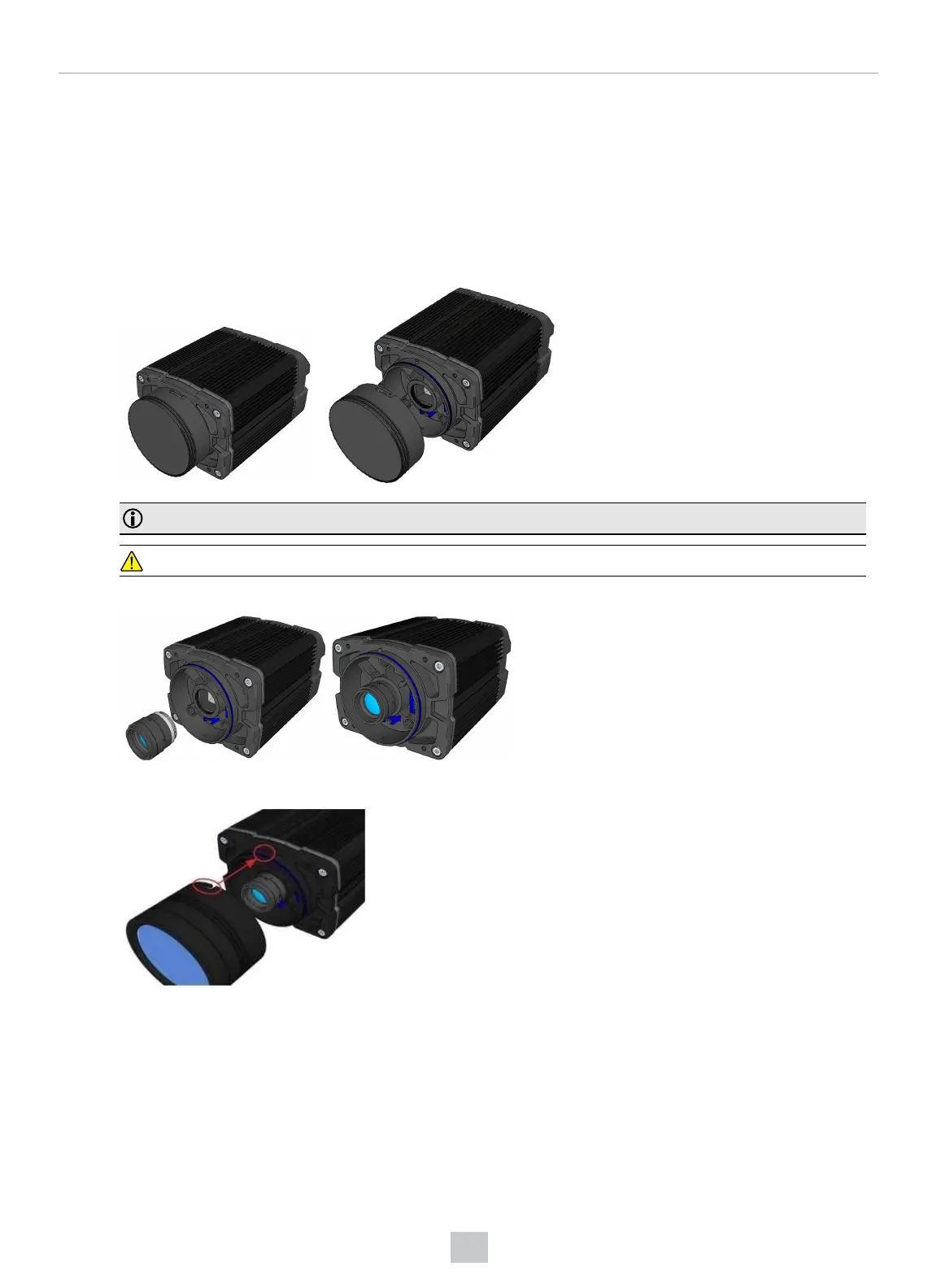
1. Remove the front cover, if attached, and lens cover.
Note: Remove the protective cover from the lens mount.
CAUTION: Do not leave the DataMan sensor exposed to the environment!
2. Insert and thread lens into the reader.
3. Align the peg on the reader and the slot on the cover, and re-attach it.
71
Mechanical Information











 To Next Page