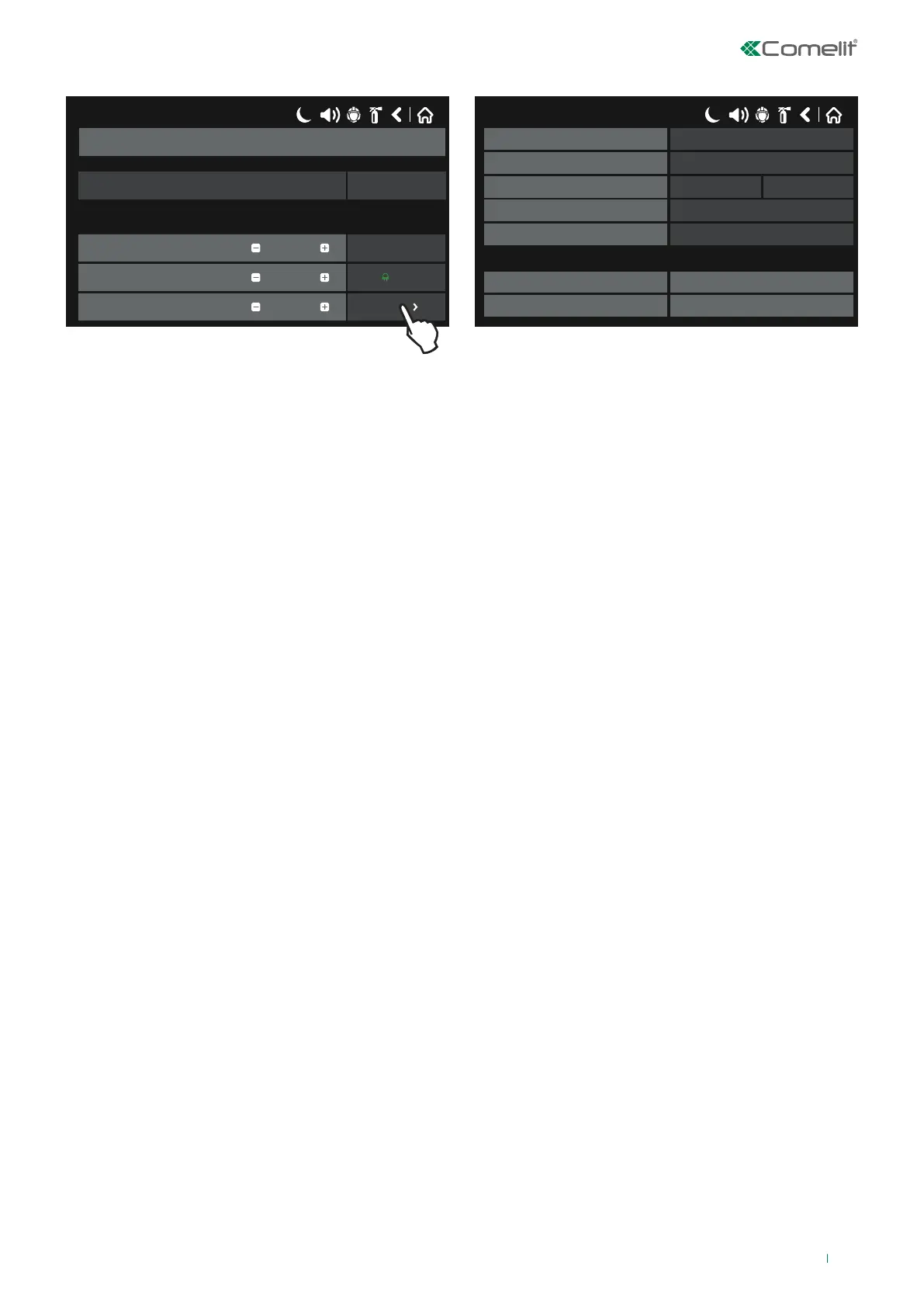
The figure shows the settings screen for addressed detector 41RCS100.
Press “MORE” to access additional settings:
• Smoke [%] / Temperature [°C]: press “Check” to access the parameter viewing screen:
◊ Alarm threshold (°C): view the detector activation temperature, in degrees Centigrade.
◊ Temperature (°C): view the current temperature of the room, in degrees Centigrade.
• LED Blink: select ON/OFF to enable/disable LED indications for the device.
• Device Group: setting for linking a detector to a detector group. Enter a group number (>0) in the editable field; the
detector in question will be assigned to that specific group. This enables the button allowing that detector to activate any
remote light Art. 48FPT100 connected to any detector belonging to the SAME group.
• Day Class temperature*: set the temperature class of the detector in Day Mode.
• Night Class temperature*: set the temperature class of the detector in Night Mode.
*Note: There are 3 temperature classes of detector operation: A1R (58º, RoR), A2S (60º), BS (75º). To change the class, simply
press the active button next to the field and choose a new level from the list. N.B.: Heat detector 41RCS100 is certified for both
class A1R and class A2S.
* Note: in normal panel operating conditions, an asterisk appears next to the Alarm Level to identify the current operating mode
(day / night) of the fire panel (this can be changed via the maintenance menu).
To save any new parameters, press “Save” on the main device screen.
41RCS100 – Heat detector with isolator
17/06/2020 14:06
41RCS100
Address
Loop Number
Device Zone
4
2
1
EnabledNewDevice State
Save
More
Remove
OFF
Name
17/06/2020 14:06
CheckSmoke [%] / Temperature [°C]
ONLed Blink
Device Group
A1RDay Alarm Level
Night Alarm Level
1.0Software Revision
2868099610ID
No RI Out 0
A1R
31



 To Next Page