41IOM040 – Module with 4 monitored inputs with isolator
17/06/2020 14:06
41IOM040
Address
Loop Number
Device Zone
3
2
1
EnabledNewDevice State
More
Remove
OFF
Name
Save
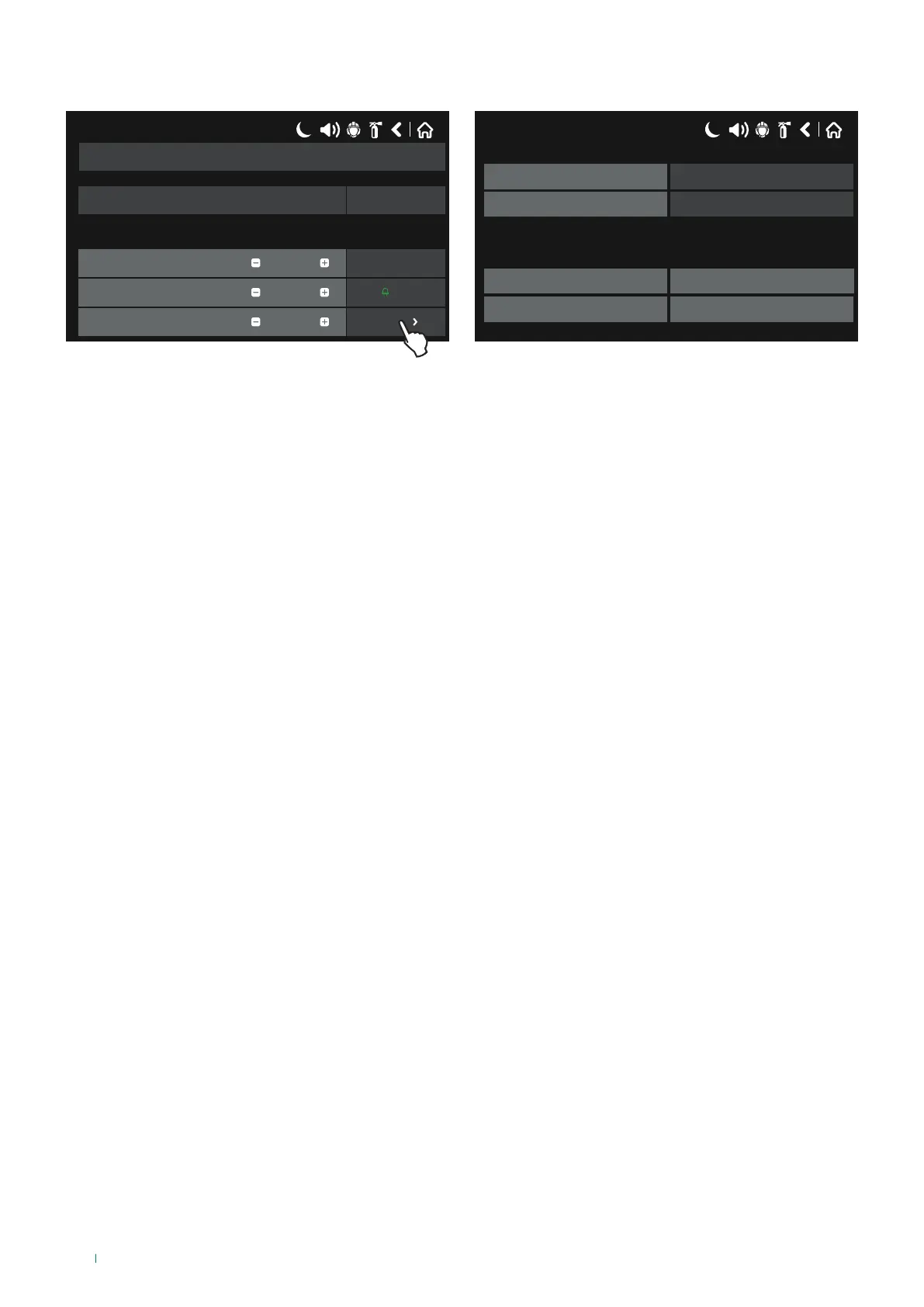
The figure shows the settings screen for module 41IOM040.
This module can be used to check its 4 built-in monitored inputs.
For further technical information and module and input line wiring, please refer to the technical manual for this device.
Press “MORE” to access additional settings:
• LED Blink: select ON/OFF to enable/disable LED indications for the device.
If ON, the LED flashes at every panel dialogue cycle; if OFF, the LED does not flash during the dialogue cycle.
A name of up to 40 characters can be assigned to each input channel in the editable bar next to the “Name” label”.
Indications relating to the status of inputs on the “More” page, and the configurable “rapid programming” options
on the 4 monitored inputs of module 41IOM040, are the same as those listed in the paragraph concerning addressed
module 41IOM022 (input channels).
To save any new parameters, press “Save” on the main device screen.
17/06/2020 14:06
0
ON
Sounder Group
Led Blink
Software Revision
ID
2.0
3195011485
42



 To Next Page