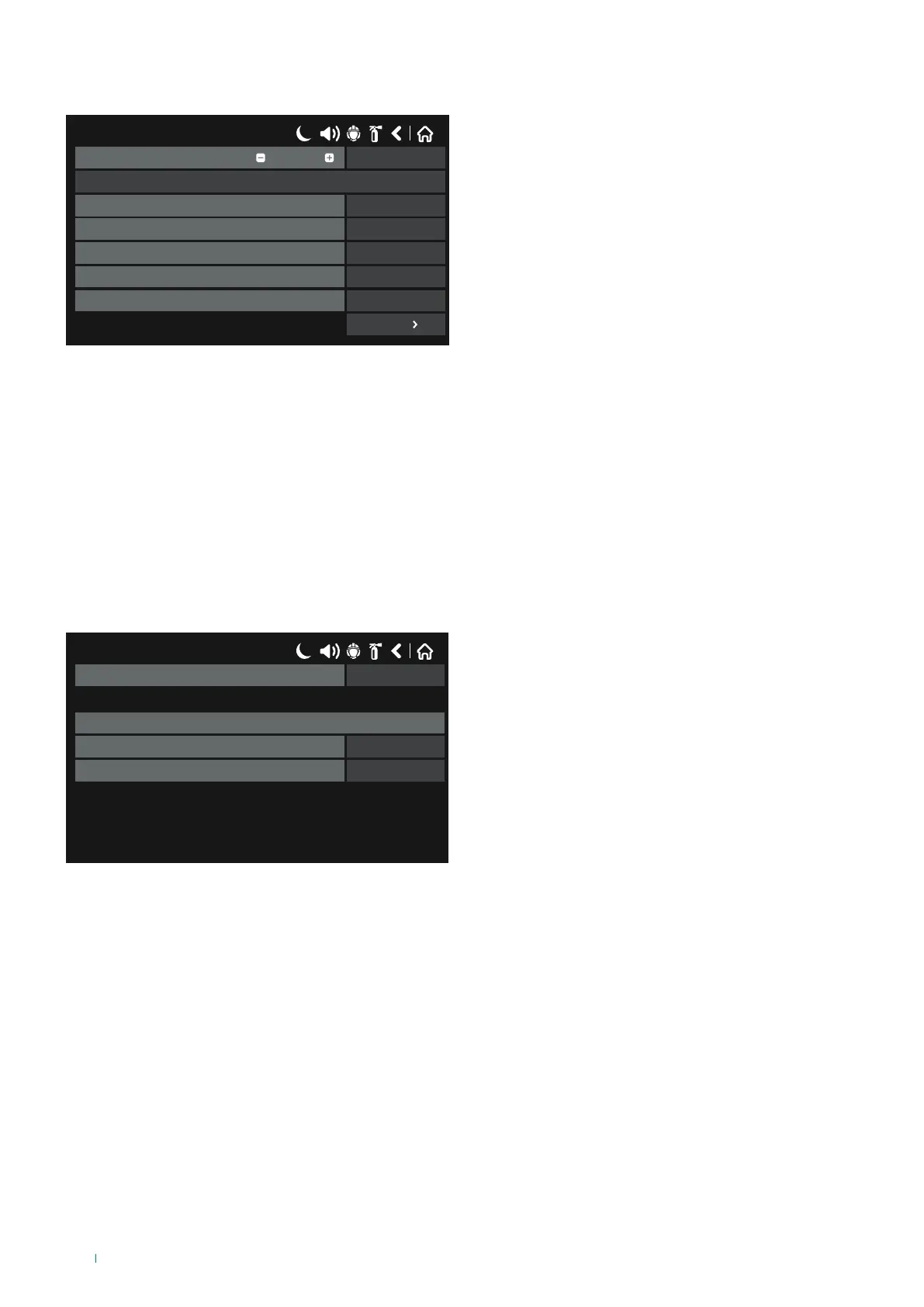
• ZONE: select this option when the logic input is determined by a zonal event.
Press the button next to the “Functions” field to select the zonal event type:
17/06/2020 14:06
SAVEInput Number
Name
UnlatchedBehaviour
NORMALPolarity
0Input Delay
ZoneType
ZONE FIREFunction
1
More
◊ Zone Fire: the input is generated by the Fire Alarm status
for the selected Zone.
◊ Zone Fault: the input is generated by the Fault status for
the selected Zone.
◊ Zone Disabled: the input is generated by the disablement
status for the selected Zone.
◊ Zone PreAlarm: the input is generated by the PreAlarm
status for the selected Zone.
Press “MORE” to program the following parameters:
◊ Group: if necessary, enter the number of the input group to which the input should belong, between 1 and 250.
◊ Zone Number: enter the number of the zone generating the input, between 1 and 200.
To save any new parameters, press “Save” on the main input screen.
• ALARM: select this option when the input is generated by a number of alarms detected in a specific zone.
Press “MORE” to program the following parameters:
17/06/2020 14:06
1Group
Zone input parameters
1Zone number
1Alarms counter
◊ Group: if necessary, enter the number of the input group
to which the input should belong, between 1 and 250.
◊ Zone Number: enter the number of the zone, between 1
and 200.
◊ Alarms Counter: enter the number of alarms, between 1
and 9.
To save any new parameters, press “Save” on the main input screen.
54



 To Next Page