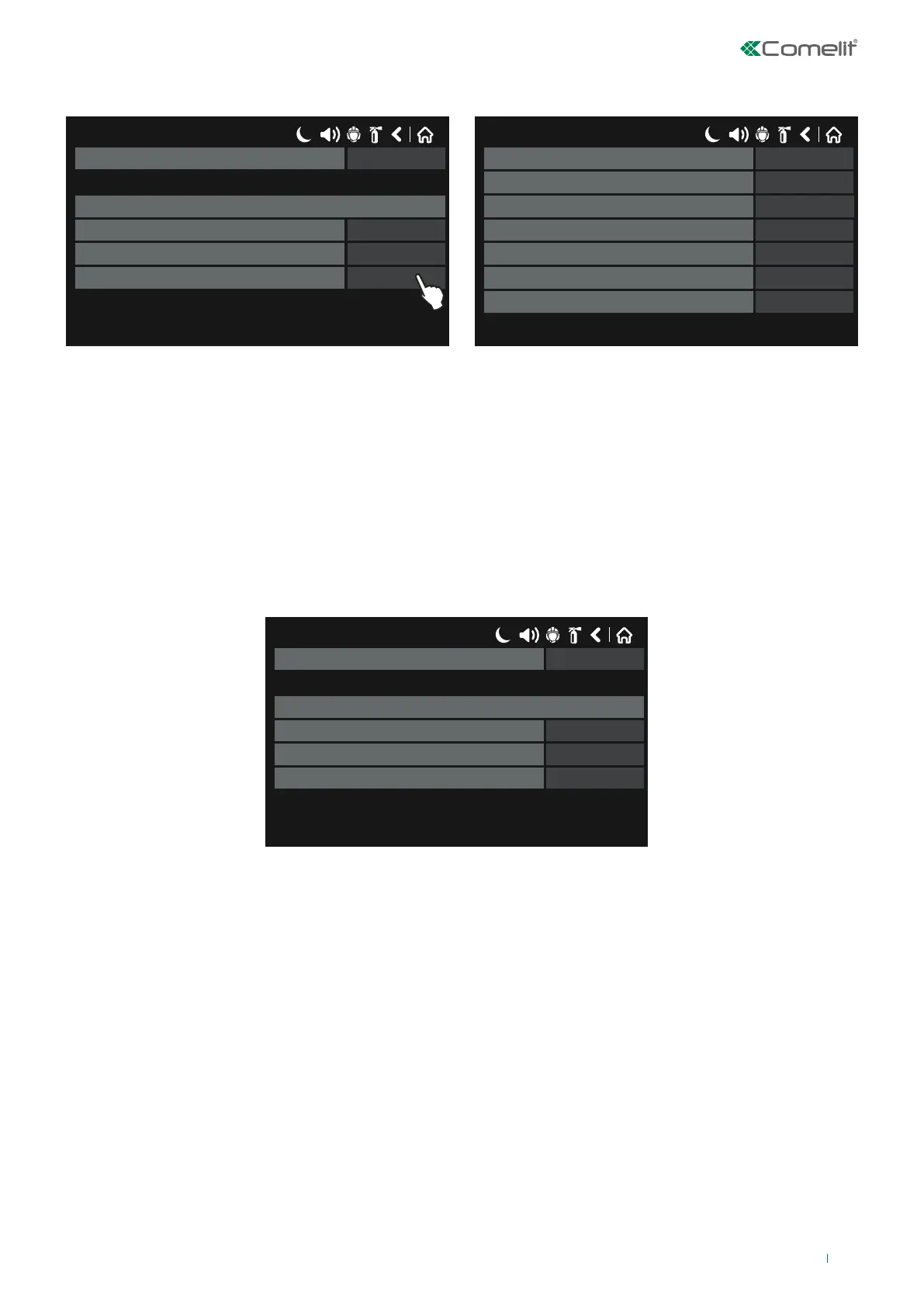
TIME: select this option when the input will be enabled on the basis of a time schedule.
Press “MORE” to set:
17/06/2020 14:06
1Group
Time input parameters
00Time - Hour
00Time - Minutes
ChangeTime - Day of week
17/06/2020 14:06
OFFMonday
Wednesday
OFFThursday
OFFFriday
OFFSaturday
OFF
Tuesday OFF
OFF
Sunday
◊ Hour: set an hour for enabling. Press the button next to the field and enter the hour using the keypad. Confirm with the
OK button.
◊ Minutes: set the minutes for enabling. Press the button next to the field and enter the minutes using the keypad. Confirm
with the OK button.
◊ Day of week: press the Change button next to the field - the days of the week are listed in a separate screen. Enable
(ON) the days of the week on which the input should be enabled.
◊ Group: if necessary, enter the number of the input group to which the input should belong, between 1 and 250.
To save any new parameters, press “Save” on the main input screen.
• DATE: select this option when the input should be enabled on the basis of a day schedule.
Press “MORE” to set:
17/06/2020 14:06
1Group
Date input parameters
0Year
0Month
0Day
◊ Date - Year: press the button next to the field and enter the year using the keypad. Confirm with the OK button.
◊ Date - Month: press the button next to the field and enter the month using the keypad. Confirm with the OK button.
◊ Date - Day: press the button next to the field and enter the day using the keypad. Confirm with the OK button.
◊ Group: if necessary, enter the number of the input group to which the input should belong, between 1 and 250.
To save any new parameters, press “Save” on the main input screen.
55



 To Next Page