• ACTION: select this option when the input is a system “Action”.
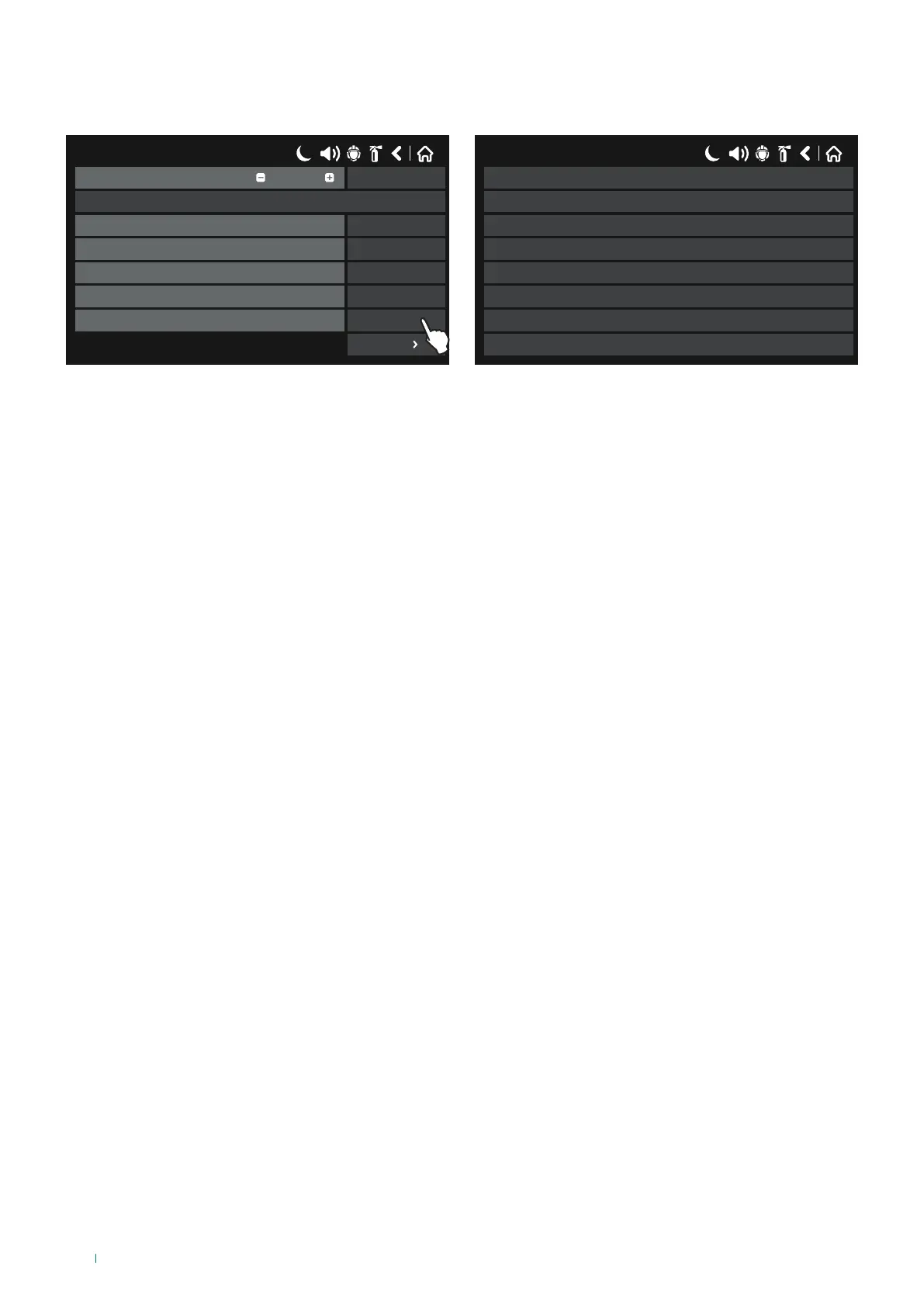
Press the button next to the “Functions” field to select the type of Action to be linked with the input, as shown below:
17/06/2020 14:06
SAVEInput Number
Name
UnlatchedBehaviour
NORMALPolarity
0Input Delay
ActionType
SILENCE BUZZERFunction
1
More
17/06/2020 14:06
SILENCE BUZZER
RESET
SOUNDER ON
SILENCE SOUNDER
SOUNDER ON (ZONAL)
FIRE BRIGADE ON
FAULT OUTPUT ON
FAULT PROTECTION ON
◊ SILENCE BUZZER - Activated when buzzer silencing occurs in the system.
◊ SILENCE SOUNDER - Activated when sounder silencing occurs in the system.
◊ RESET - Activated when a Reset event occurs in the system.
◊ SOUNDER ON - Activated when a Sirens active event occurs in the system.
◊ FIRE BRIGADE ON – Activated when the monitored Fire Brigade Delay output is enabled.
◊ FAULT OUTPUT ON - Activated when the monitored Fault output is enabled.
◊ FIRE PROTECTION ON - Activated when the monitored Fire Protection output is enabled.
◊ SOUNDER ON (ZONAL) - Activated when a Zone Sounders Active event occurs in the system.
◊ DAY MODE – Activated when Day Mode is set on the system.
◊ NIGHT MODE - Activated when Night Mode is set on the system.
Press “MORE” to enter the input group number to be linked with the input (if necessary).
To save any new parameters, press “Save” on the main input screen.
56



 To Next Page