5. Configuration CCT 800 GE 300
22 3.3/0518
Configuration of IP network settings
Auto-configuration of the network
When a GE 300 is initialised an IP address is automatically generated for the motherboard G3-GEM:
Configuration CCT 800
1. Go to: IP - Settings > tab Common
2. In the field Card IP Address, enter the desired IP address for the Intercom Server.
3. In the field Subnet mask, enter the desired subnet mask for the Intercom Server (e.g. “255.255.0.0”
for the automatic configuration of the network).
4. In the column MAC - Address, the MAC address of the IP subscriber is shown.
5. In the drop-down lists Uplink and Downlink, select the Ethernet operation mode of the RJ45 ports.
Additional settings
Server ID G3-GEM
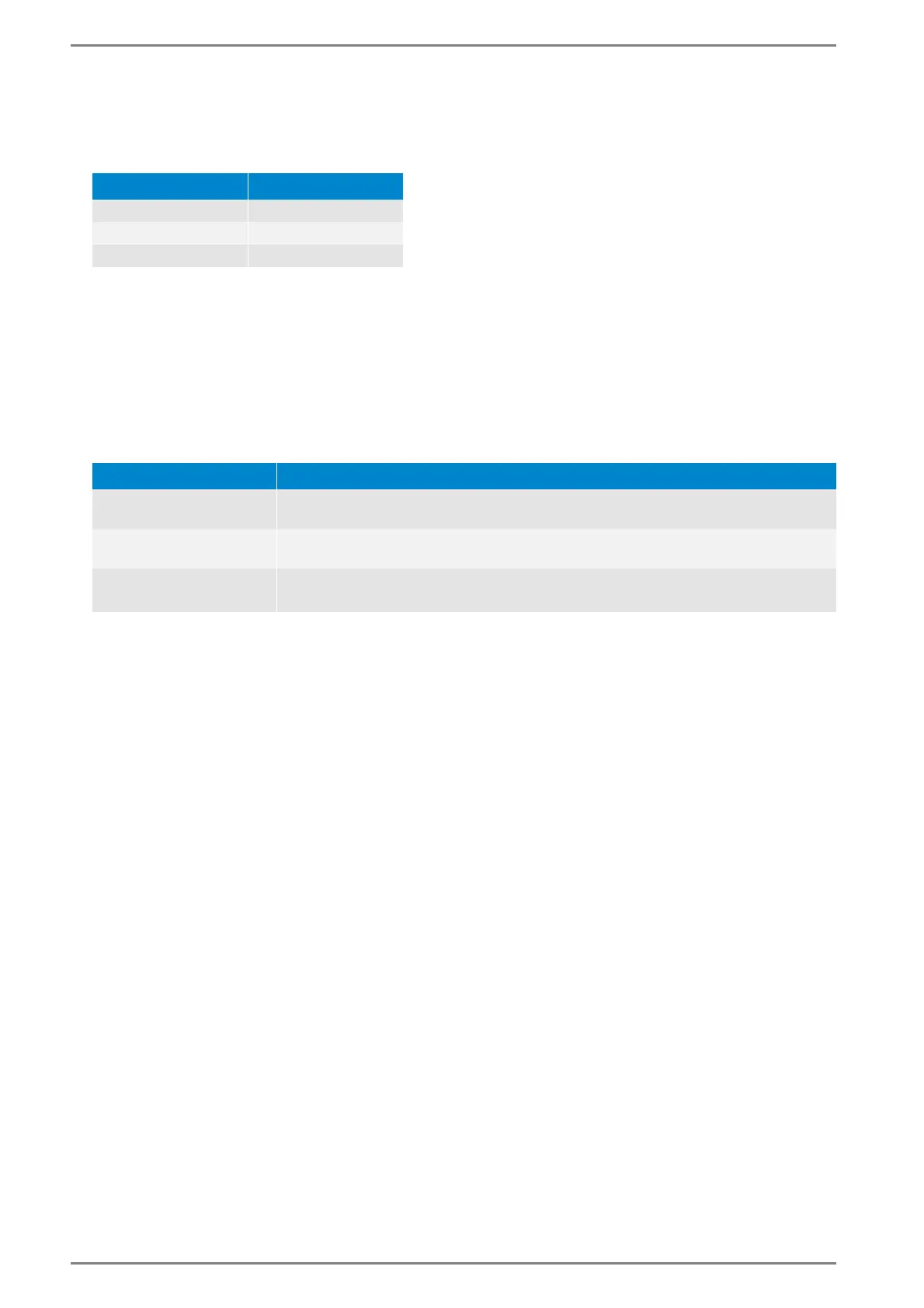
1 10.10.1.1
2 10.10.2.1
3 10.10.3.1
Function Description
Router IP address
In this field, enter the IP address of the router (gateway), via which the Intercom
Servers communicate.
VLAN-ID
In this field, enter a VLAN ID when the GE 800 is in a virtual network. Enter this ID
as decimal value (0 – 4095; “0” and “4095” are reserved).
Address Conflict
Detection
By activating this checkbox, the IP station will stop its communication (according
to RFC 5227) in case of an IP address conflict.
1)
1)
With using a dynamic IP address, the respective IP station receives a new IP address from a DHCP server. With
using a static IP address, the IP address remains unchanged (as long as the IP address conflict is existing, the
IP station will not be indicated in IP Station Config). In this case, the static IP address has to be changed man-
ually in another network with no IP address conflict. For further information see manual “Intercom Server
Configuration”.













 To Next Page