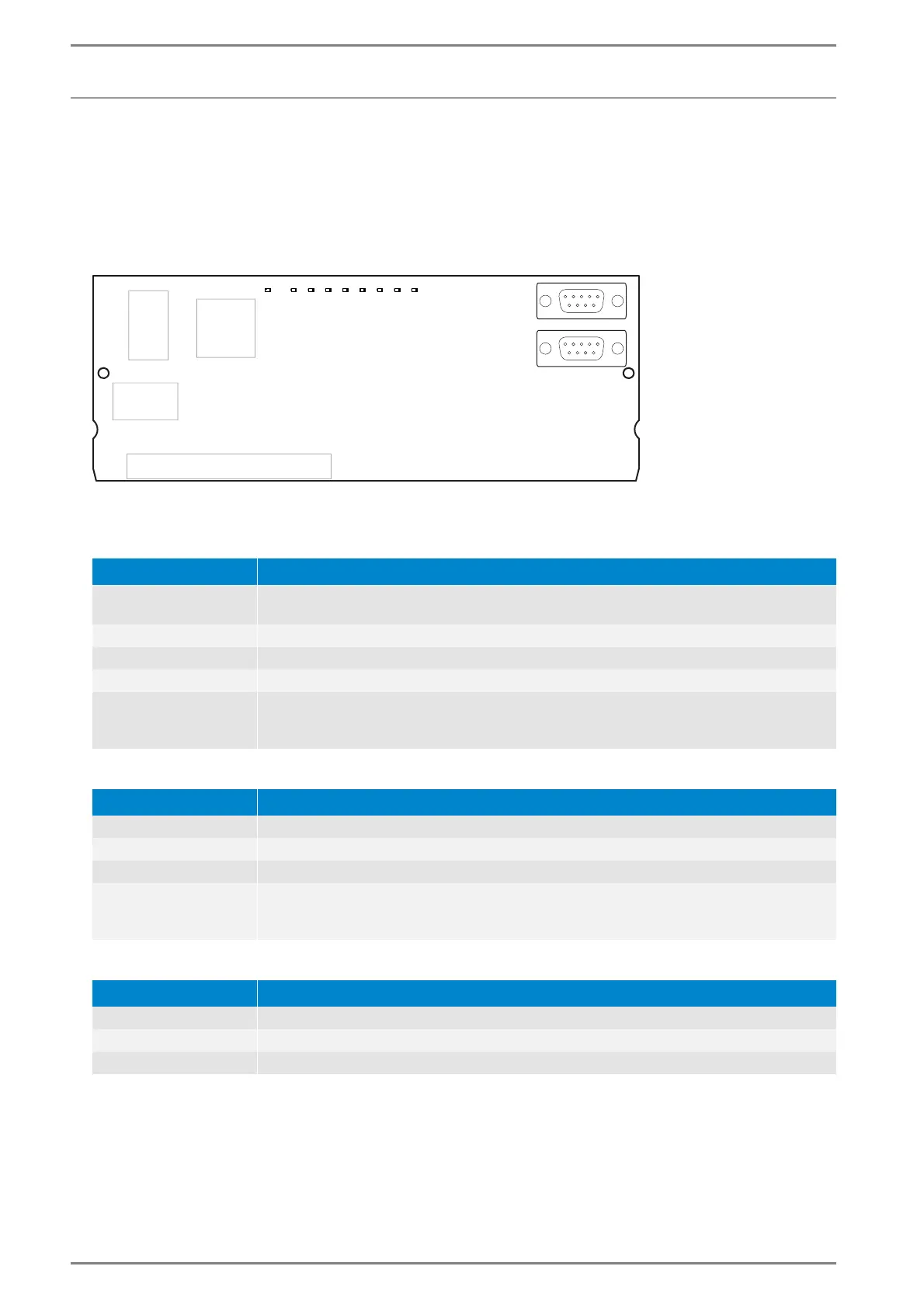
LED-status indication GE 300
36 3.3/0518
Interface cards
G3-IF (2nd Generation)
Powerful IP-Interface card with up to 4 virtual TCP/IP-Interfaces to release the ICX protocol via IP net-
works and with 2 9-pin D-Submin jacks for the connection to RS-232 (to link third-party systems, e.g.
video switch, access control systems or control computers, via IP networks or RS-232 following the
Commend Standard protocol to link an Intercom Server).
Interface card G3-IF
LED status indication “RUN”
LED status indication “Subscriber” (S1 to S4)
LED status indication “Interfaces” (S5 to S6)
LED-status Description
LED is blinking in a one
second rhythm
The card is working correctly
LED is permanently off No power, warm start of hardware fault
LED is permanently on Waiting for connection to the main processor (during initialisation)
LED is blinking fast Card in the wrong slot or during firmware download
LED is blinking in
rhythm definition error
“short - short - long“
Card with wrong hardware feature level inserted (e.g. card “G3-IP-4B” inserted in slot
which is configured for “G3-IP4C”)
LED-status Description
LED is permanently on TCP-connection is established (authenticated)
LED is permanently off No connection configured
LED is blinking fast Incorrect configuration or active connection establishment not possible
LED is blinking in
rhythm definition error
“short - short - long“
Connection configured, but no TCP-connection
LED-status Description
LED is permanently on Ready for data transmission
LED is permanently off No power, warm start or hardware fault
LED is flickering Data is transmitted
RUN S1 S2 S3 S4 S5 S6 S7 S8













 To Next Page