3. Assembly of components GE 800
8 1.1/1209
3. Assembly of components
1. Remove lid
2. Install plug-in cards
3. Install Installation Boards
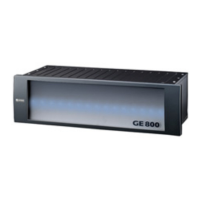
Intercom Server GE 800
The included plug-in cards G8-GEN, G8-GEP and G8-NET are pre-installed in the Intercom Server.
Attention: Cards may be exchanged only with voltage switched off.
Plug-in positions of the cards
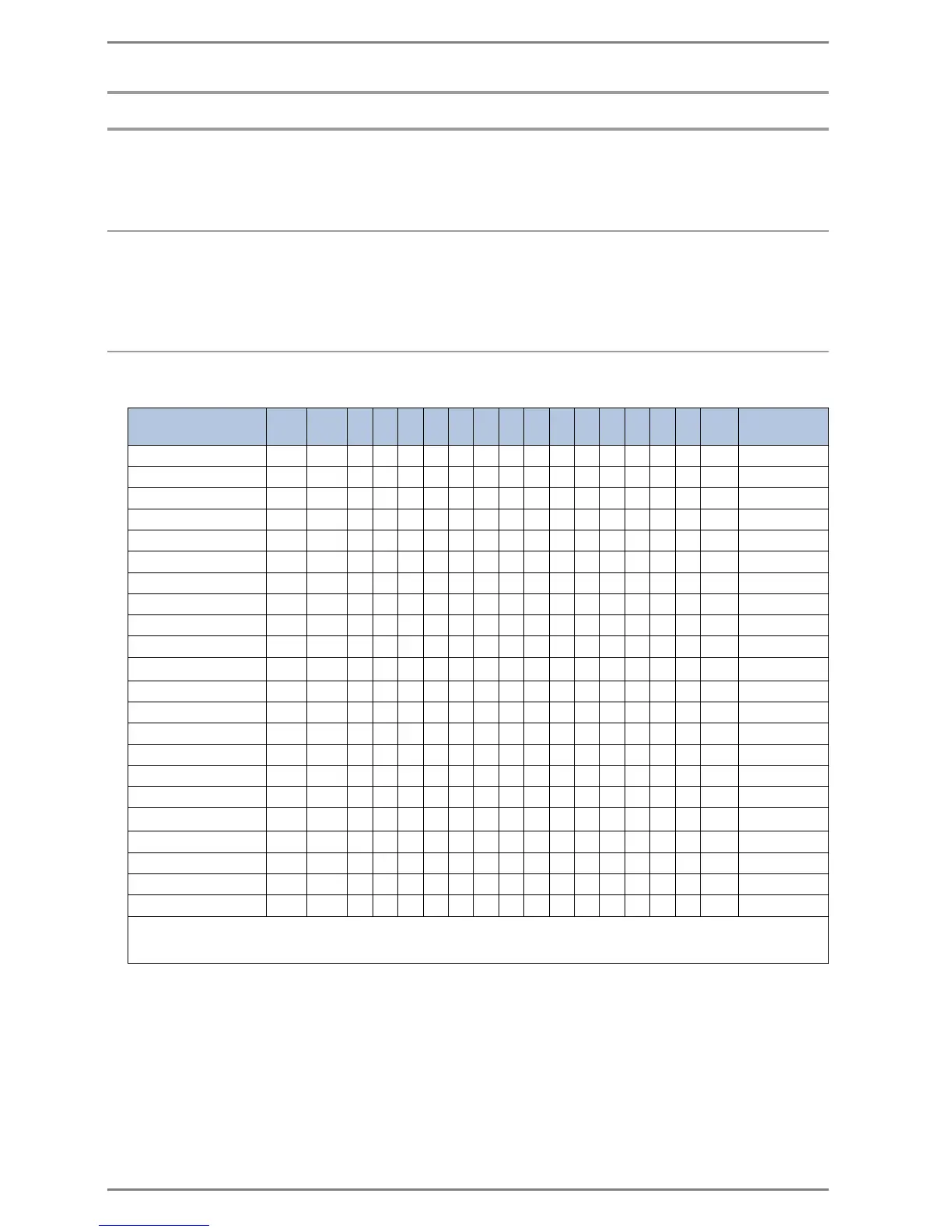
The plug-in cards can be inserted in the following slots:
GEN GEP 1 2 3 4 5 6 7 8 9 10 11 12 13 14 NET
max.. per
housing:
G8-16A 99999999999999
-
14
3
G8-16E 99999999999999
-
14
G8-8E8A 99999999999999
-
14
3
G8-CNET-E1
-------
9999999
-
5
G8-LAN
-------
9999999
-
7
G8-CNET-W
-------
9999999
-
5
G8-AUD 99999999999999
-
14
G8-IAX 99999999999999
-
14
G8-IF 99999999999999
-
14
G8-IP 99999999999999
-
14
G8-TEL4
1
9
-
9
-
9
-
9
-
9
-
9
-
9
--
2
G8-GED 99999999999999
-
14
G8-GEN 9
- -------------- -
1
G8-GEP 9
-------------- -
1
G8-GET 99999999999999
-
14
G8-NET
--------------
9
1
G8-S0 99999999999999
-
14
G8-SELCALL
2
99999999999999
-
4
G8-TEL 99999999999999
-
14
G8-V24 99999999999999
-
14
G8-V24-PRO 99999999999999
-
14
G8-V24-PROIP 99999999999999
-
14
1
Details see datasheet G8-TEL4
2
A second slot of the GE 800 is occupied by the G8-V24-PRO delivered with the G8-V24-PRO.
3
A maximum of 100 outputs may be switched on at the same time.


 To Next Page